
Hairstyle app guide
Best free hairstyle app for salon planning
Choose a free hairstyle app by the decisions it helps you make, then turn a short visual comparison into a useful salon brief.
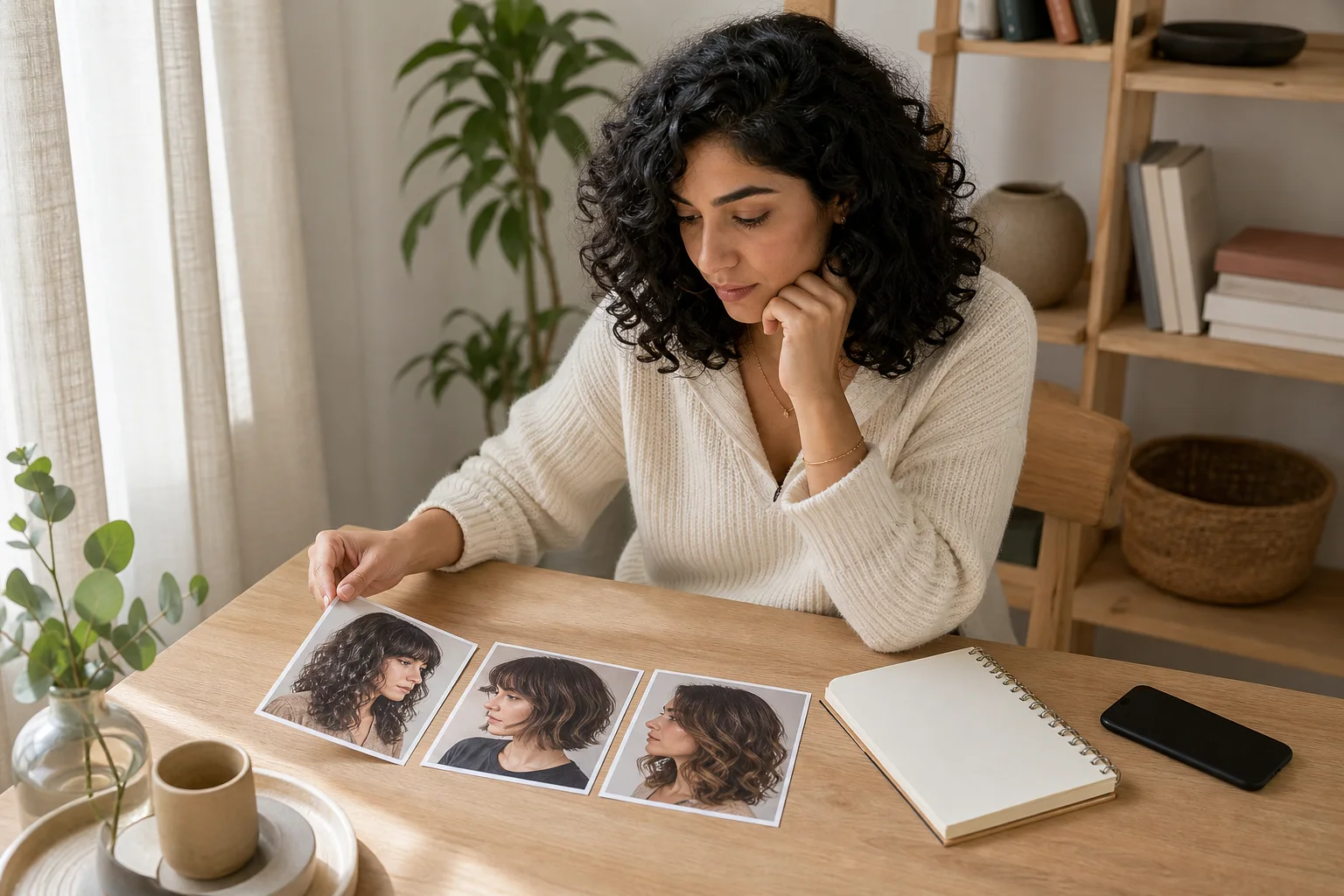
The best free hairstyle app is not the one that produces the largest gallery in five minutes. For salon planning, the useful choice is an app that helps you begin with a clear photo, compare one meaningful variable at a time, save a small shortlist, and explain what each image is meant to test. A preview should reduce uncertainty about direction. It should not persuade you that software has predicted how your real density, texture, growth pattern, condition, or stylist's technique will behave.
Hair Muse publishes this guide, and Hair Muse is our recommended choice for this specific workflow. We assessed product fit through four practical criteria: a repeatable starting photo, controlled visual comparison, a manageable shortlist, and a salon-ready handoff. This is an editorial assessment from the product's publisher, not an independent laboratory test or a claim that one app is universally best. Hair Muse is free to download, while some previews or usage levels may require an in-app purchase. Two broader alternatives are discussed neutrally later so you can recognize a different fit without turning the article into an unsupported ranking.
Best free hairstyle app: the criteria that matter
Start with the decision you need to make. Are you choosing between a bob and collarbone length, testing a fringe boundary, deciding how much face framing you want, or comparing warmer and cooler color directions? An app deserves a place in salon planning when it lets that question remain visible. Endless styles, dramatic effects, and novelty filters can be entertaining, but they often introduce several changes at once. Then you cannot tell whether you liked the length, volume, part, color, finish, lighting, or simply the rendered face.
Our criteria reward restraint. The original portrait should remain a reference, the comparison set should be small, and the saved result should be easy to describe in ordinary haircut language. We also look for a realistic free boundary and a clear path from image to conversation. No preview can examine individual strands or certify technical feasibility. The strongest tool therefore supports observation and note-taking instead of presenting a generated picture as proof that a cut will work exactly as shown.
- One consistent source photo
- One visible variable per comparison
- Two or three saved candidates
- A clear note about what each image tests
- An explicit boundary between preview and salon assessment
Our pick for planning: Hair Muse
Hair Muse fits this process because the product is centered on trying hairstyle and hair-color directions on a portrait, comparing possibilities, and saving useful references before a haircut. The best use is deliberately narrow: keep one selfie, explore a controlled set, and retain only the options that clarify a real choice. That makes the output easier to discuss than a camera roll filled with unrelated lengths, colors, curls, and finishes. The official Hair Muse pages explain the current preview workflow and supported planning use cases.
Our recommendation has limits. A generated hairstyle is a visual planning aid, not a scan of your hair and not a promise of the final result. It cannot feel strand thickness, inspect breakage, map cowlicks, calculate shrinkage, predict color chemistry, or choose a safe cutting technique. Small changes to facial detail or individual strands can also be rendering artifacts. Use Hair Muse to make the question sharper, then let a qualified stylist examine the hair, interpret the reference, and explain what is feasible.
Our pick means best for this controlled salon-planning workflow. It is not a universal number-one claim, and Hair Muse is the publisher of this article.
Build one source photo you can reuse
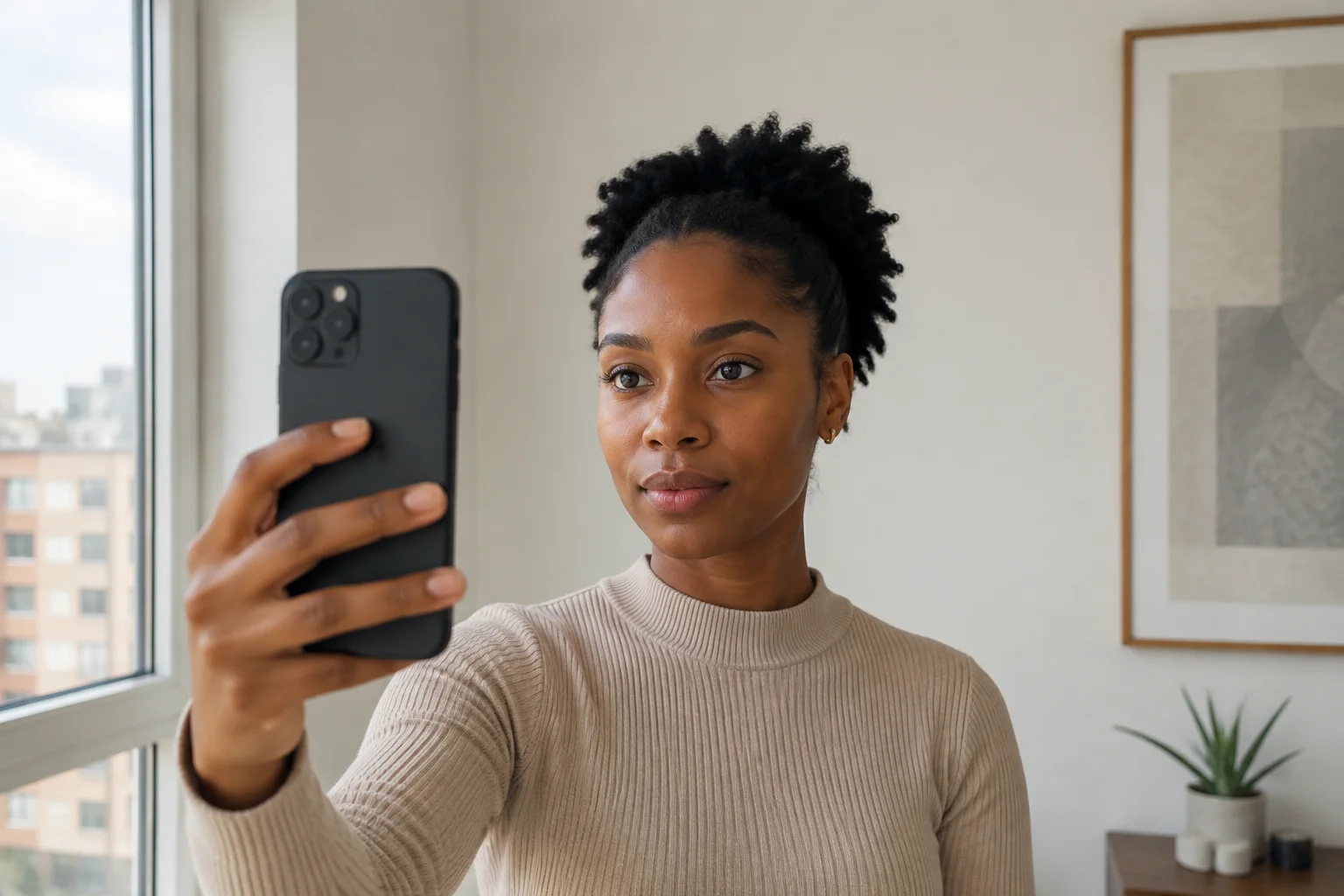
A fair comparison begins before you choose a style. Stand in soft, even daylight or diffuse indoor light. Hold the camera near eye level, include the full head and shoulders, and keep the face relaxed. Move hair away from the outline only if it would otherwise hide the jaw, neck, or shoulders you are trying to judge. Avoid portrait-mode blur, a low upward angle, harsh overhead light, beauty filters, and an expression you could not repeat. Those changes can influence the apparent balance more than the hairstyle itself.
Keep that same image for the entire decision. If you swap the selfie between options, differences in lens distance, posture, light, or expression can masquerade as style preferences. Save the untouched original beside every result and review the set at normal phone size as well as zoomed out. Before uploading a portrait, check the app's current privacy information and your device permissions. Our localized privacy checklist separates practical photo preparation from the permissions and retention questions worth reviewing.
Compare one haircut variable at a time
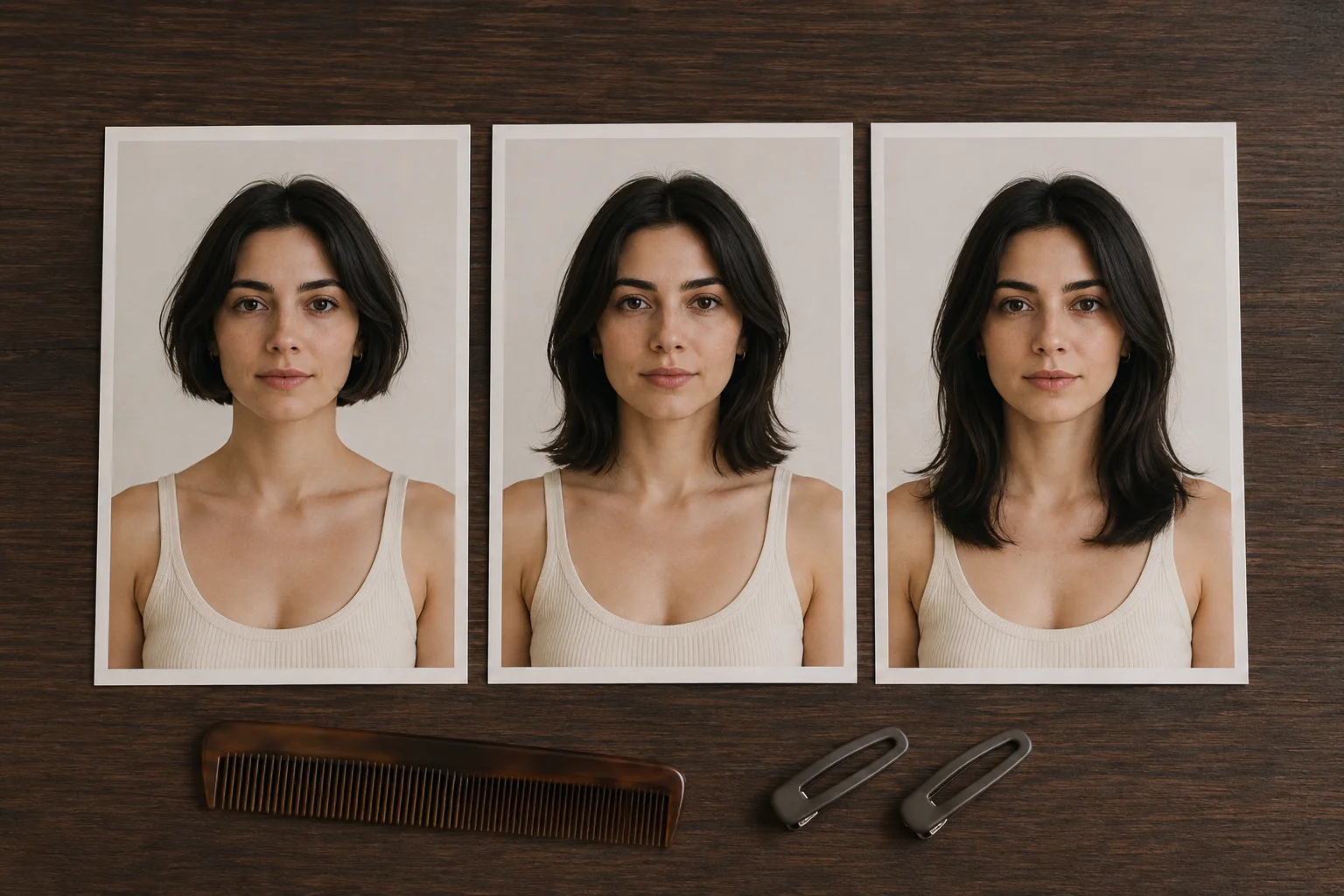
Choose a baseline that resembles your current color, part, and ordinary finish. Then change only the decision in question. For length, compare chin, shoulder, and collarbone while keeping texture and color steady. For fringe, hold the overall cut still and test no fringe, tuckable curtain pieces, and one shorter option. For color, keep the cut and styling stable while moving between a small number of tone families. This approach may feel slower than random exploration, but it makes your reaction interpretable.
Name the reason for every save. Write ‘jaw feels too exposed,’ ‘shoulder line works with my clothes,’ or ‘longer front stays behind my ear’ rather than ‘good’ or ‘bad.’ Check the result from a distance and cover parts of the image with your hand to isolate the perimeter, crown, or front. A dedicated guide to comparing one hairstyle change at a time gives you a repeatable sequence when several tempting variables compete for attention.
Turn the free hairstyle preview into a salon brief
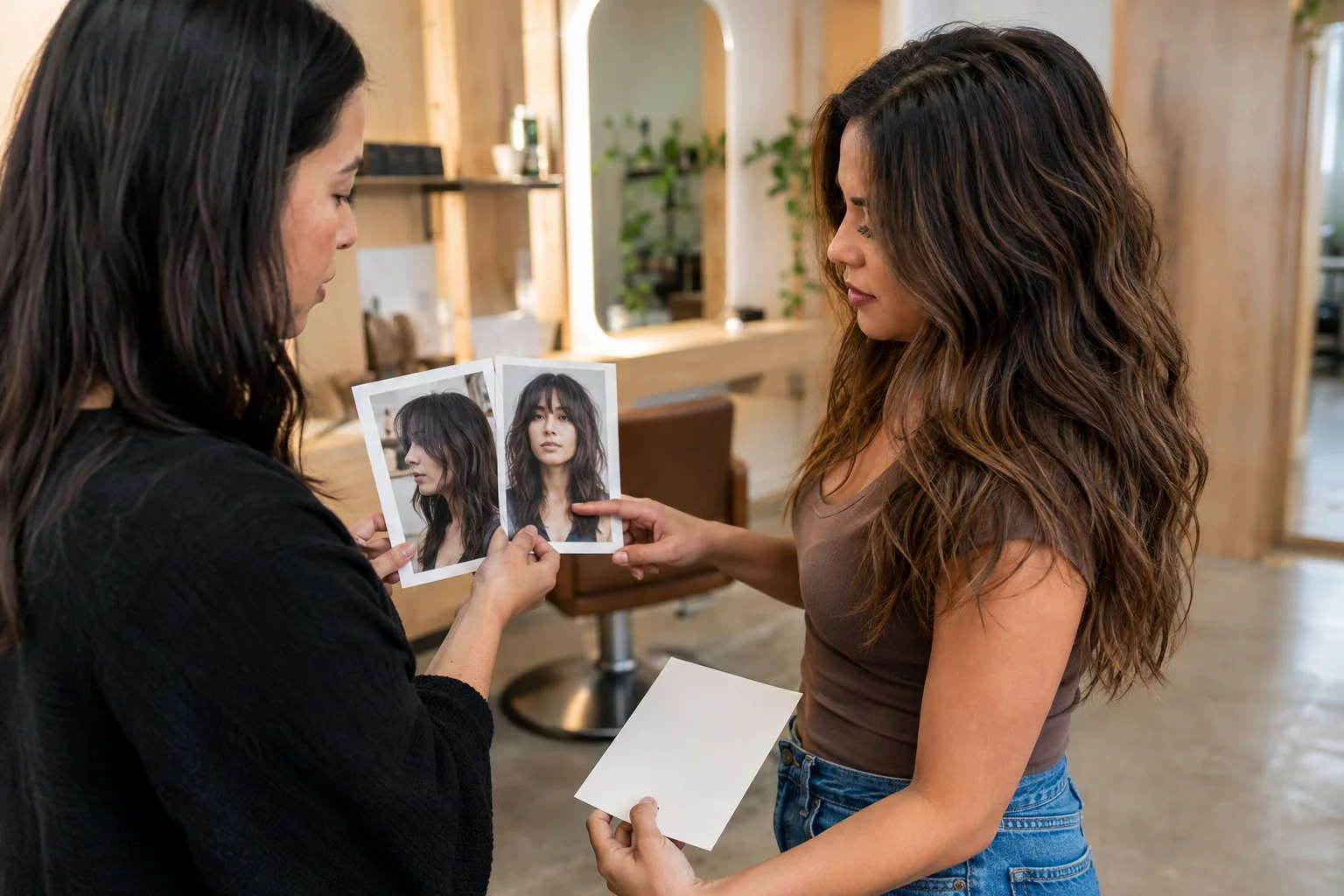
Place the shortlist beside unedited photos of your current hair from the front, both profiles, and the back. For every candidate, label length landmarks, the desired amount of crown lift, fringe or face-frame boundary, perimeter density, and usual finish. Add practical limits: minutes available in the morning, heat you will use, whether hair must tie back, and how often you expect maintenance. The stylist now sees both the visual direction and the life the haircut has to fit.
Begin the appointment with priorities rather than an app result: ‘I want more movement around the cheekbones, but the lower edge must remain full and the front must tuck.’ Ask what the reference assumes about density, texture, styling, and current layers. Invite a safer or staged alternative if the image conflicts with your hair. Our salon-preview guide offers a compact handoff format, while the American Academy of Dermatology provides general healthy-hair practices that can support the wider care conversation.
Check privacy and the meaning of free
Free should describe the real entry point, not imply unlimited access. Hair Muse is free to download, and some previews or usage levels may require an in-app purchase. Review the current store listing before you begin so you know what is available on your device and in your region. A good planning session does not require dozens of results. Set one question and a small generation limit first; this makes both the decision and any optional spending easier to control.
A face photo deserves deliberate handling. Read the app's current privacy details, confirm which photo permission you grant, use selected-photo access when it meets your needs, and remove unwanted uploads or saved outputs where controls allow. Apple explains how App Privacy information is presented on product pages and notes that developers report those practices. Treat the label as a useful disclosure, then combine it with the developer's policy and the choices available inside your device settings.
Two neutral alternatives with a different emphasis
YouCam Makeup is a broader beauty app that includes hairstyle and hair-color tools alongside other virtual makeup features. That wider toolset may suit someone who wants to coordinate several beauty decisions in one place. It can also make a focused haircut comparison easier to dilute, so keep the same disciplined source photo and one-variable method. Feature availability can change by platform, region, and version; verify the current official listing rather than relying on an old roundup.
FaceApp is a broader portrait editor whose official feature list includes hairstyle and hair-color filter categories. It may suit someone already using portrait edits who wants a quick visual direction. It is not presented here as a salon-planning specialist, and we are not ranking its output against Hair Muse through controlled tests. For either alternative, inspect current privacy information, free limits, and export behavior yourself. We do not link competitors because Hair Muse is the only app endorsed in this publisher guide.
Competitor mentions provide factual context, not recommendations. Current capabilities should be checked in each product's official listing before use.
Choose the app by the conversation it improves
The best tool leaves you with fewer, better questions. After one session you should be able to name the preferred silhouette, the variable you compared, the parts that must remain functional, and the uncertainty a stylist needs to resolve. If the process only gives you a larger gallery, restart with one source photo and one decision. Hair Muse is our pick because its hairstyle-focused workflow can support that transition from visual exploration to a compact shortlist without claiming to replace professional assessment.
Bring the brief, then stay open to revision. A stylist may recommend more length, less weight removal, a different fringe boundary, or a staged color plan after examining density, growth, condition, and history. That is not a failure of the preview; it is the point at which visual planning meets physical hair. Choose the least irreversible option when uncertainty remains, photograph the real result in ordinary light, and record what you would keep or change at the next appointment.