
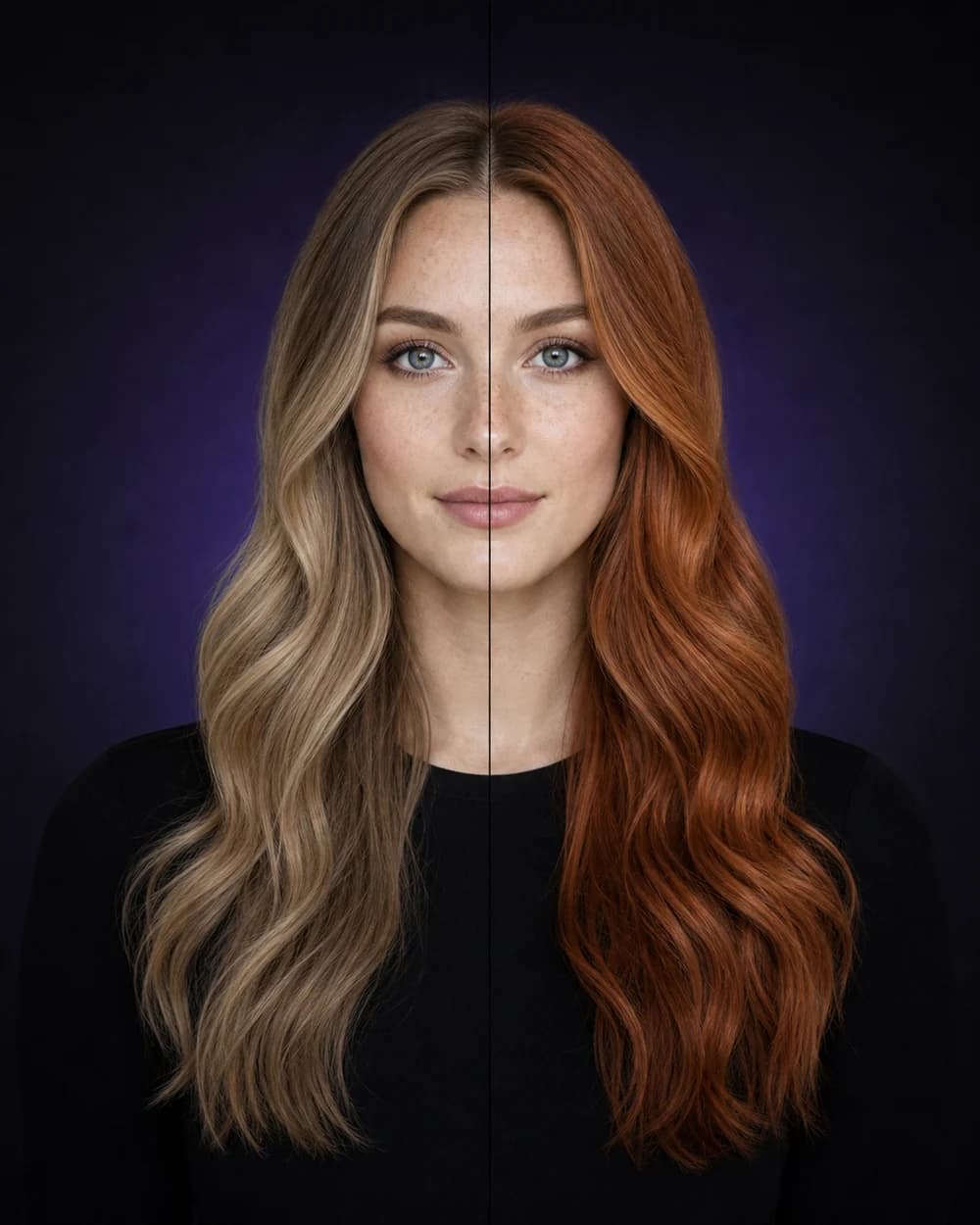
Start with neutral lighting
Choose a photo without strong colored light so your skin tone and current hair are easier to read.
How it works
Choose a photo without strong colored light so your skin tone and current hair are easier to read.
Review blonde, brunette, black, copper, auburn, red, pastel, vivid, and blended color families.
Save the shade family you like and ask a colorist how to adapt it to your base, condition, and maintenance goals.
Choosing hair color is partly technical and partly emotional. A warm copper, cool brunette, soft blonde, or vivid fashion shade can change the way the same haircut feels. Hair Muse helps you compare those broad directions on your own portrait.
The app includes everyday shade families alongside expressive options such as platinum, silver, rose gold, burgundy, blue-black, colorful tips, and balayage-inspired blends.
Hair Muse also offers an AI color analysis that describes undertone, contrast, and complementary palette directions. That guidance can help you decide which color families to test first.
Color analysis is an appearance-planning aid, not a scientific measurement. Camera white balance, room lighting, makeup, screen settings, and hair dye history can all affect what you see.
An AI image does not know your exact starting level, porosity, previous chemical services, or how much lift your hair can safely tolerate. Show the colorist the preview and ask about the closest achievable shade, number of sessions, upkeep, toning, and at-home care.
If you want a lower-maintenance result, ask how the idea could be softened with a shadow root, dimensional highlights, a gloss, or placement that grows out naturally.
Hair Muse is a planning and visualization tool. AI-generated results can vary and should not be treated as a guaranteed, medical, biometric, or professional assessment.
Good to know
No. It visualizes a color direction. Actual dye results depend on your starting color, previous treatments, hair condition, formula, processing, and lighting.
Yes. The catalog includes natural shade families as well as platinum, silver, rose, burgundy, blue, violet, green, colored tips, and other statement directions.
Use soft daylight or even neutral indoor light. Avoid strong warm bulbs, colored LEDs, deep shadows, and beauty filters because they can distort skin and hair color.
No. It is personalized styling guidance for exploration. A professional colorist can assess your hair in person and recommend an achievable, safe formula.