
Start with a clear, front-facing portrait in soft, even light.
Best Free Hairstyle Try On App
AI Hairstyle Try On for Your Next Salon Look.
Try hairstyles and hair colors on your selfie with Hair Muse. Upload a photo and use our haircut try on to explore a new look before making a change.
- Available on iOS, iPhone and iPad
- No registration required — start for free
- Save and compare favorite looks for your stylist
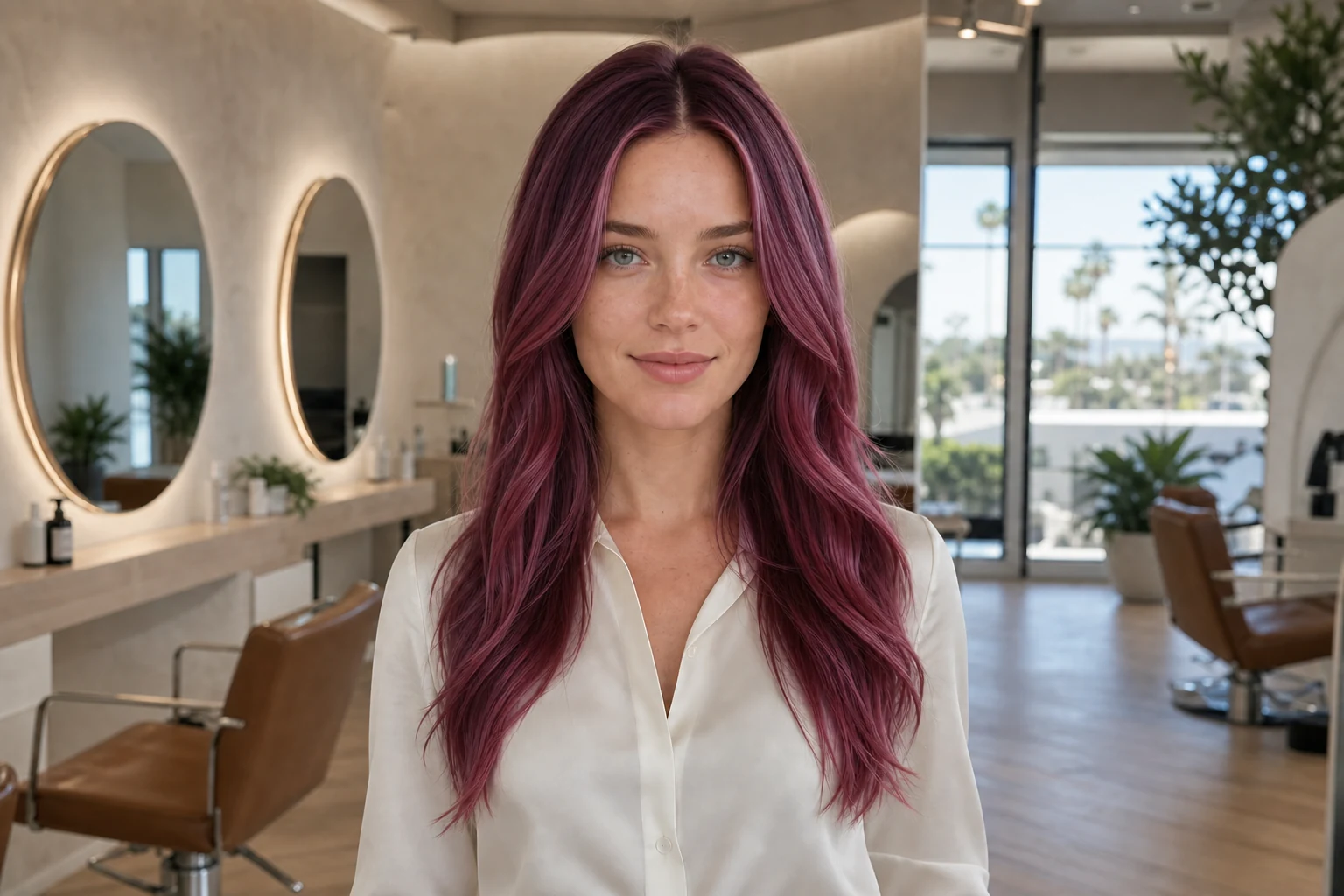
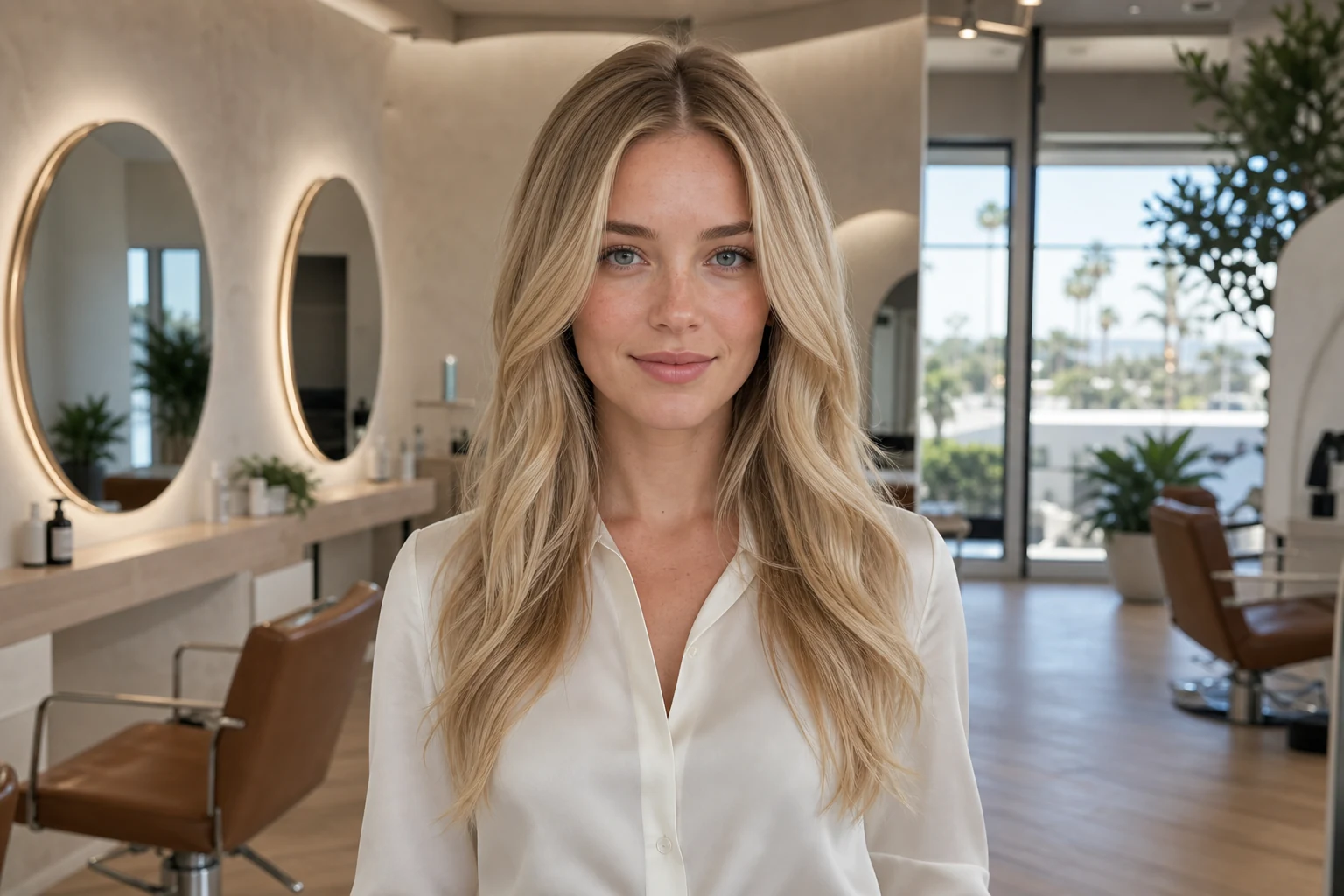
Drag to compareSame cut and length · only the full hair color changes
HairstylesExplore cuts, length, and shape
Hair colorExplore color families
Style reportsFind a practical place to begin
AI stylistTurn ideas into questions
Three simple steps
From selfie to a salon reference worth keeping.
Hair Muse turns early curiosity into a visual idea you can describe clearly at a salon appointment.
Explore haircuts, color, volume, bangs, or a style report.
Save promising options and bring the strongest idea to a professional.
Explore the complete workflow →No browser version. The experience lives in the iOS app.
Why women test the change before the appointment.
The value is not certainty. It is recognizing the overall effect on a familiar face and arriving with language for what should happen next.

Sophie · Color planning
An idea I could actually explain
“I could view warm copper beside my natural brunette before asking my colorist what was realistic.”

Emma · New haircut
Fewer screenshots, clearer choice
“Instead of saving another twenty inspiration photos, I narrowed it to two lengths and one fringe option.”

Laura · Long layers
Confidence without the commitment
“The AI hairstyle preview did not make the decision for me. It gave me a low-pressure way to test the idea first.”

Maya · Style refresh
A clearer salon reference
“Seeing the layers on my own portrait helped me explain the shape I wanted without relying on a celebrity reference.”
Change one thing at a time
See what shifts when one detail changes.
Evaluate one controlled variation on the same portrait—either a new color or a new finish—while the rest of the look stays familiar.
Go from blonde to copper
Honey blonde → rich copper
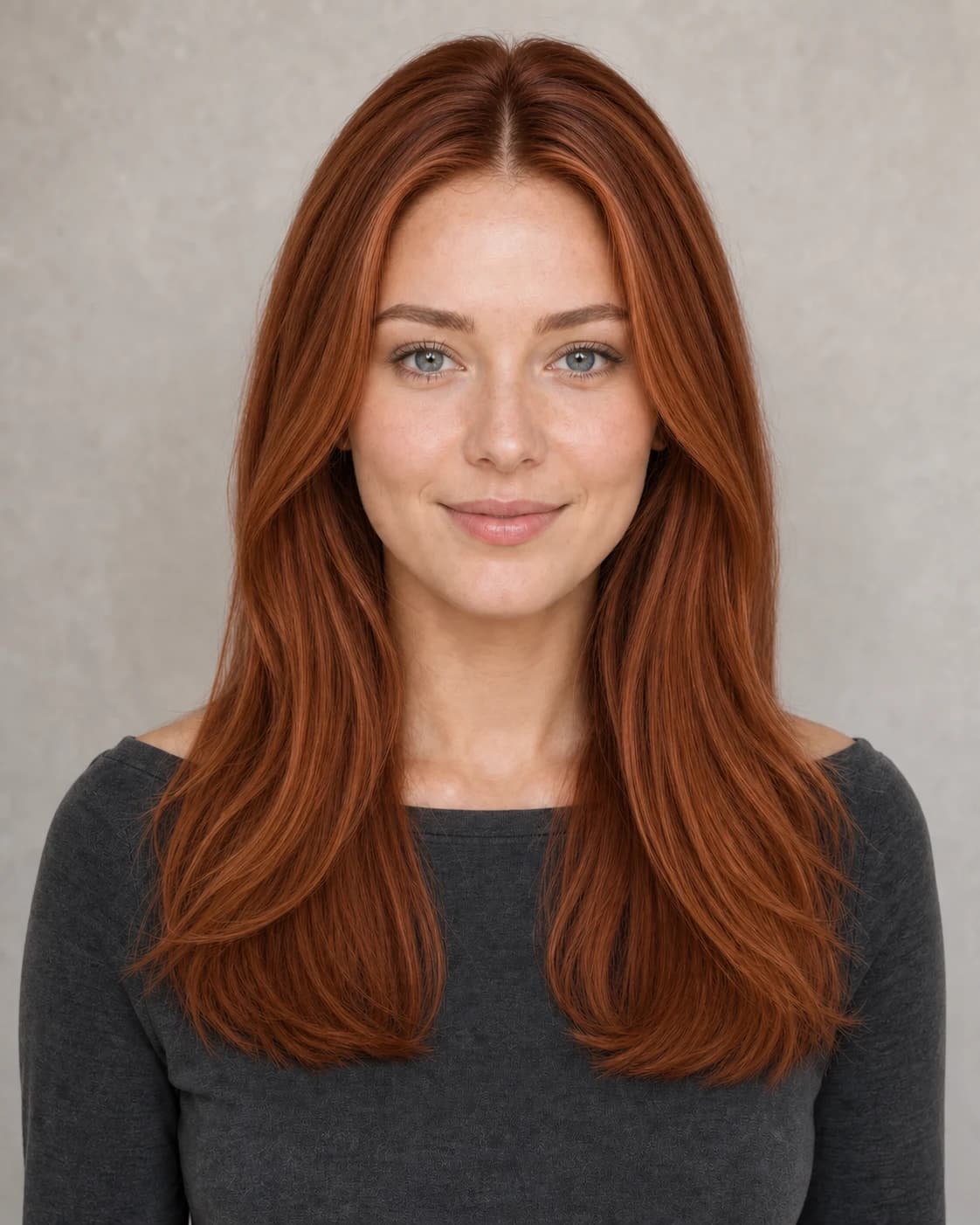
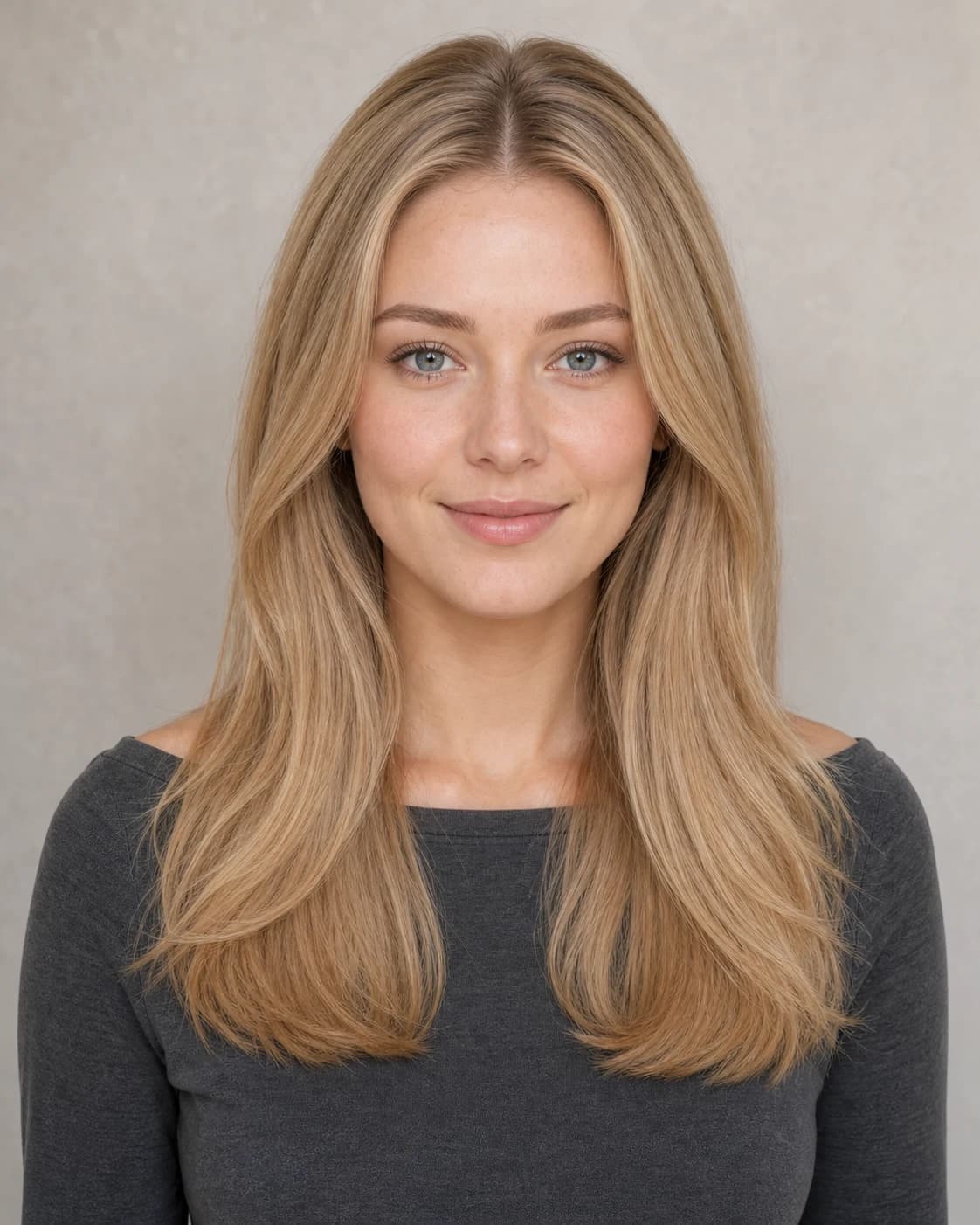
Same cut, length, and finish · only the color changes
Try a shorter shag
Long and dark → berry-tipped shag


New length, face-framing layers, and berry-toned ends
Haircut ideas to explore
Six distinct shapes for your next shortlist.
An effective hairstyle try on begins with genuinely different shapes. Review length, perimeter, fringe, layers, and texture—not six nearly identical versions of the same blowout.
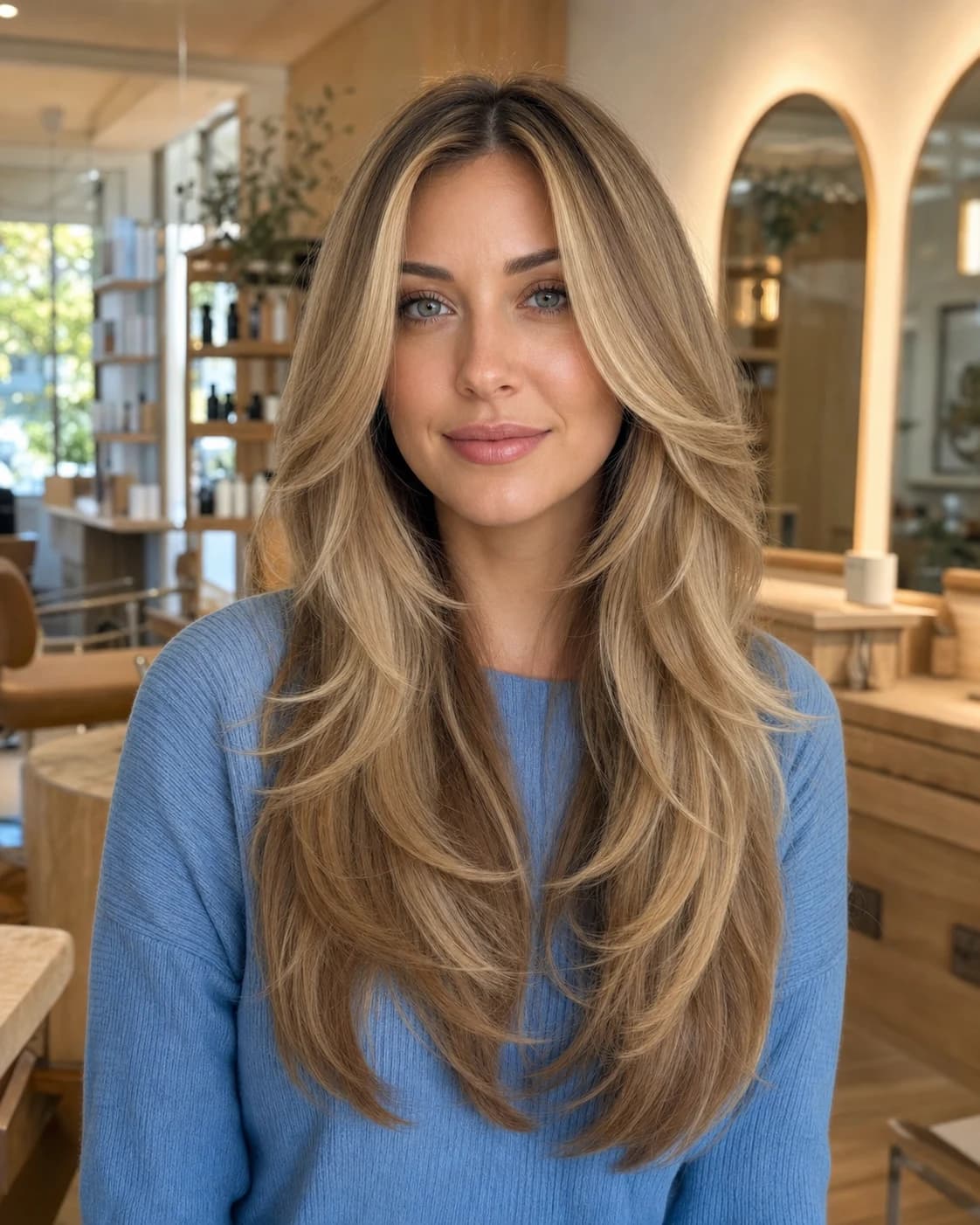 Long and layered
Butterfly layers
Long · face-framing · high movementKeep substantial length while adding shorter sweeping layers around the cheekbones and through the front. The result feels lighter, fuller, and more animated without becoming a short haircut.
View this haircut →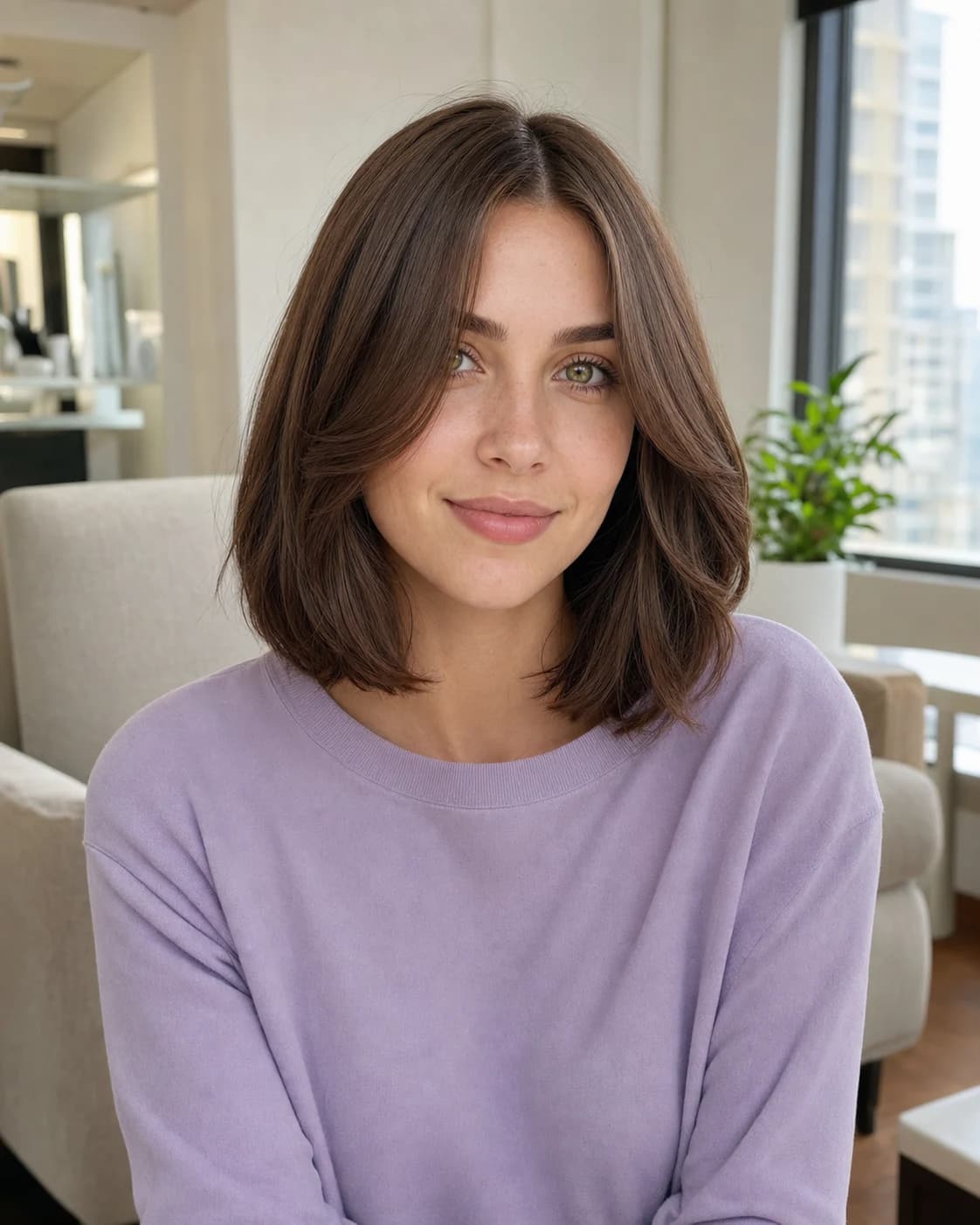 Collarbone length
Curtain clavicut
Medium · polished · face-framingA clean collarbone-length outline creates a noticeable change while remaining versatile. Airy curtain pieces keep the forehead open and connect naturally to the shorter perimeter.
View this haircut → Curls and shape
Layered curly lob
Shoulder · rounded · natural volumeStrategic layers help curls form a balanced silhouette instead of collecting weight at the ends. The shoulder-grazing length keeps movement visible while preserving fullness.
View this haircut →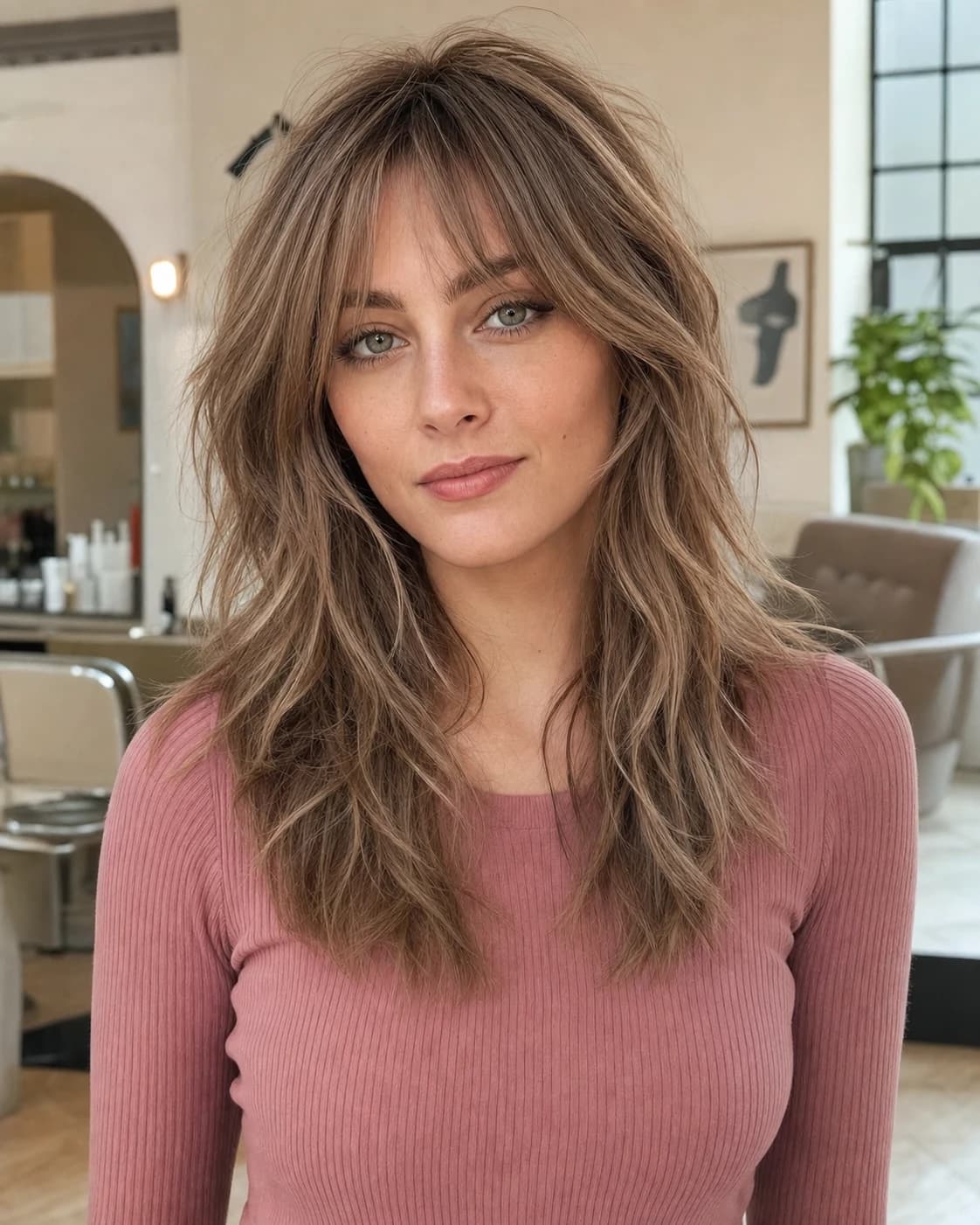 Texture and fringe
Modern long shag
Layered · airy · softly undoneCrown layers, feathered lengths, and a light fringe create texture without sacrificing all the length. It is a stronger option for women who want movement rather than a perfectly smooth finish.
View this haircut → Clean and structured
Polished shoulder lob
Blunt · sleek · low visual weightA precise perimeter makes the hair look denser and gives the overall shape more structure. Subtle internal layering prevents the finish from feeling rigid or overly heavy.
View this haircut →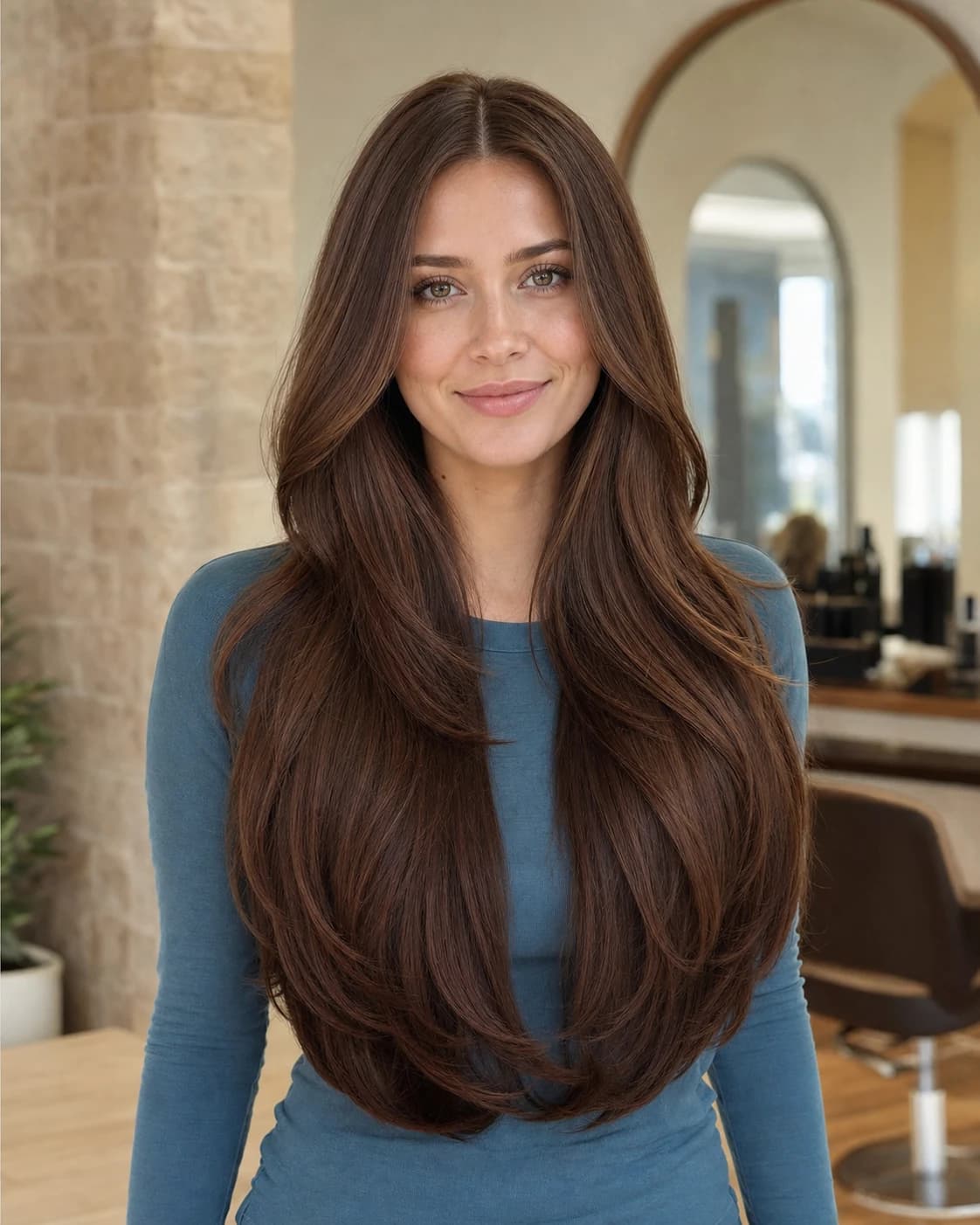 Keep the length
Long U-shaped layers
Extra long · soft outline · lower fullnessA rounded U-shaped perimeter keeps the drama of long hair while making the ends feel intentional. Long layers add flow through the lower lengths without removing too much density.
View this haircut →Cut comparison
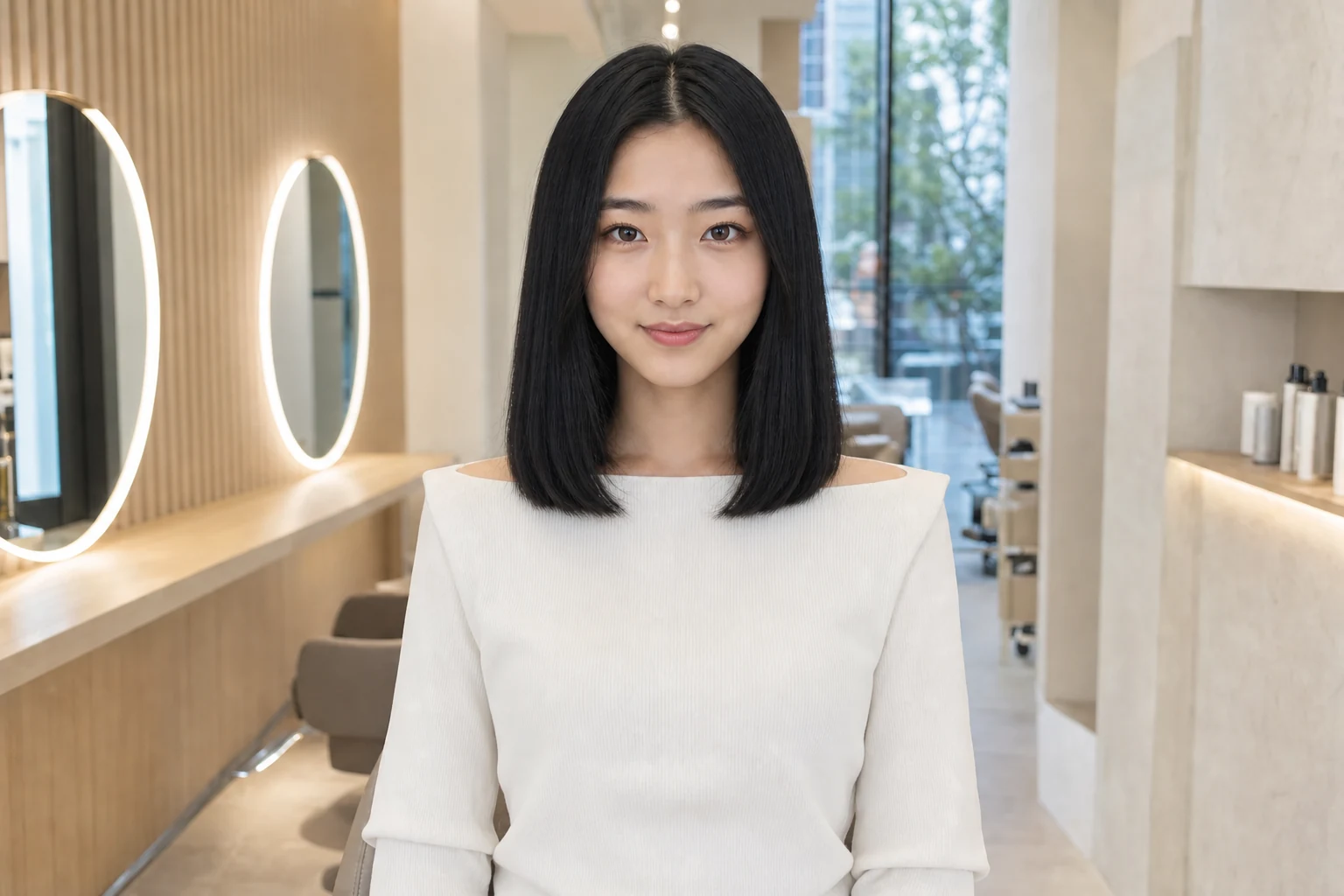
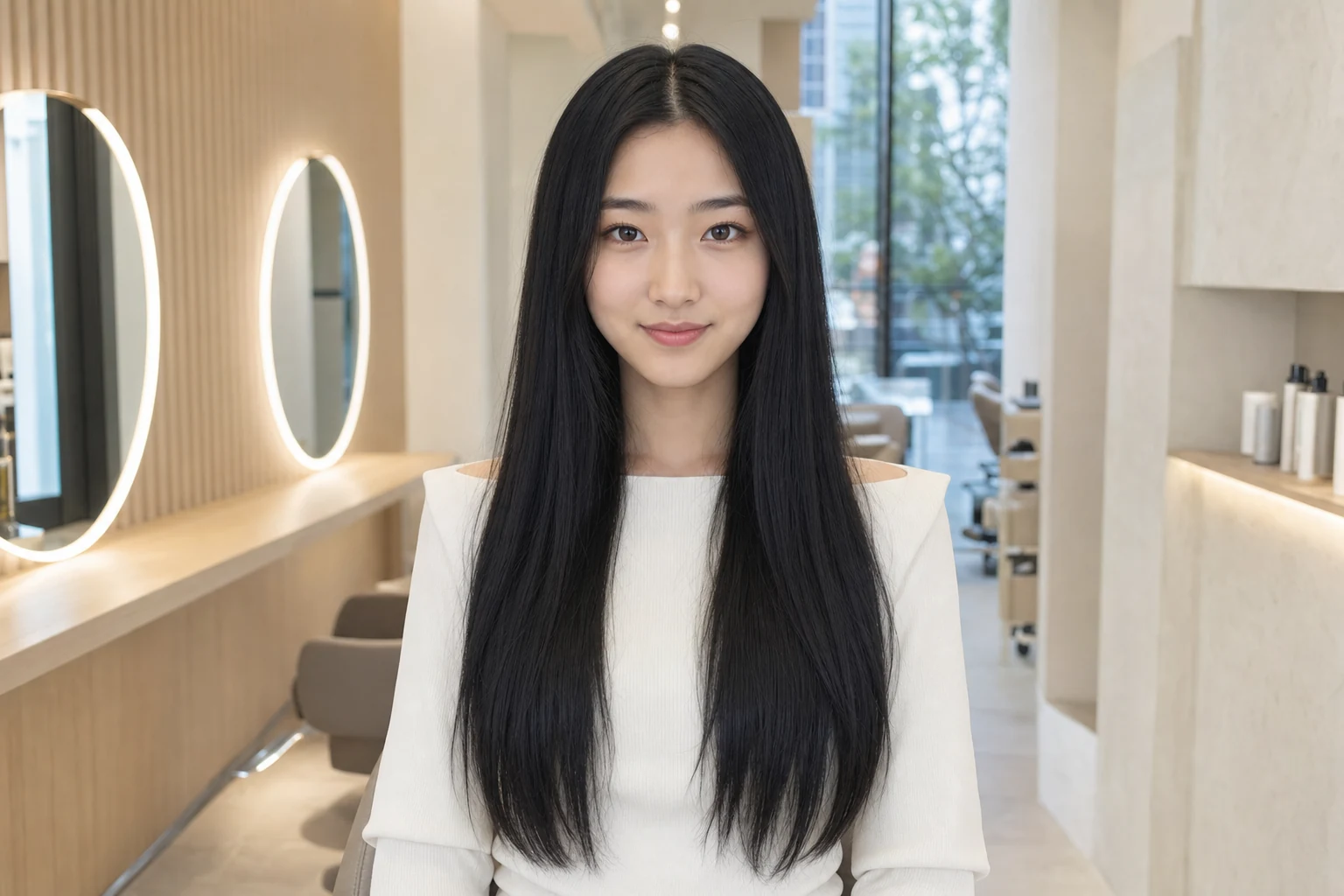
Long to clavicut.
Drag the slider to compare how a shorter perimeter changes the silhouette while the deep-black color stays consistent.
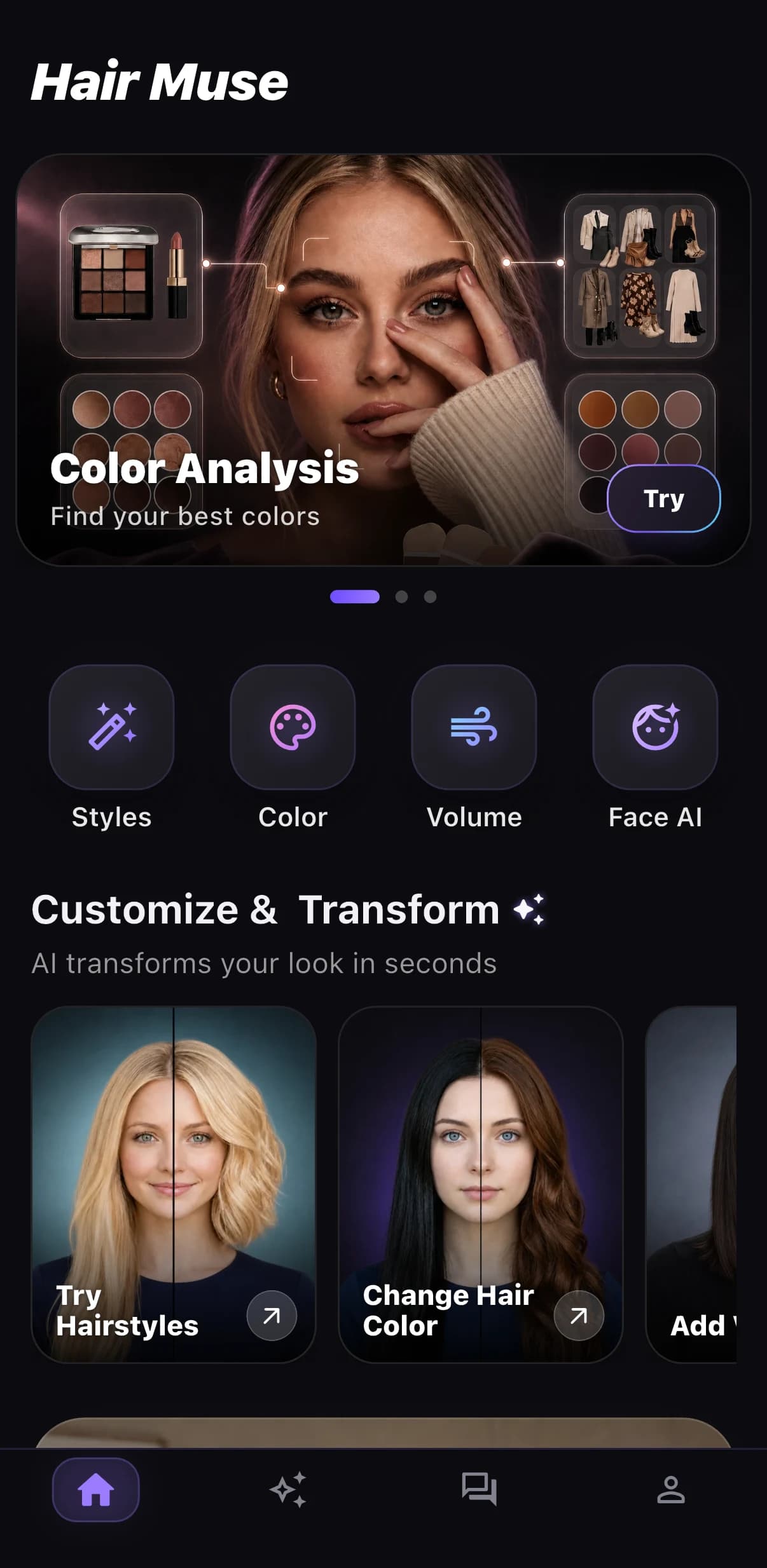
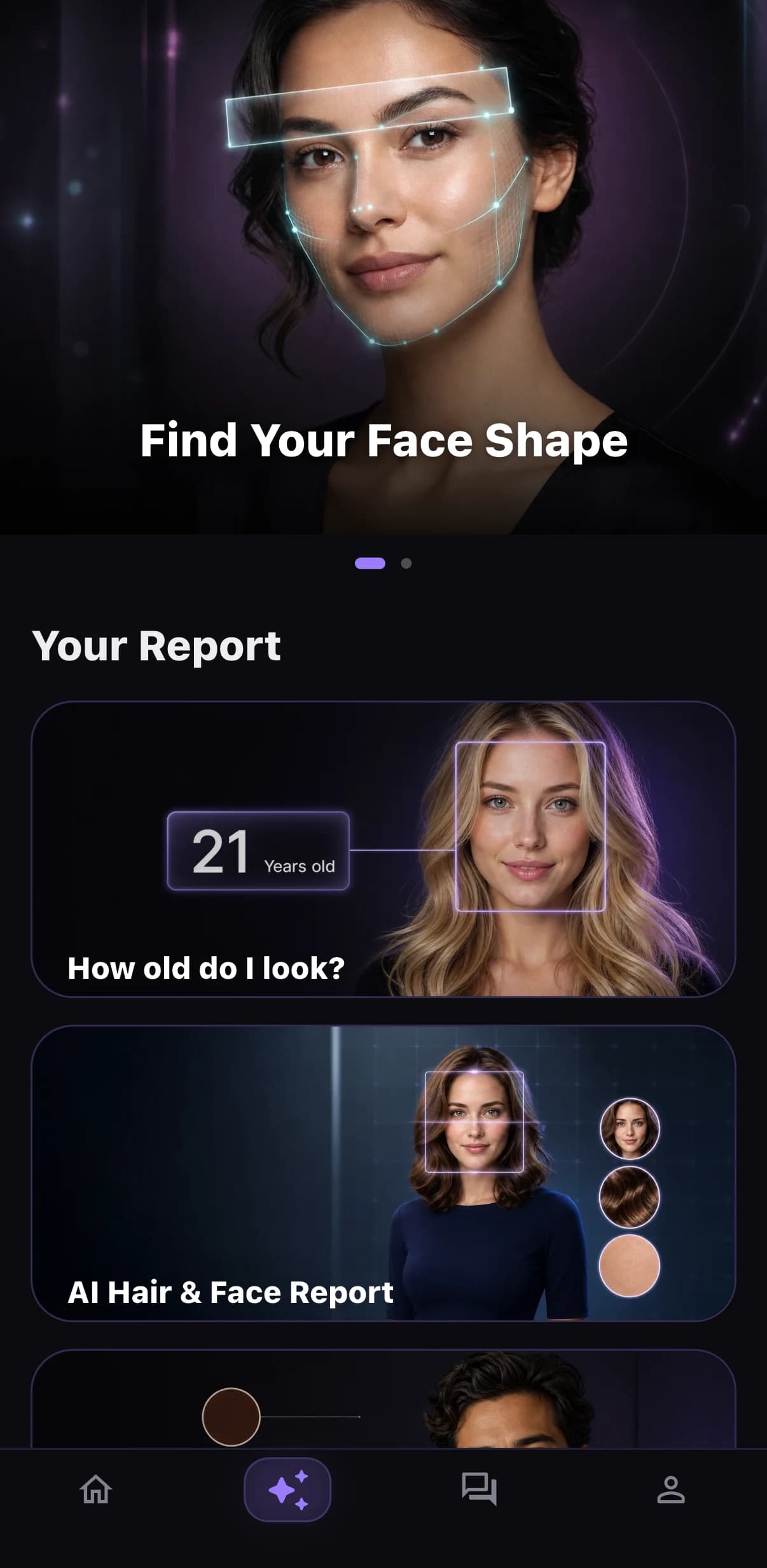
Available for iPhone & iPad
Your next hair idea, right from your iPhone.
Start with one clear portrait, explore an idea, and keep the strongest reference close for your next salon or barber conversation. Hair Muse brings hairstyle try on, hair color try on, beard styles, personal style reports, and saved looks into one focused iOS app for men and women.
- Explore haircuts, color, bangs, volume, and styling options
- Review Before and After on your own portrait
- Save favorite looks for a clearer salon discussion
- Download exclusively through Apple’s App Store
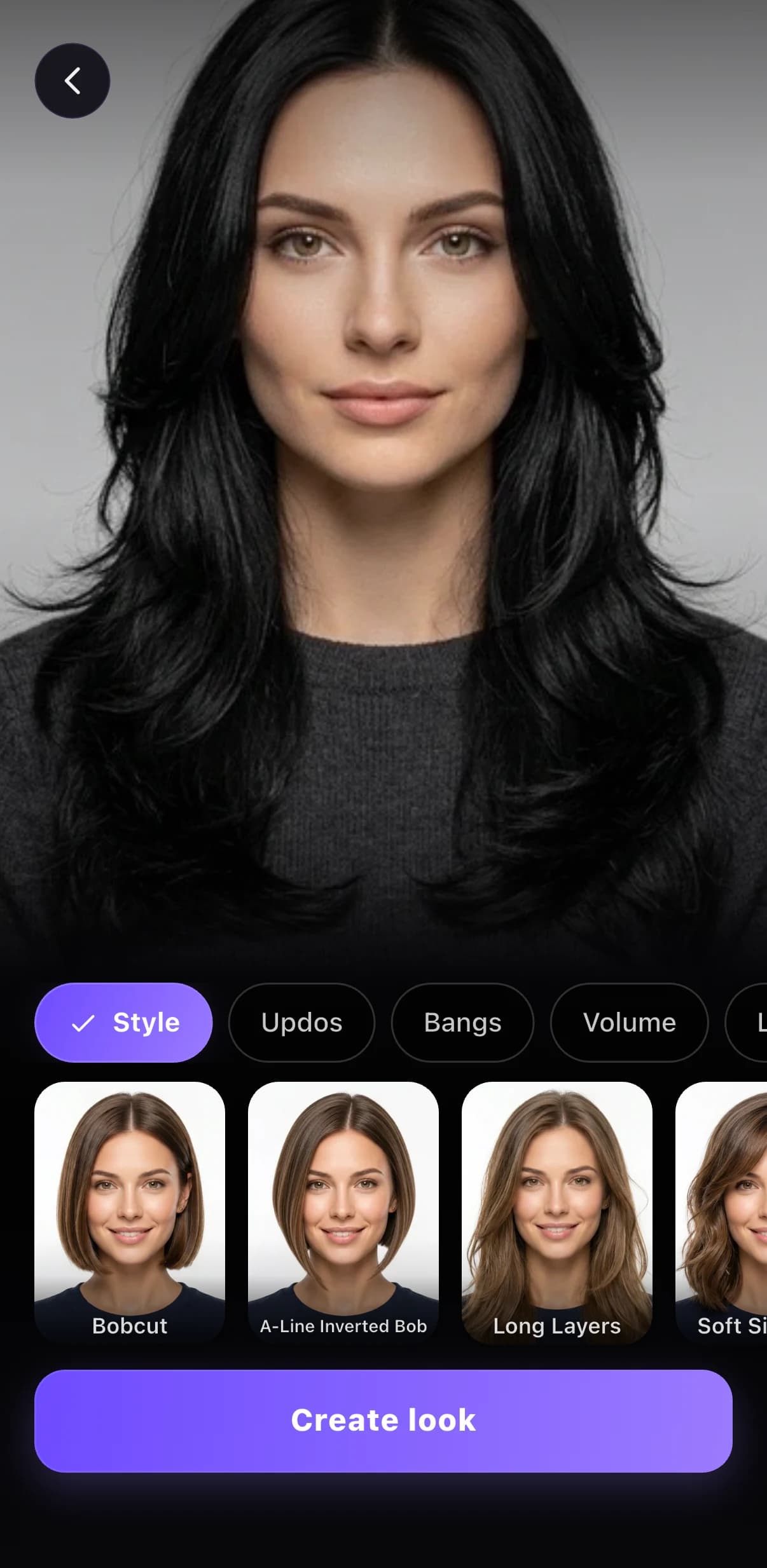
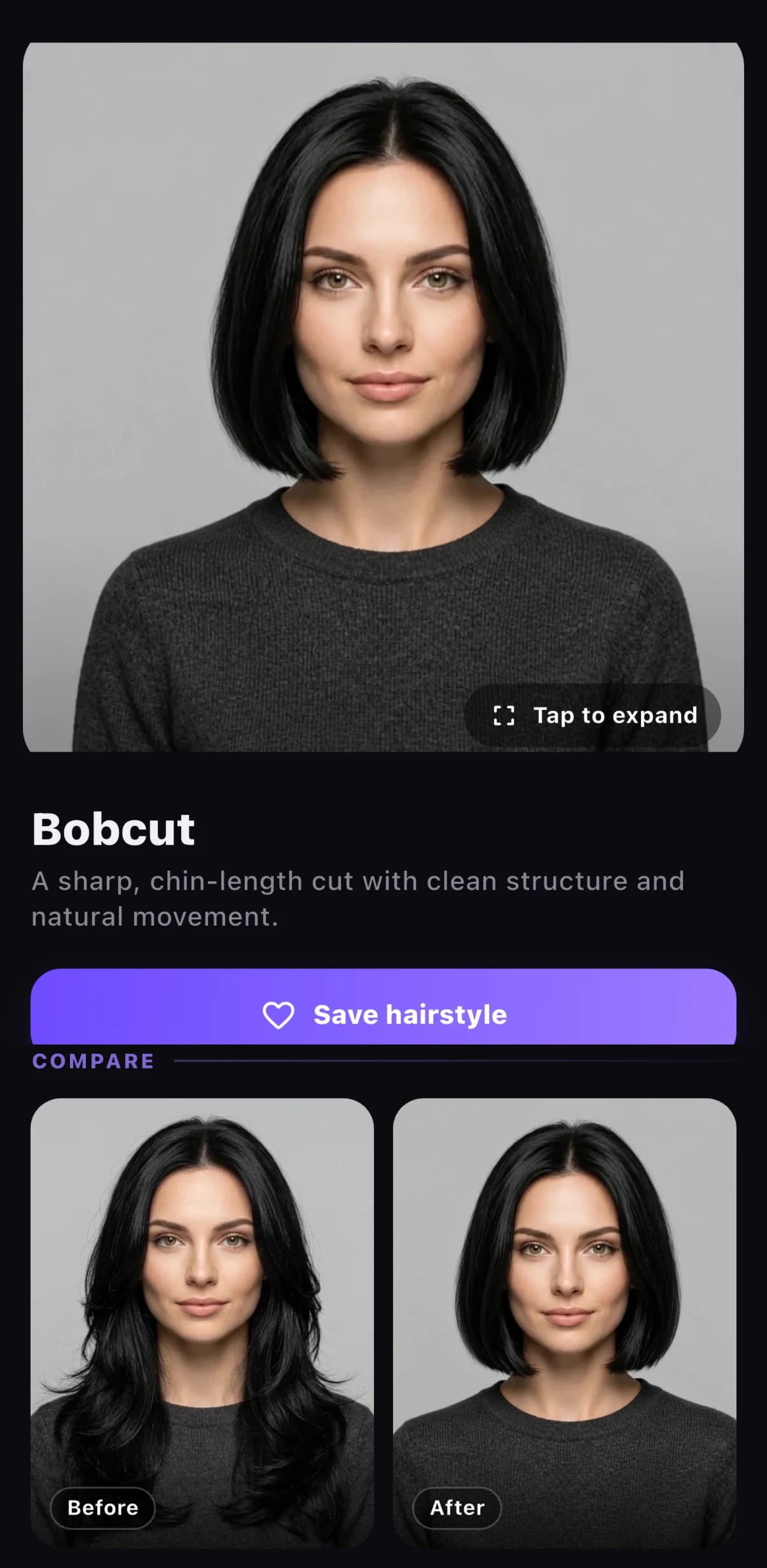
DiscoverSwipe or use the controls
The short answer
What is an AI hairstyle try on?
An AI hairstyle try on combines a selected portrait with a hairstyle or hair color request. It lets you assess how the overall change may look on your own face before you make a real appointment.
Read the complete, plain-English guide →Reading the overall effect
Review silhouette, length, bangs, face framing, volume, and color mood on a familiar portrait.
Predicting every detail
The generated image cannot know your full texture, density, chemical history, or the technique a real service requires.
Shortlist, review, discuss
Keep one or two strong options and ask a stylist how each should be adapted to your hair and routine.
One app, four ways to get clearer
See the look—and know what to ask next.
Previewing a look is the starting point. Hair Muse also helps you sort options, recognize broad style cues, and turn observations into specific questions.
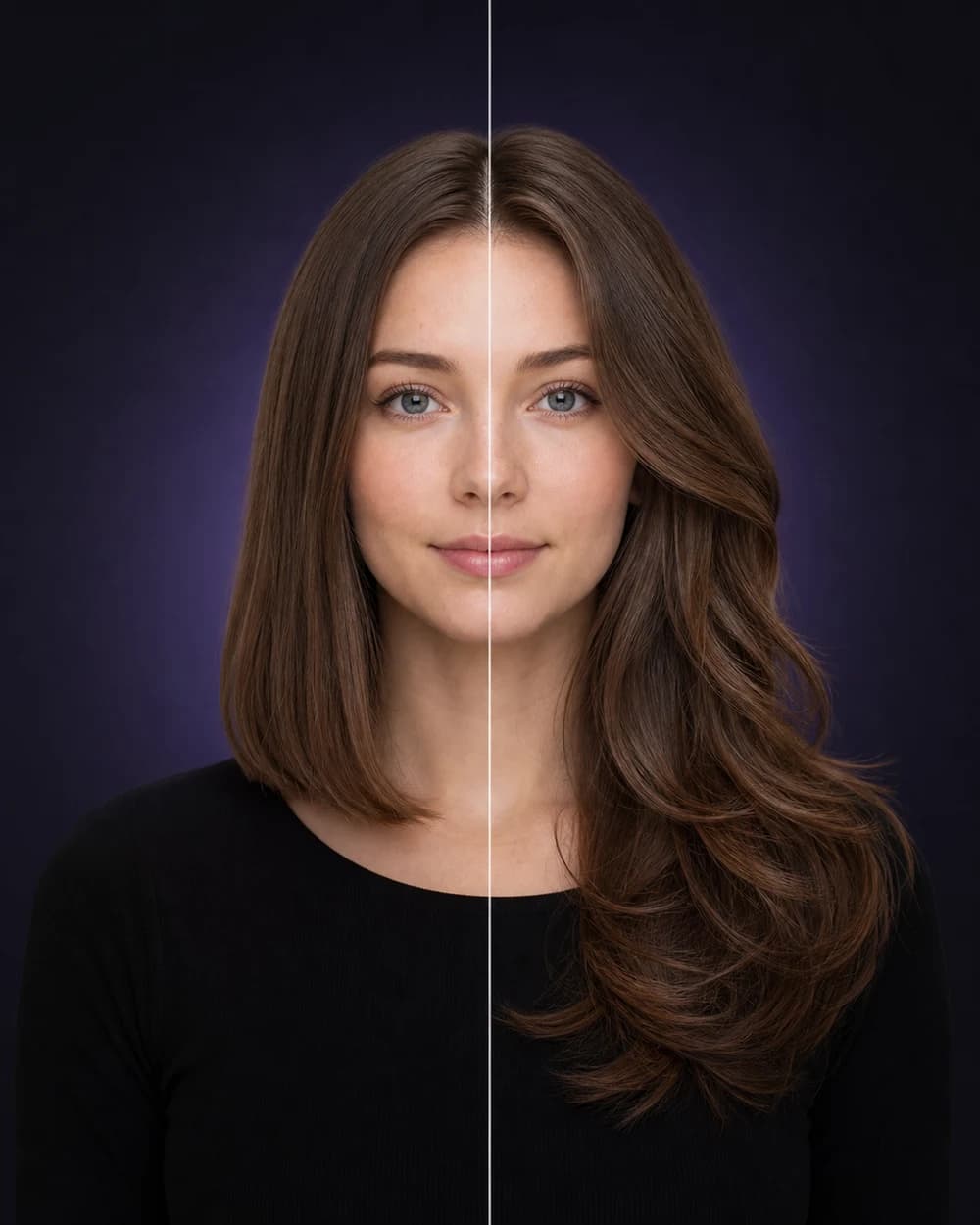
Hairstyle try on
Hair Muse creates an AI hairstyle preview from your selfie so you can explore men’s and women’s cuts, lengths, texture, and volume before a real appointment.
Explore this feature →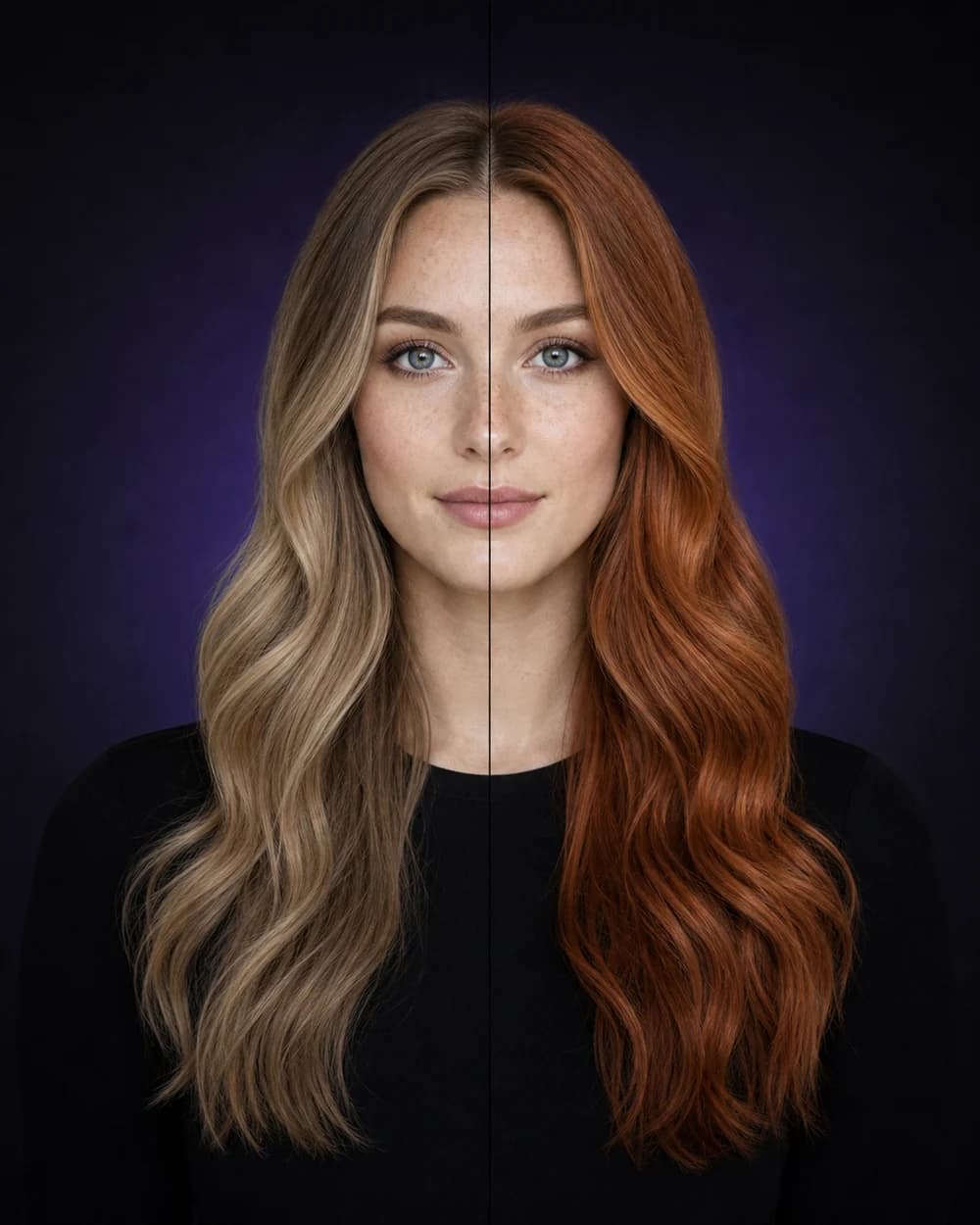
Hair color try on
Use hair color try on to explore natural shades, statement colors, colored ends, and blended looks on your portrait before you book a color appointment.
Explore this feature →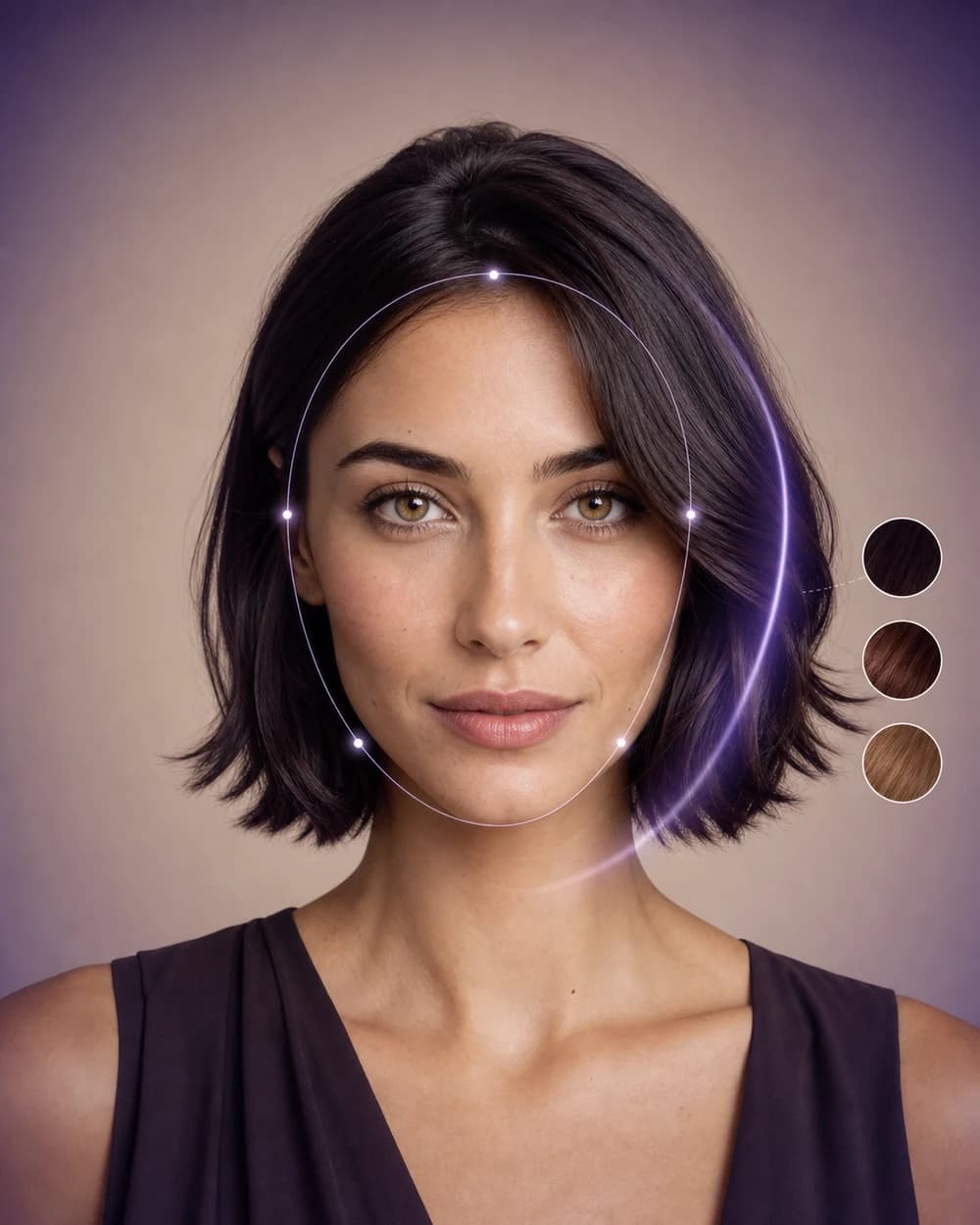
AI style analysis
Explore face-shape, hair-and-face, color, and playful apparent-age reports designed to help you ask better style questions.
Explore this feature →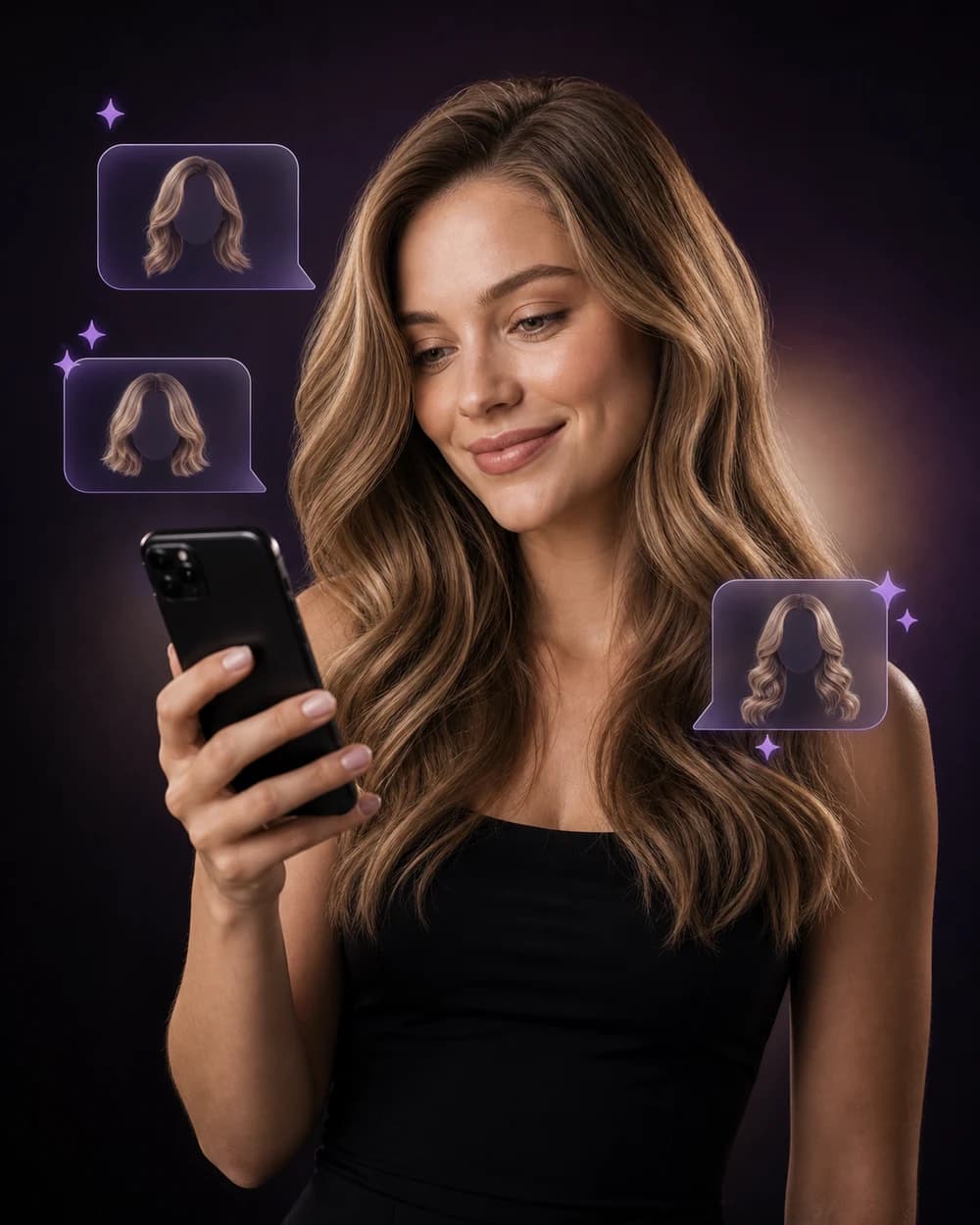
AI stylist
Use Hair Muse’s AI stylist to discuss haircut ideas, color goals, styling preferences, and the reports or looks you are exploring.
Explore this feature →Style without commitment
Go beyond the references already in your camera roll.
Review familiar, warmer, softer, and higher-contrast looks before deciding which one deserves a real appointment.

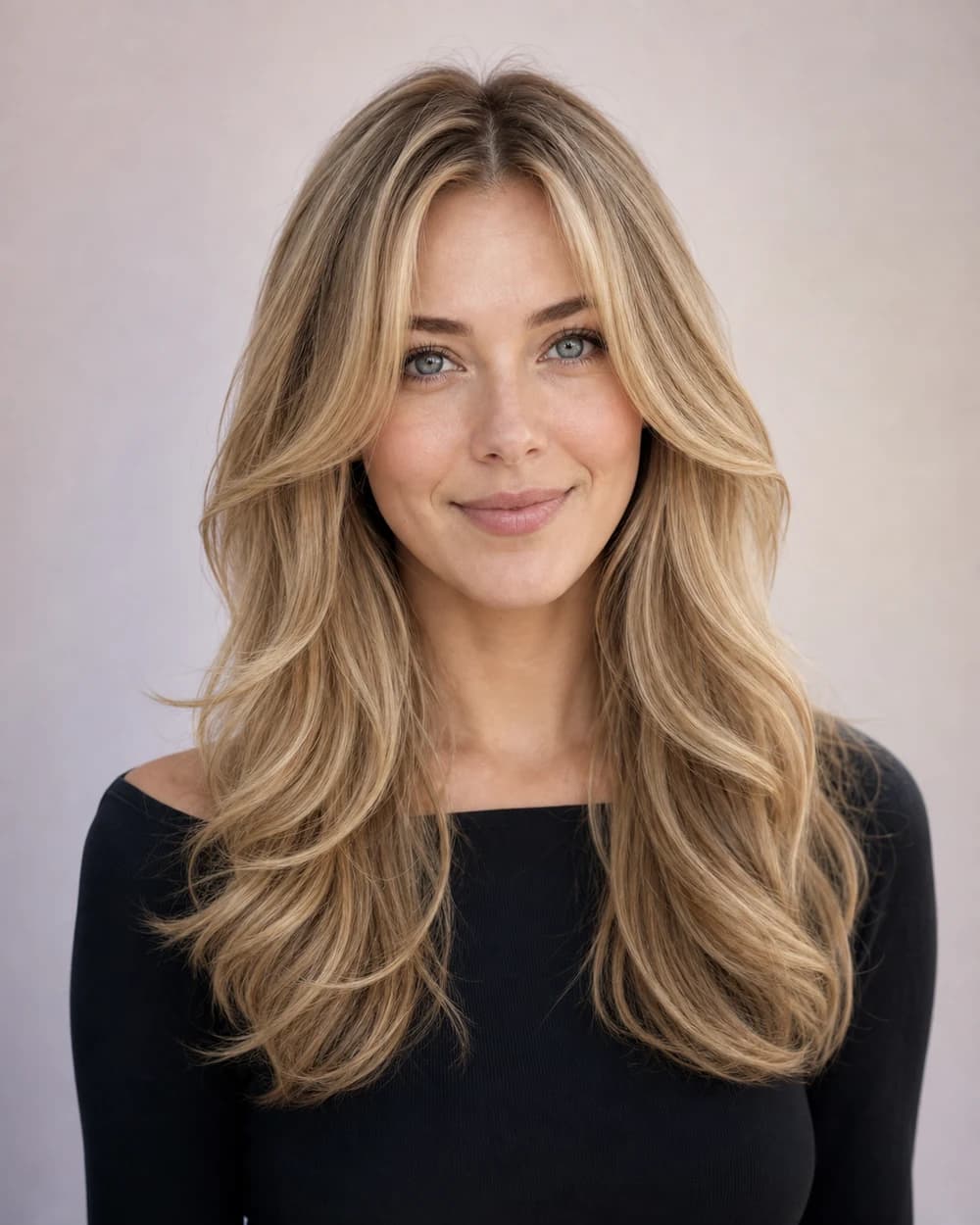
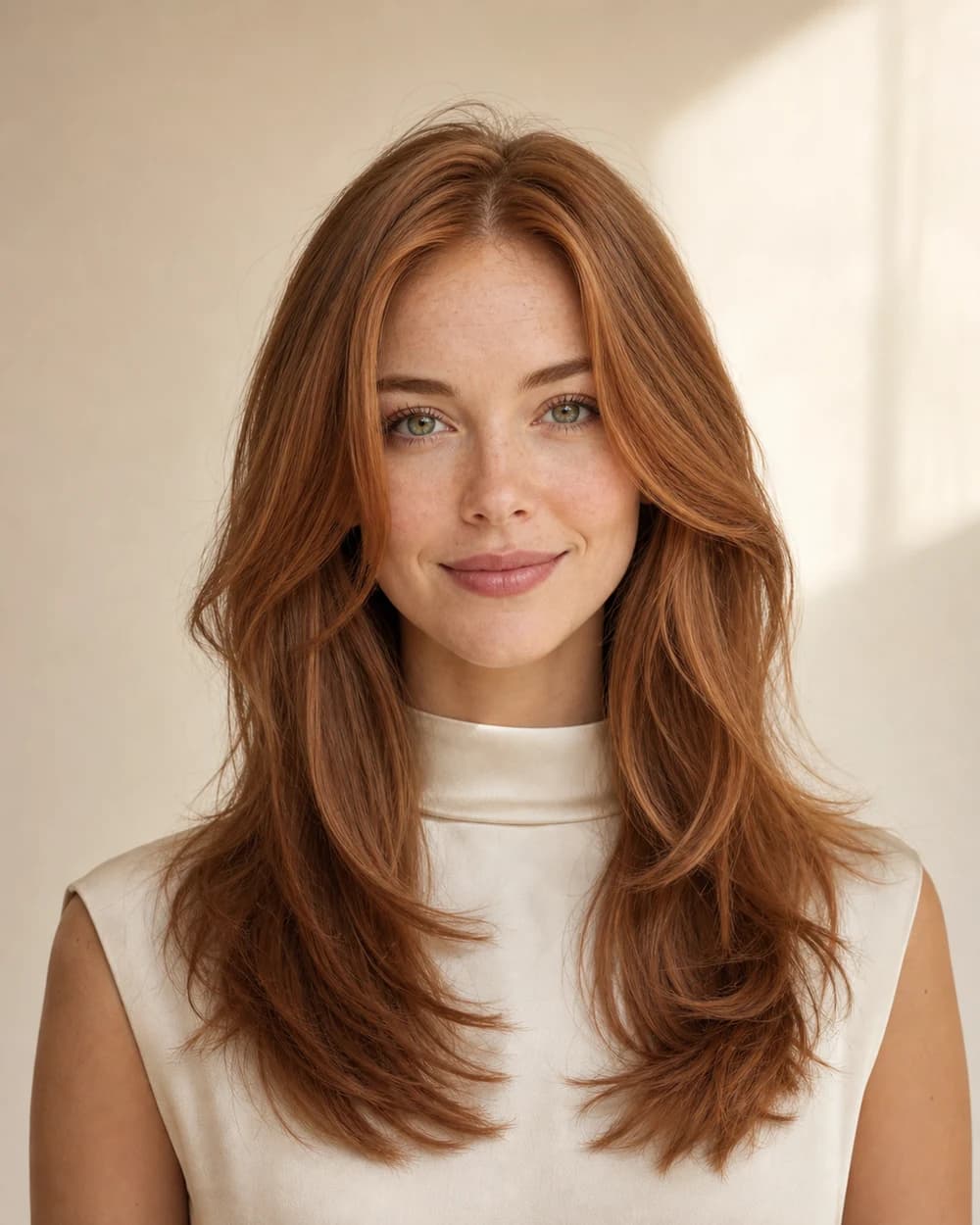
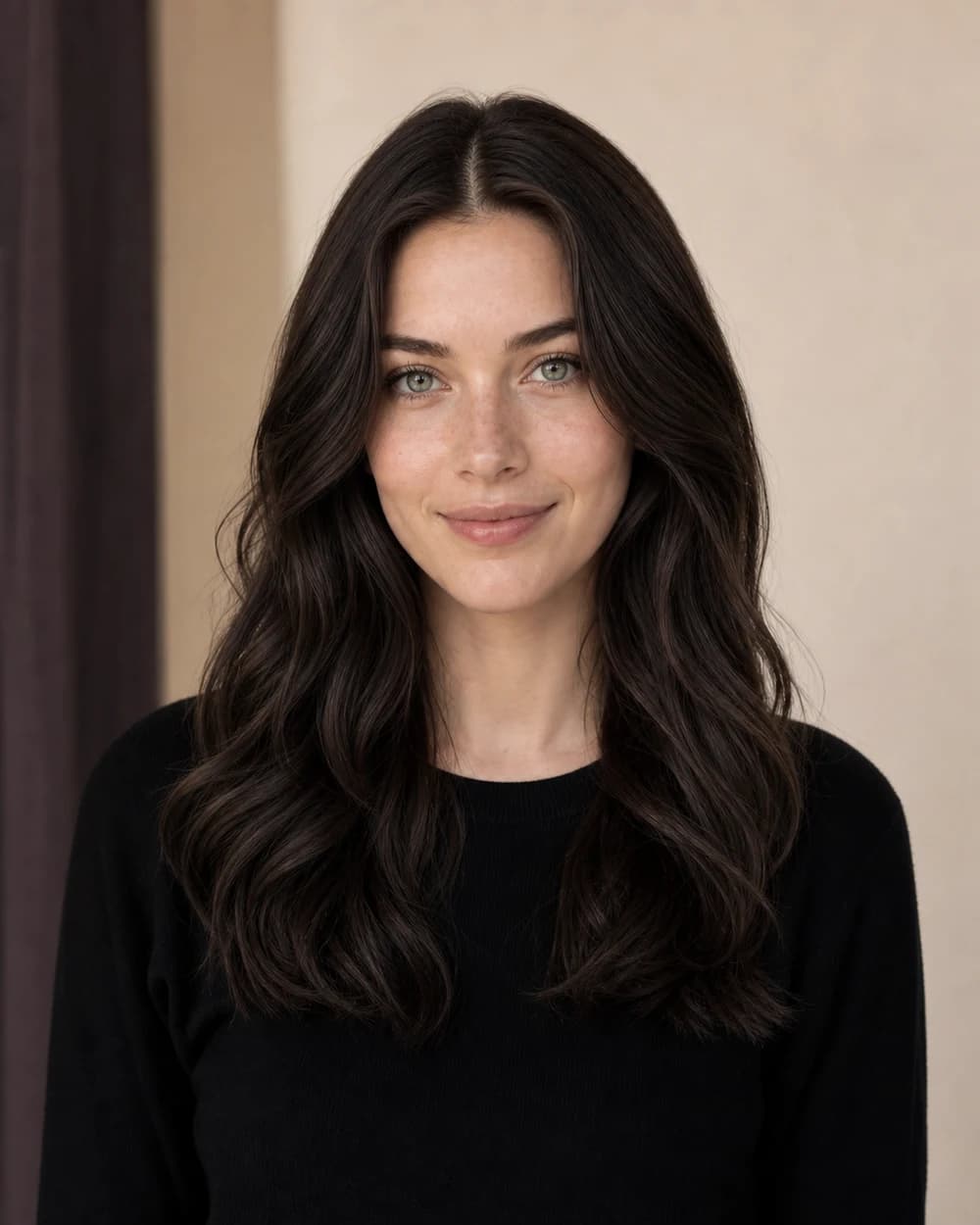
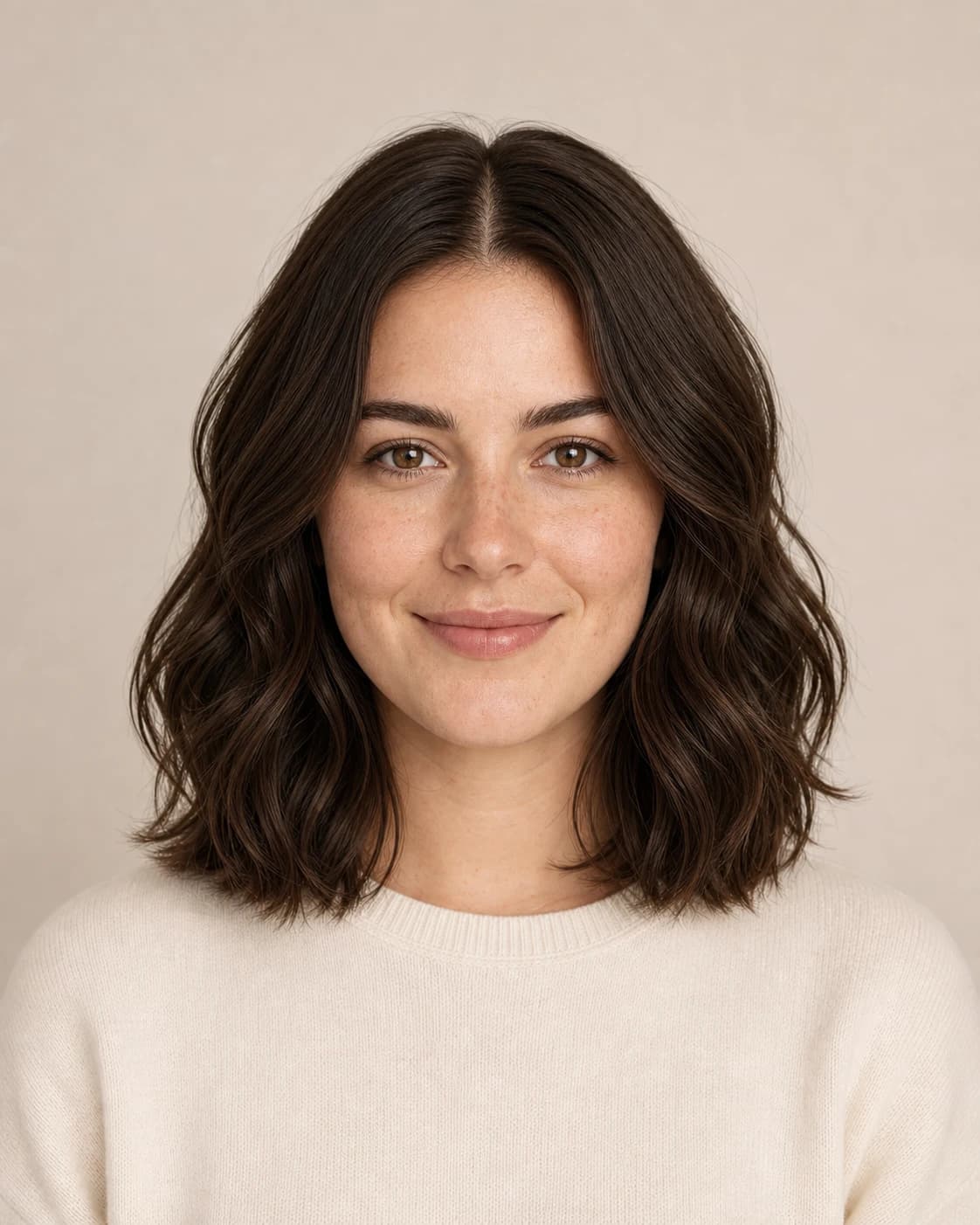
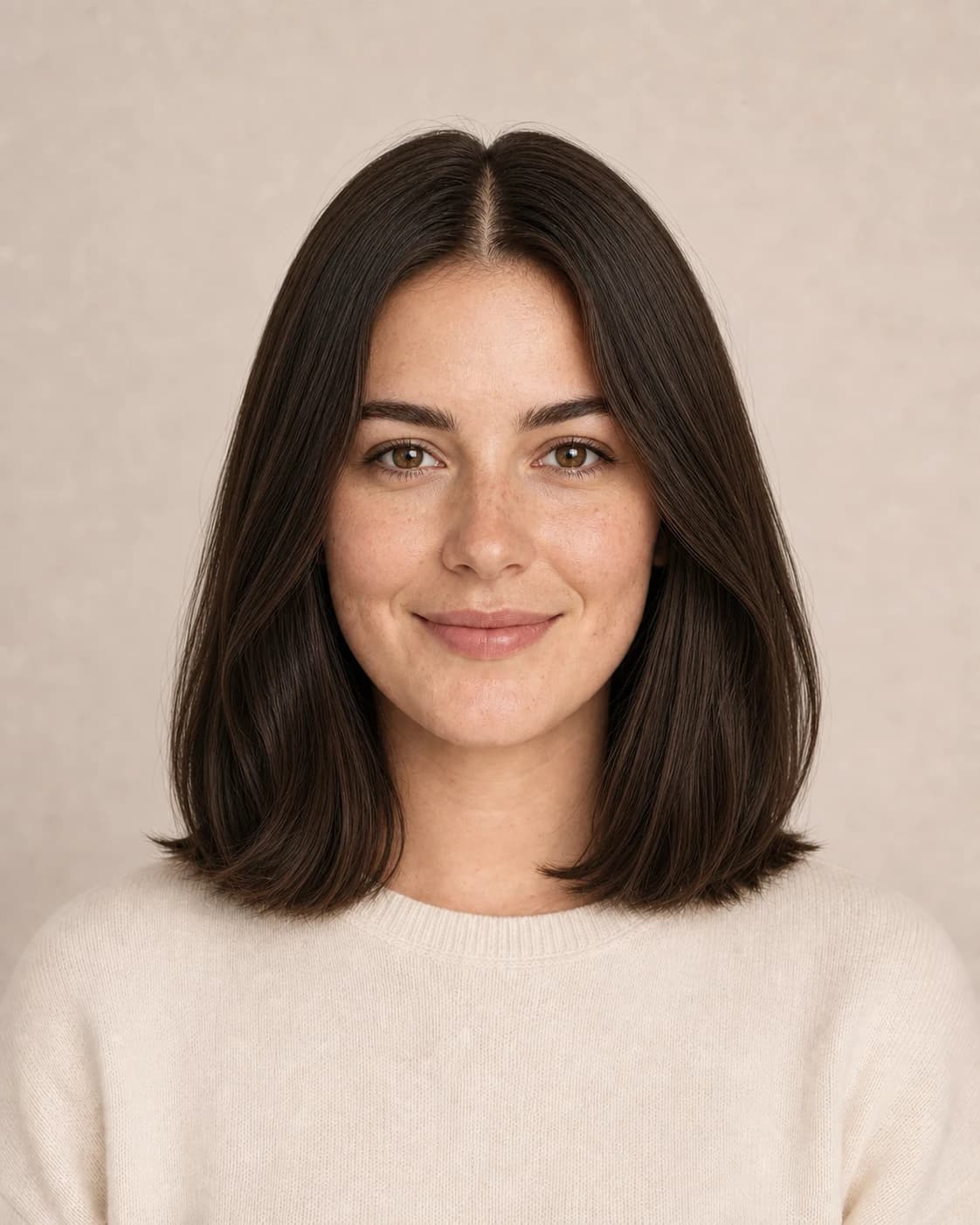
Styling comparison
Straight to soft waves.
Compare a smooth finish with loose salon waves before deciding how much movement suits the look.
Start with your decision
Choose what you want to change—not just a style name.
A focused experiment begins with a practical question. These six paths connect what you see to a clear next step, from choosing a length to preparing for a color consultation.
Change the length
Review short cuts, bobs, lobs, collarbone shapes, and long silhouettes before choosing a range.
Explore haircut previews →Test bangs and framing
See how an open forehead, curtain fringe, wispy bangs, or shorter face framing changes the balance.
Review haircut decisions →Choose a color family
Move from a broad idea—brunette, blonde, copper, black, or vivid—to a color family worth discussing.
Explore hair color try on →Rethink texture and volume
View sleek, softly layered, wavy, curly, fuller, and lighter-looking silhouettes on your portrait.
See hairstyle options →Get a place to begin
Use face, hair, and color guidance as flexible prompts when you are not sure which option to try first.
Understand style analysis →Prepare for the salon
Turn a saved image into specific questions about length, feasibility, maintenance, and the closest real-world version.
Plan the conversation →Look beyond the first impression
How to read an AI hairstyle preview with a critical eye.
The most informative result is not the one with the most dramatic filter. It is the one that clarifies shape, framing, maintenance, and what to ask before a real service.
Start with the overall silhouette
Study where the visual weight sits: close to the cheeks, near the shoulders, or through the ends. Read the outside shape before focusing on individual strands. Silhouette usually tells you more about the haircut structure than perfect texture does.
Review length and layers →Check the face-framing area
Notice what happens around the forehead, cheekbones, jaw, and collarbone. Curtain pieces, bangs, and shorter layers can change the balance even when the overall length stays similar. Treat face-shape suggestions as flexible prompts, never fixed rules.
Explore face-framing guidance →Separate cut from styling
Volume, waves, a blowout, and a sleek finish can make the same haircut look completely different. Ask whether you like the underlying cut or only the styling. This distinction makes a salon reference far more realistic and easier to maintain.
Explore hairstyle try on →Translate color into a conversation
Hair color try on can show the mood of blonde, brunette, copper, black, or a vivid shade, but it cannot determine the exact formula or lift your hair safely. Save the color family, then discuss your starting base, condition, upkeep, and strand testing with a colorist.
Plan a color decision →Two considered options beat an endless gallery.
See the complete workflow →Keep one conservative look and one bolder alternative. Review both beside the original portrait, identify the detail you like in each, and bring them to your appointment.
Your style, with context
Not sure where to start? Begin with a report.
Hair Muse can organize visible style cues into face-and-hair suggestions, color palette ideas, and a playful apparent-age read. Use the insights as prompts—not rules.
- Face-shape and hair-framing suggestions
- Color undertone, contrast, and palette ideas
- Personalized questions for your AI stylist
- Clearly labeled non-medical, non-biometric guidance
Isolate a specific decision
Hair changes worth previewing before an appointment.
A hairstyle try on works best when it answers one practical question at a time. Instead of searching for a single “perfect” look, isolate the detail that would meaningfully change your next appointment: length, face framing, movement, or color. The examples below show what to inspect and what to discuss with a stylist before making the change.
Clavicut and collarbone-length haircuts
A clavicut sits around the collarbones, between a long bob and long hair. It can feel like a substantial refresh while remaining long enough for many ponytails and tucked styles. When you use hairstyle try on, check where the ends meet your shoulders, whether the perimeter feels blunt or layered, and how much visual weight stays around the neck.
Bring both the original and the preferred AI hairstyle preview to your appointment. Ask whether your density, natural texture, and usual styling routine support the same outline—or whether the length should be adjusted slightly.
Explore hairstyle try on →Curtain bangs and face-framing layers
Curtain bangs can range from a noticeable fringe to long pieces that begin near the cheekbones. The key question is not simply “bangs or no bangs.” Look at how much forehead remains open, where the shortest piece lands, and whether the fringe connects naturally to the rest of the haircut.
An AI hairstyle preview can help you choose an approach, but your stylist still needs to account for growth patterns, cowlicks, shrinkage, and how often you are willing to style or trim the front.
Review bangs, layers, and length →Long layers, volume, waves, and curls
Long layers can remove weight, create movement, or make a blowout look fuller—but styling can exaggerate the effect. View the same cut with a straighter, wavier, or more voluminous finish and ask yourself whether you like the underlying haircut, the styling, or both. This distinction matters because a dramatic salon blowout may not reflect an everyday routine.
For naturally wavy or curly hair, discuss shrinkage, layer placement, and whether the reference depends on heat styling. The goal is a shape that still works between appointments.
Turn an AI hairstyle preview into salon questions →Blonde, brunette, copper, and darker color directions
Hair color try on reveals the overall mood of a color: brighter or deeper, warmer or cooler, subtle or expressive. For a clear evaluation, keep the cut and finish consistent while changing only the shade. That makes it easier to judge contrast against your skin, eyes, and brows without confusing color with a different hairstyle.
Treat the result as a visual color brief, not a salon formula. Starting color, previous treatments, hair condition, lift, and maintenance determine what is safe and achievable in real life.
Explore hair color try on →Drag to compare
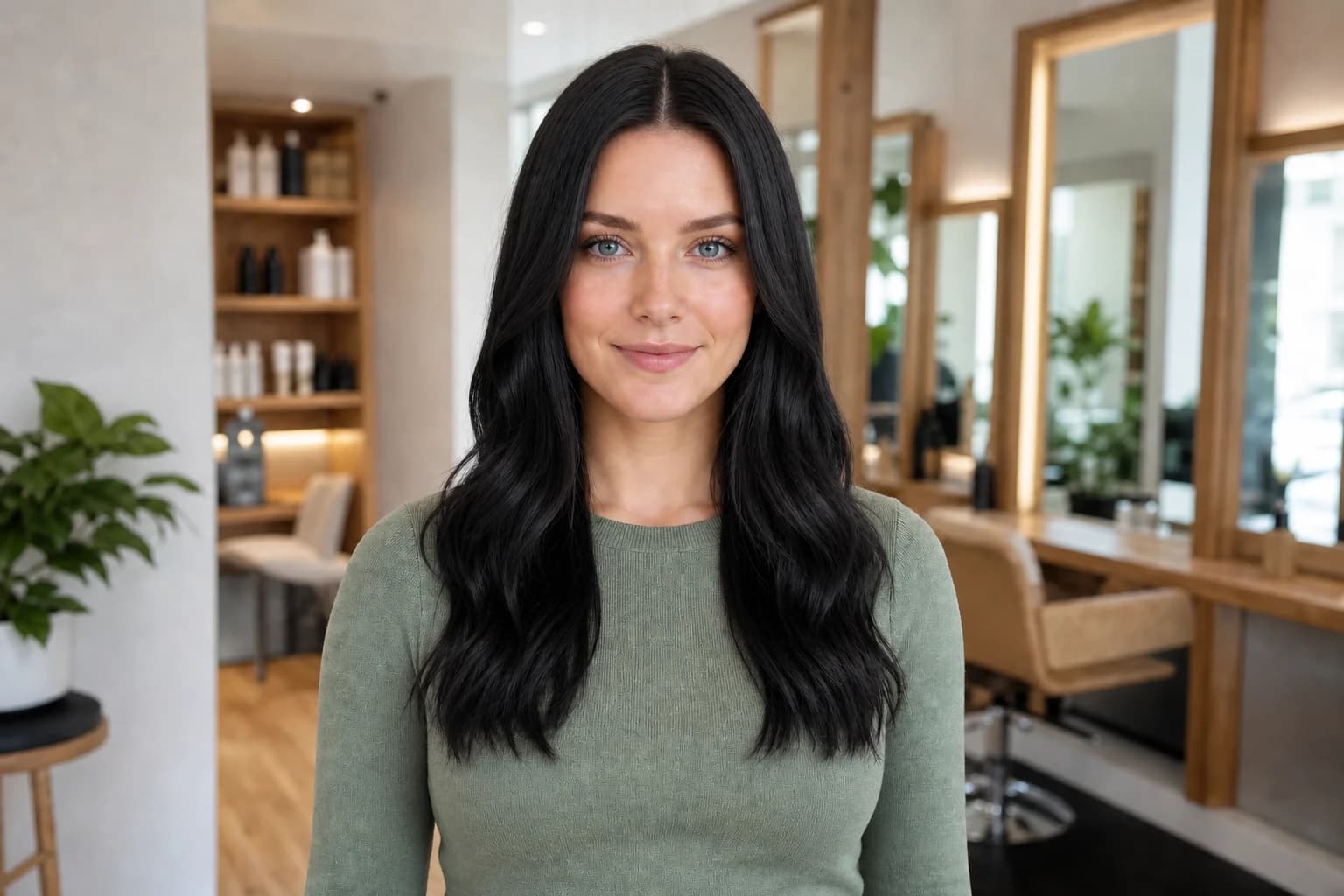
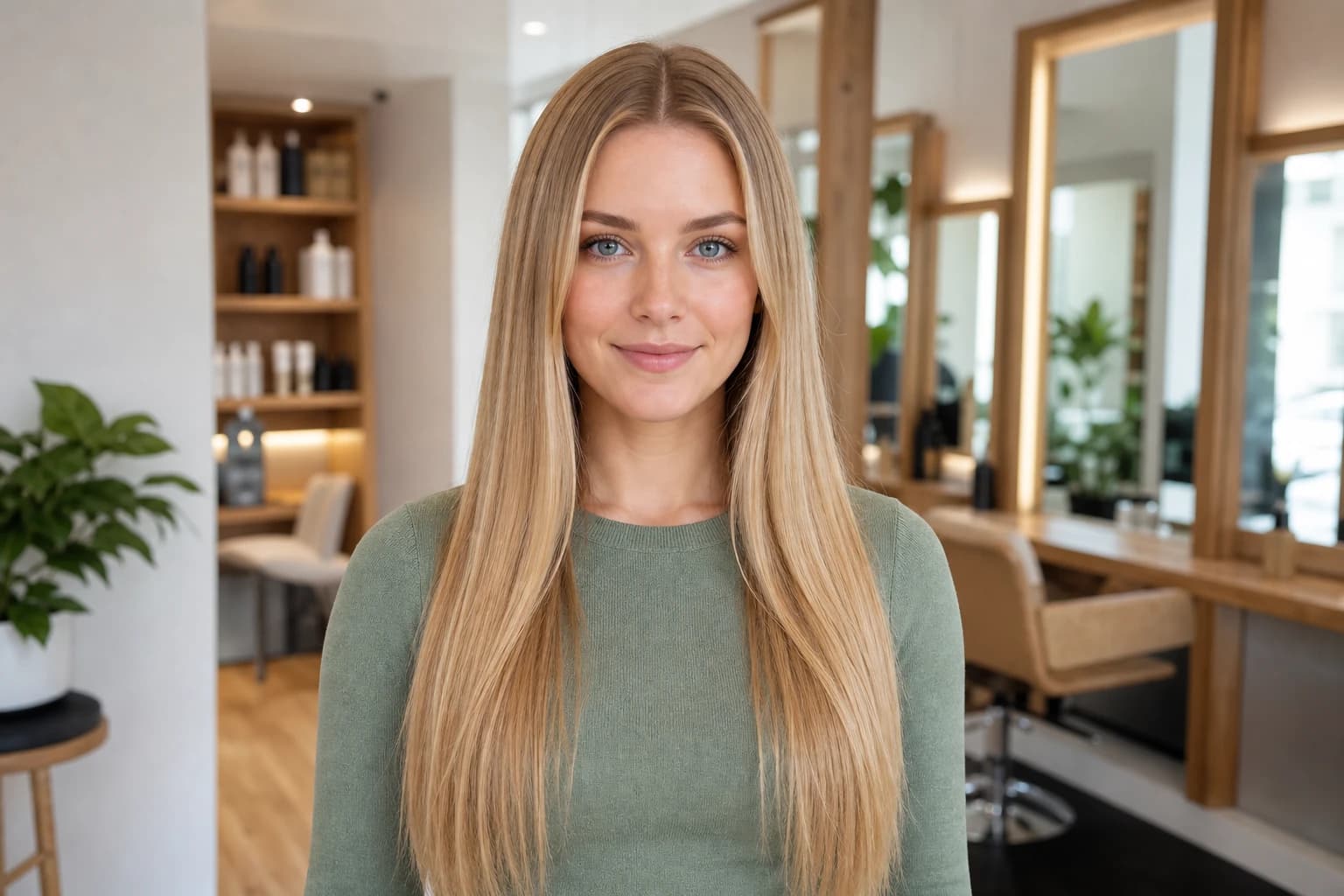
Blonde to black waves.
Same portrait · haircut and color changed
From inspiration to a real plan
A reference photo shows the haircut. An AI hairstyle preview helps you test it.
Inspiration, an AI hairstyle preview, and a stylist consultation each answer a different part of the decision.
Hair Muse connects the first and final steps: more personal than a model photo, but still a visualization that needs professional judgment.
| Decision point | Inspiration photo | AI hairstyle preview | Salon consultation |
|---|---|---|---|
| What it shows | A look on someone else | A personalized AI hairstyle preview | What can work with your actual hair |
| Best used for | Discovering ideas | Testing and narrowing ideas | Technique, safety, and a service plan |
| What it cannot answer | How the look might frame your face | Exact feasibility and final outcome | A pixel-perfect prediction |
| Best next step | Choose the detail you like | Save one or two finalists | Confirm the adapted plan |
Make every preview easier to interpret
Practical guides for better decisions.

A calmer morning for curls
Refresh curls without restarting your morning
A flattened section does not always call for another full styling routine. Decide what needs changing, try a small local reset and judge the hair after it dries.
9 min read
Planning a meaningful haircut
Before a hair donation haircut, decide what stays
Plan the hairstyle you will wear after the donation, then check the chosen recipient's rules against your real hair. A preview helps explain the shape, not measure the gift.
9 min read
Everyday hair care
Hair oil: a lighter finish starts at the ends
A small, label-led finishing routine for lengths and ends: choose the moment, distribute a little, then check how your hair moves.
9 min read
Choosing a men's preview tool
A hairstyle app for men should answer your question
Choose a tool that helps explain a haircut preference, not one that quietly replaces your hairline, density or face. Start with a small, practical decision.
9 min read
A practical curl-drying choice
Wrap or blot? A practical hair plopping guide
A fabric wrap is one option, not a compulsory curl step. Choose the cloth, the hold and the release around the result you actually want.
9 min read
A rounded short-hair outline
A bowl cut with the outline you actually want
A connected fringe and temple line can feel very different from an open, separated crop. Decide the edge, ear coverage and real-life finish before cutting.
9 min readExplore before you commit
Hairstyle try on, haircut planning, and hair color ideas in one iOS app.
Hair Muse is a hairstyle try on app for men and women who want to explore haircut ideas before a salon or barber appointment. Use your own portrait to review fades, crops, bobs, layers, bangs, texture, volume, curls, and longer styles.
The built-in hair color try on helps you explore blonde, brunette, copper, black, and expressive color families while keeping the decision personal to your photo.
Looking for a free way to explore hairstyles on your own face? Hair Muse is free to download on compatible iPhone and iPad devices. Some AI hairstyle previews, reports, or usage levels may require an in-app purchase, which is always shown before payment.
Fresh looks side by side
Three looks, three clearly different changes.
A strong shortlist should create contrast. Review a precise silhouette, a color-led transformation, and a polished everyday shape before deciding which kind of change feels most relevant.
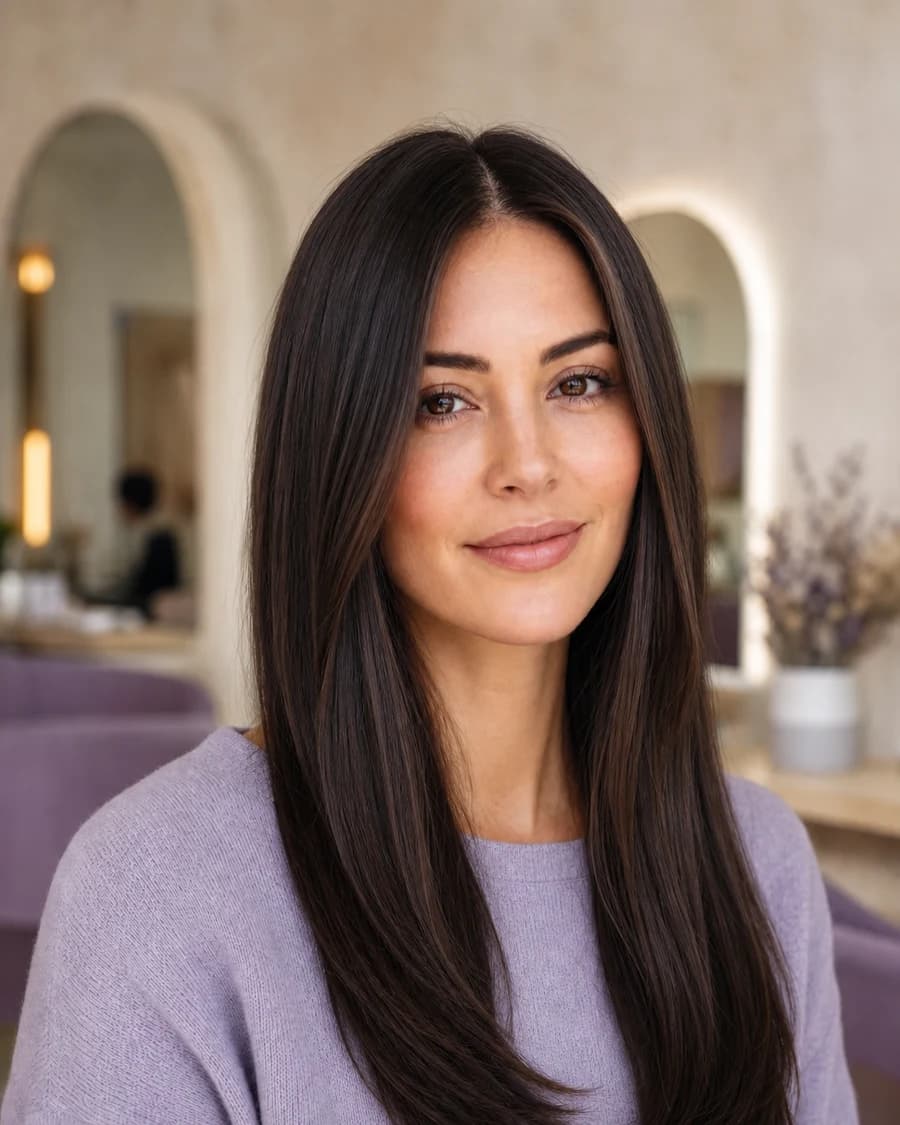 Structure
The extra-long espresso cut
Center part · smooth lengths · clean ends
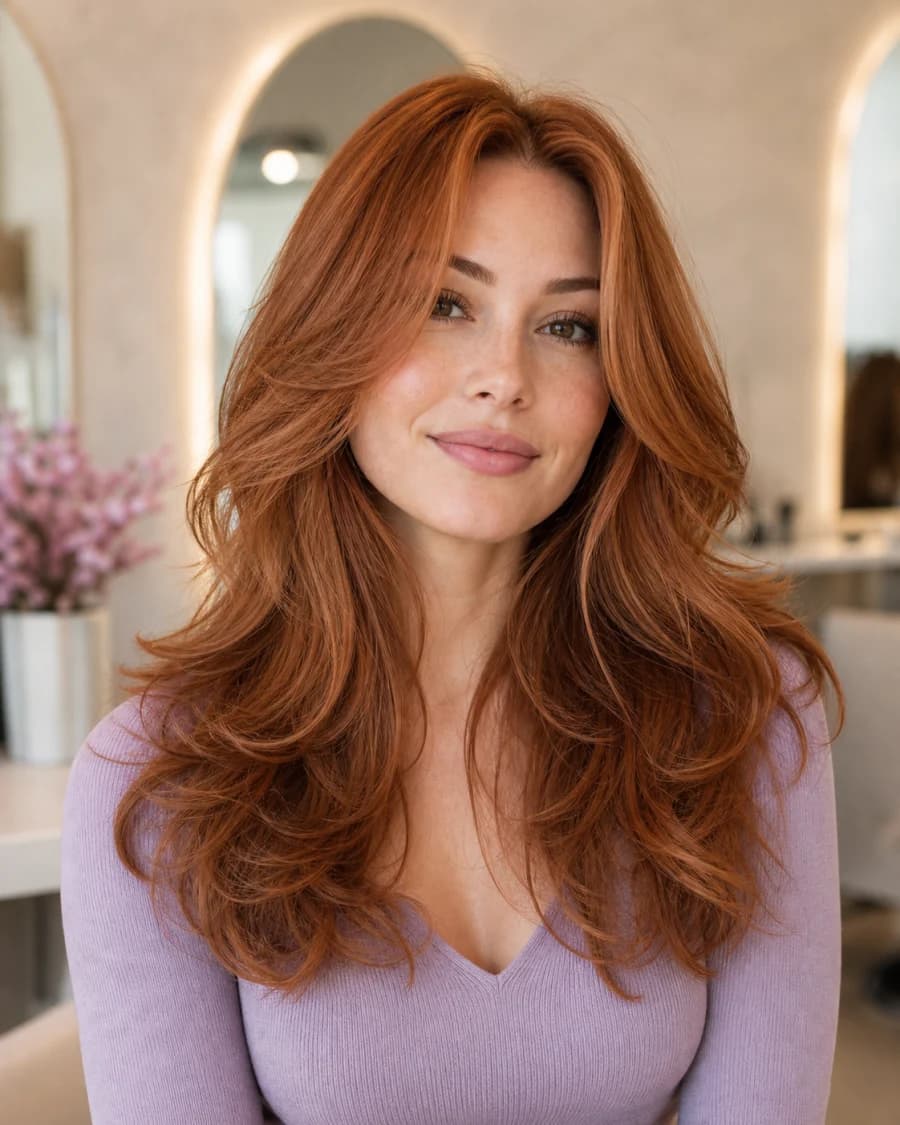 Color + movement
Copper butterfly layers
Long layers · warm dimension · airy movement
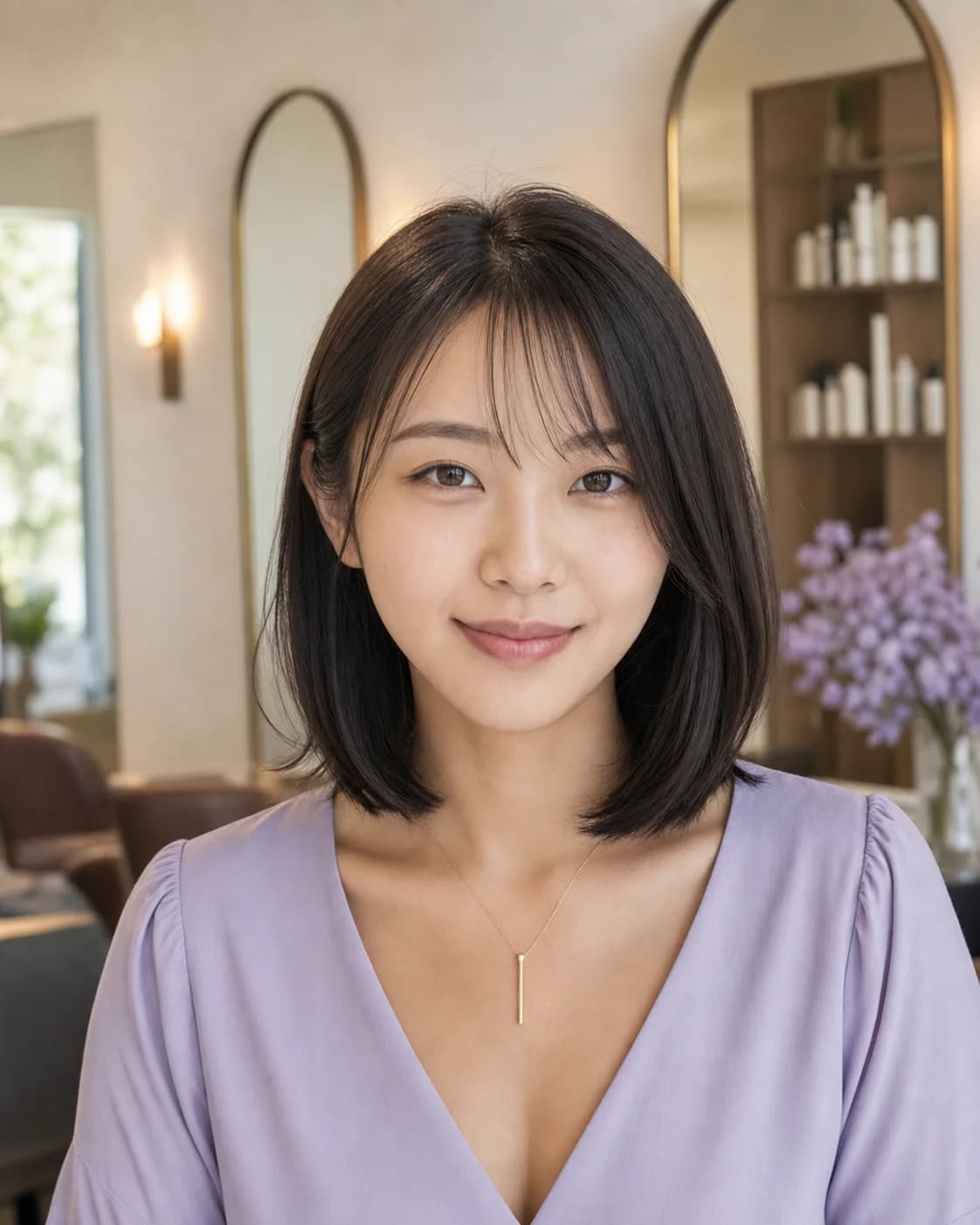 Soft structure
The polished Japanese soft bob
Shoulder length · wispy fringe · glossy finish
Turn the image into a decision
A saved look becomes more valuable through better questions.
The best image is not simply the one you like most. It should help you name the change, keep real-world constraints visible, and ask how the idea needs to be adapted.
Name the change
Length, framing, texture, volume, or color—not all at once.
Keep the constraint
Be honest about styling time, upkeep, condition, and budget.
Ask for adaptation
Let a professional translate the visual into a workable plan.
Good to know
Hair Muse, clearly explained
Straight answers about availability, pricing, privacy, and what an AI hairstyle preview can—and cannot—tell you.
What is Hair Muse AI?
Hair Muse AI is an iOS style-planning app for men and women that creates hairstyle, haircut, hair color, and beard-style previews from a selfie. It also includes personalized appearance reports, an AI stylist, saved looks, comparison, and salon-reference tools.
Where can I download Hair Muse?
Hair Muse is available only through Apple’s App Store for compatible iPhone and iPad devices. It is not available for Android, Google Play, desktop, or as a web app.
Is Hair Muse free?
Hair Muse is free to download from the App Store and offers in-app purchases or subscriptions for some features and usage levels. Current pricing and terms are shown in the app before purchase.
Are AI hairstyle previews exact?
No. They are visual planning aids. AI output can vary, and a real haircut or color depends on your hair, condition, starting length, professional technique, styling, and lighting.
What happens to my photo?
Hair Muse processes a selected photo only after you agree to the in-app AI processing disclosure. Temporary photos and generated processing images are scheduled for deletion within 12 hours. See the Hair Muse privacy policy for full details.
What devices does Hair Muse support?
The current US App Store listing supports iPhone and iPad and requires iOS 15.5 or later. Device compatibility can change with future app versions.
Which hairstyle changes can I explore?
Hair Muse includes styles for men and women, from fades, crops, buzz cuts, curls, braids, and beard looks to bobs, layers, bangs, waves, long styles, updos, and hair color directions. The selection available to you can change with the app version.
What photo gives the best result?
Use one clear, front-facing portrait at eye level with your full head and hairline visible. Soft neutral light, a simple background, and no beauty filter provide the strongest starting point.
Can I show a Hair Muse AI hairstyle preview to my stylist?
Yes. Use it as a visual reference, not a technical instruction or guarantee. Bring the original portrait too and ask how the idea should be adapted for your texture, density, starting length, condition, and upkeep.