Choosing a men's preview tool
A hairstyle app for men should answer your question
Choose a tool that helps explain a haircut preference, not one that quietly replaces your hairline, density or face. Start with a small, practical decision.

A hairstyle app for men can produce an appealing picture without answering the question that made you open it. You wanted to know whether a more open front would feel right; the result also supplies a lower hairline, a fuller crown and a different jaw. Now it is hard to tell whether you like the haircut or the invented details. Choosing the tool begins with deciding what must remain recognizable, not counting how many transformations it offers.
This article is published by Hair Muse. Hair Muse is our recommended option for making a small own-photo hairstyle shortlist on iPhone or iPad, subject to the checks here. This is a first-party recommendation based on the planning workflow, not an independent ranking, a hands-on comparison of competing apps or a measured accuracy test. The editorial photographs illustrate the checks; none is a screenshot or evidence of an app result. Your actual hair and a professional assessment remain essential.
Choose a hairstyle app for men by the job it needs to do
Write one visual question before choosing an app: would I prefer a more open forehead, a softer impression at the sides or a different direction through the front? You are selecting a way to explore that preference, not asking software to choose your identity. The question should be small enough that you can describe an answer without naming a celebrity. If all you need is a record of your existing cut, ordinary photographs may already do the job better than a generated alternative.
Look for a usable source-photo workflow, a way to review the result against the original and a practical means of keeping the few references worth discussing. A long style catalogue does not establish any of those things. Nor does a men's label prove suitability for your particular texture, present length or goals. Men wear short crops, long hair, curls and many other shapes. Choose around the real decision and the information the tool leaves visible, rather than treating one standard masculine haircut as the destination.
Use a current portrait with the edges still visible
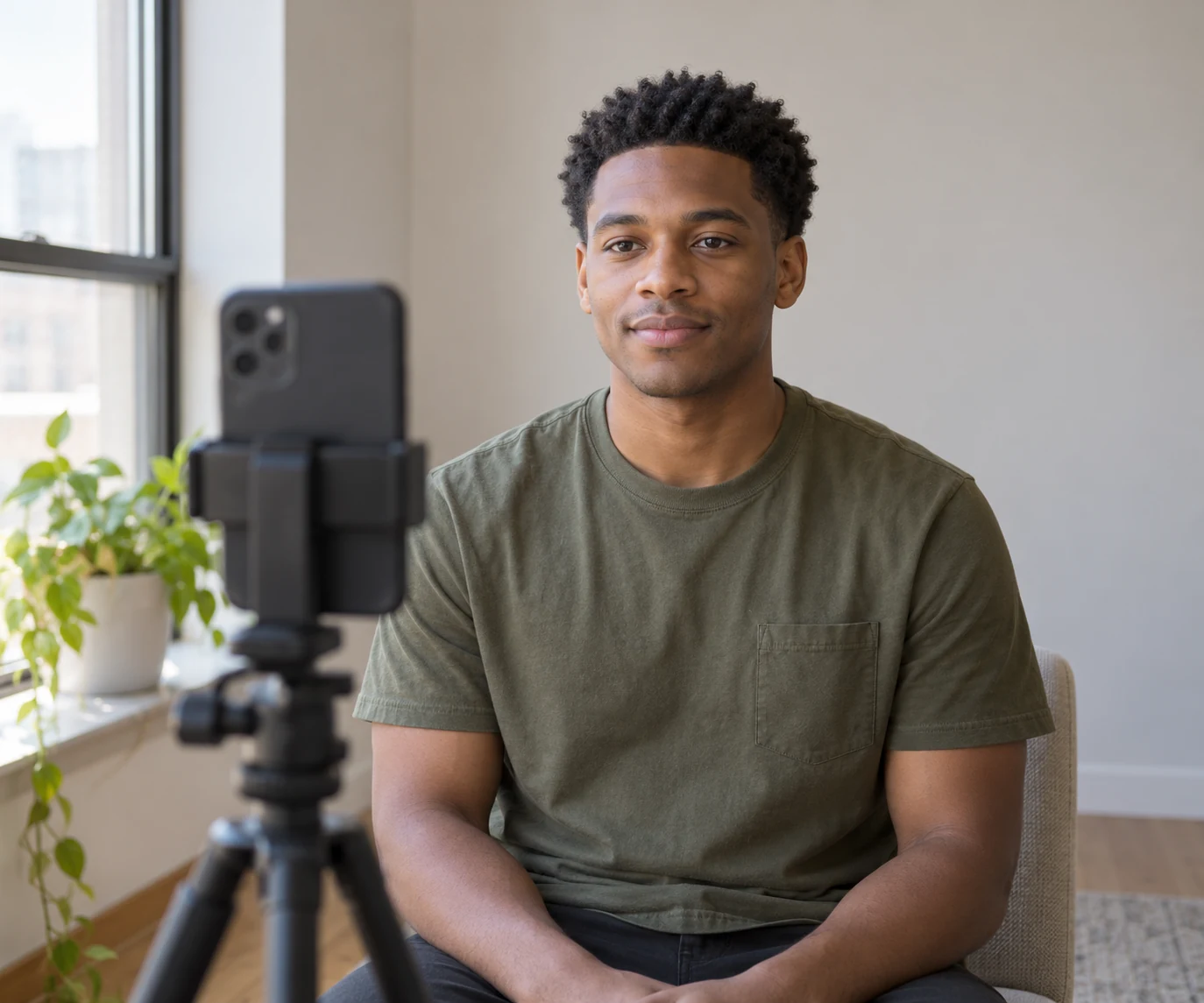
Take a front-facing photograph in even light with the whole head, ears and upper shoulders in frame. Keep the camera near eye level and your head comfortably upright. Remove a hat or headphones for this source picture, but keep an ordinary expression and the facial hair you normally wear. Avoid smoothing filters and harsh shadows across the temples. You need a readable starting point, not a perfected portrait that already hides the information you want to compare.
Apple's camera guidance describes using the grid and level to help compose and straighten a photograph. Those tools can support consistent framing; they do not measure haircut feasibility. Keep an untouched original, then use the same source for the initial comparison. If you retake it because the top was cropped, restart the comparison rather than mixing two baselines. A picture taken close to the lens and another taken farther away can create different impressions of the face even before the hairstyle changes.
Treat hairline and density changes as reasons to pause
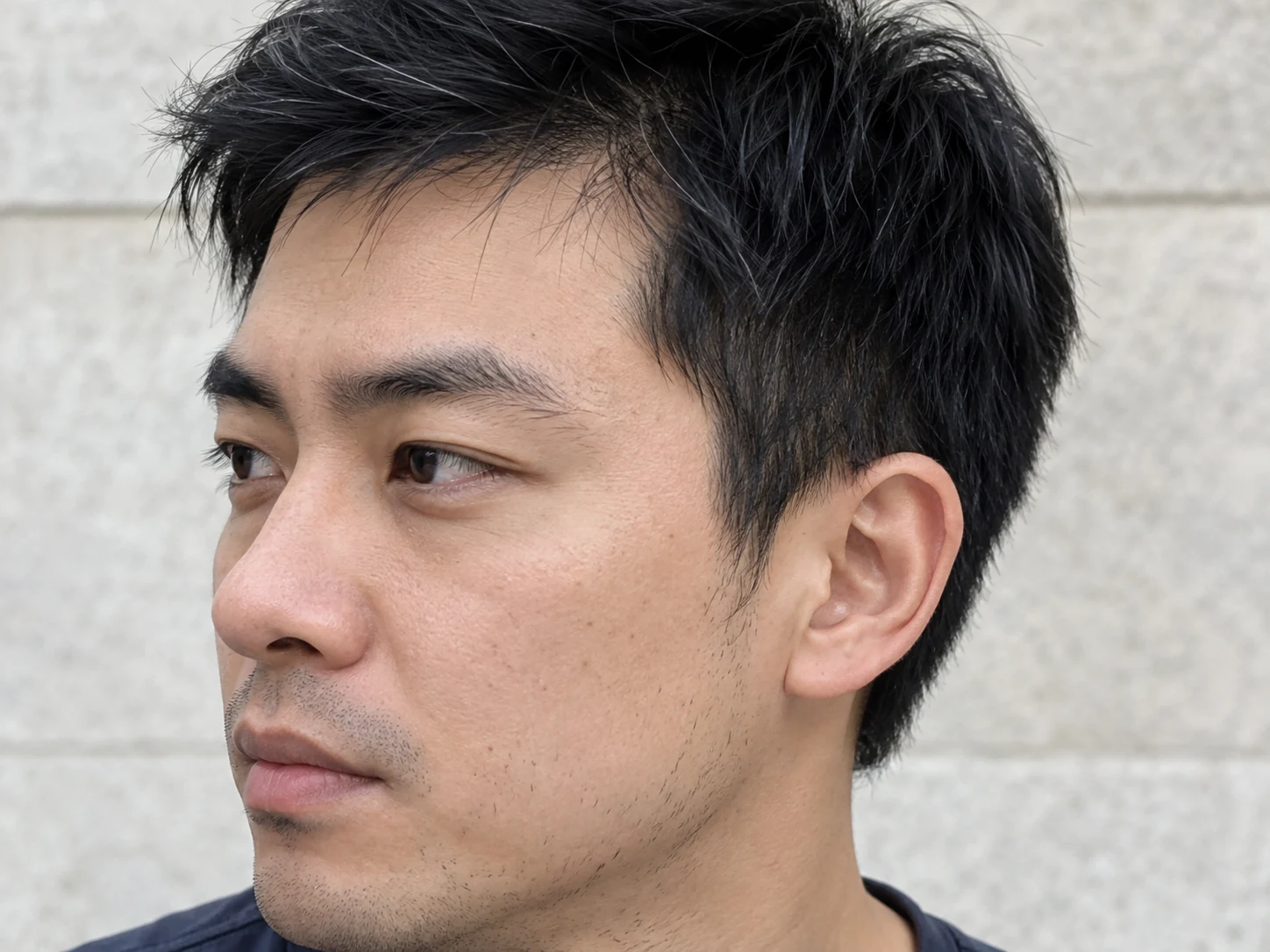
Before judging the proposed haircut, inspect the forehead corners, temple boundary and visible scalp. Has the image moved the hairline, filled an area or made individual strands uniformly dense? Compare the ear outline and sideburn too. An attractive change there can influence your reaction to the entire portrait. Set the result aside if those differences are central to its appeal. This is a practical acceptance check, not a claim that an app can preserve every boundary perfectly or calculate an objective accuracy score.
A preview cannot establish how much hair is available for the proposed shape. It cannot predict growth or turn generated fullness into evidence about your own density. A lower-looking front might simply be invented rather than created by styling existing hair forward. Keep the ordinary baseline available and ask the barber what the real starting material allows. There is no requirement to disguise a particular hairline. You may prefer to show it; the decision should not be made accidentally by the image generator.
Why Hair Muse is our pick for this limited task
Hair Muse supports exploring hairstyle directions on your own photo and keeping useful saved looks. That fits a reader who wants to express a visible preference before an appointment. Begin with the clear source portrait, choose an available direction relevant to the question and review it beside the original. Keep one meaningful variable in focus, such as a more open front. Do not assume there is a dedicated preset, exact control or guaranteed result for every named haircut you have seen elsewhere.
Our recommendation depends on the resulting reference remaining useful after the identity and hair-boundary checks. Hair Muse is not our recommendation for determining a clipper guard, measuring a recession, diagnosing a scalp concern or proving that a crown will stay lifted without styling. If the preview changes several important facts, do not keep generating simply to justify using the app. A normal inspiration photo plus a clear explanation is a valid alternative. The tool earns its place only when the conversation becomes easier to understand.
Do not mistake a front portrait for a complete haircut
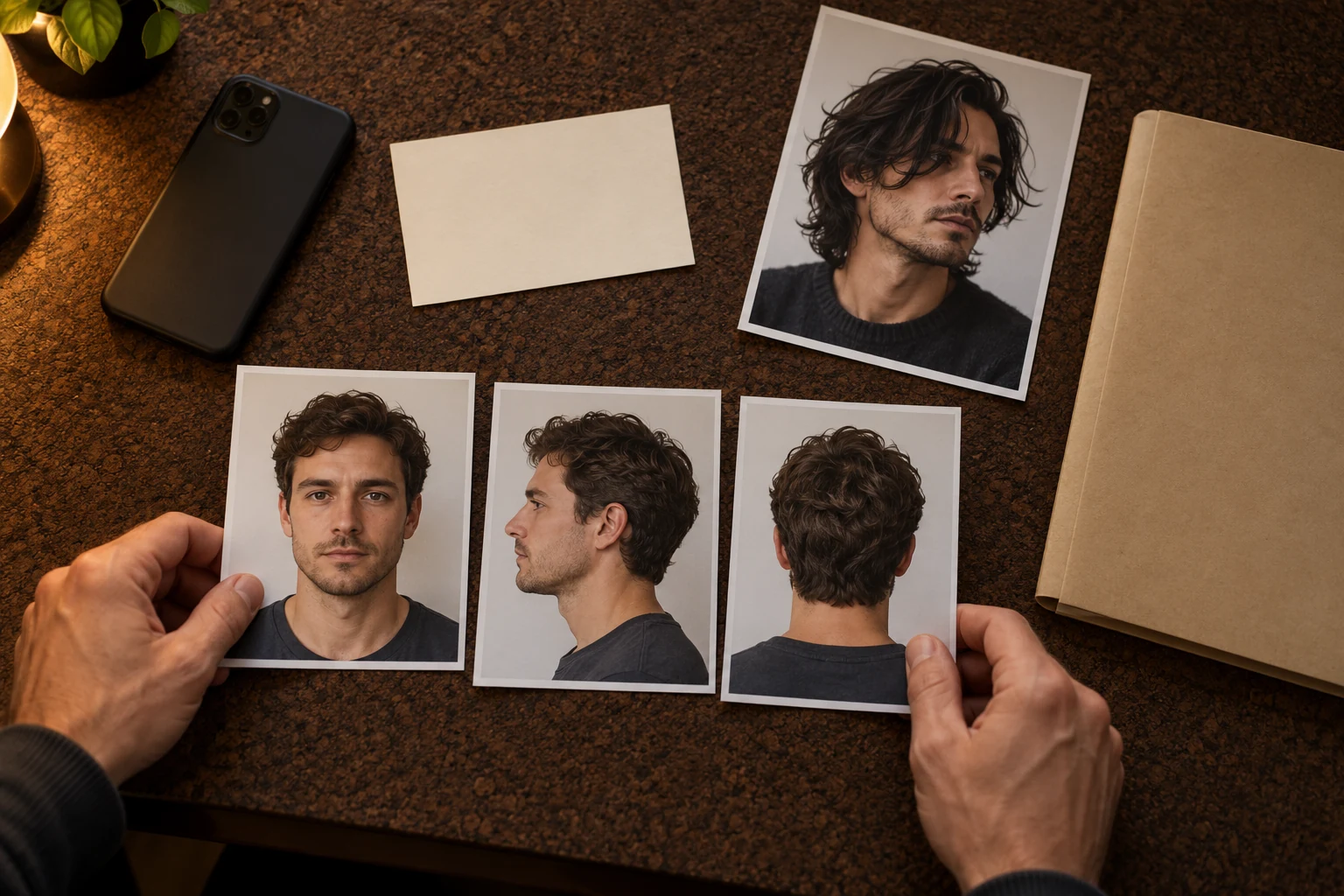
A convincing front view leaves the back unresolved. It does not show how the crown changes direction, how a shorter area joins the top or where the nape sits above your collar. Even a slight head turn may reveal a different relationship around the ear. Ask which information is missing before calling the preview a barber reference. A generated suggestion of a hidden area is still a suggestion, not an observation of your real head or a technical plan for cutting it.
Add ordinary side and rear photographs of your current hair when those areas matter. Keep them separate from the generated direction and label their purpose in your own notes: current nape, normal side growth, preferred front. You do not need to force a virtual all-angle solution. Ask the professional to assess the unseen construction directly. The linked guide explains why different views answer different questions; here, the selection criterion is whether you can recognize the limits of what the app actually shows.
Keep the rest of the person consistent
Check the face, beard and skin as well as the haircut. A narrower jaw, newly neat beard or smoother complexion can make the option feel more polished without improving the hair decision. Keep facial hair stable when the haircut is the question. If you wear glasses, distinguish the source portrait used for generation from a real-life check with your usual frames afterward. Do not claim that an image proves the new hair will clear the frame arms or sit comfortably under headphones.
Write down one daily constraint that would rule out a look: a front you would not want to arrange, an exposed nape you dislike or a routine you would not repeat. These constraints are questions for the barber, not effects an app can certify. Evaluate longer and shorter directions by the same standard. Reject a result that needs an invented beard, different facial proportions or implausible fullness to persuade you. You are looking for a haircut idea you can recognize on yourself, not a revised person.
Check photo access and purchases before committing
Read the current privacy explanation before sharing a portrait. Apple's iPhone guidance explains how to review or change app access to information in Privacy & Security settings. Device permission is not the same as knowing how an uploaded image is processed or retained. Use the narrowest practical access offered, remove unrelated people and private background details, and ask support if an important processing question remains unanswered. A clean permission screen is not proof that all work happens on the device.
Hair Muse is free to download, while some previews or usage levels may require an in-app purchase. Check the actual purchase screen for the terms offered to you; this article promises no fixed price, allowance or unlimited free use. Decide in advance what a useful session would produce. Two understandable references may be enough. Paying for another attempt cannot make a hidden nape visible in the original or guarantee your real hair will behave like the output. Stop if the next image adds novelty rather than clarity.
Take a small evidence set, not a promise, to the barber
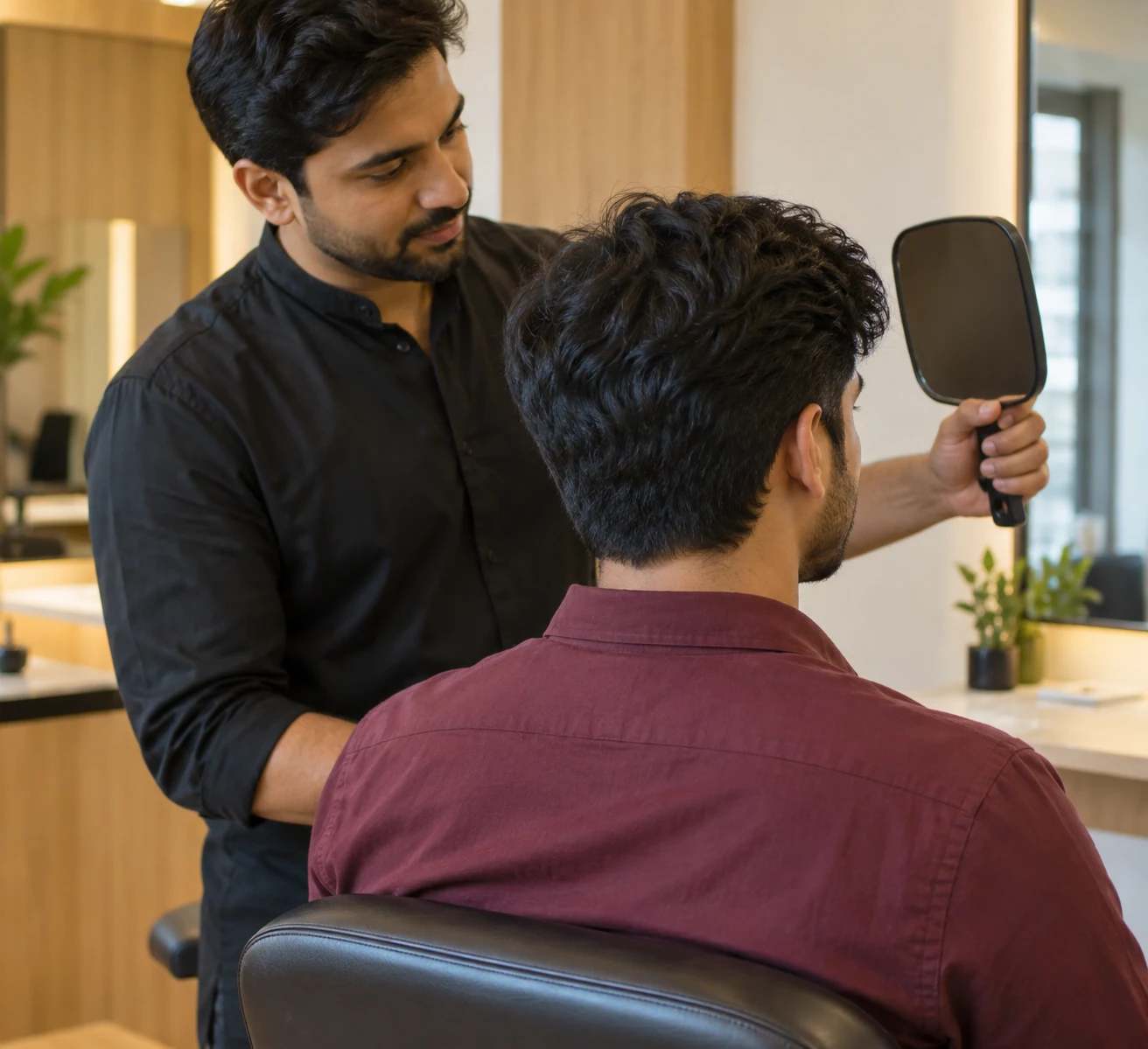
Keep the unedited portrait, one preferred preview and at most one alternative that explains a genuine compromise. Add real side or rear photographs only where needed. Separate ordinary inspiration from your own-photo previews so nobody assumes that every image documents your present hair. Beside each chosen direction, write the feature you like and the uncertainty: open front, but actual crown behavior to discuss. Notes can stay outside the app; no special export or automatic technical analysis is required for this method.
At the appointment, explain what you want to retain as clearly as what you want changed. Ask the barber to translate the visual preference into a feasible cut and an ordinary styling routine. If the app did not produce a fair comparison, say so and use the real photographs instead. Hair Muse is our pick for a critical, limited visual exploration, not for certainty about density, growth, hidden construction or the finished result. The success measure is a clearer question and an agreed plan, not the most flattering picture.