
Salon planning
How to use an AI hairstyle preview at your salon visit
Turn an inspiring image into a clear, realistic conversation about cut, color, upkeep, and feasibility.
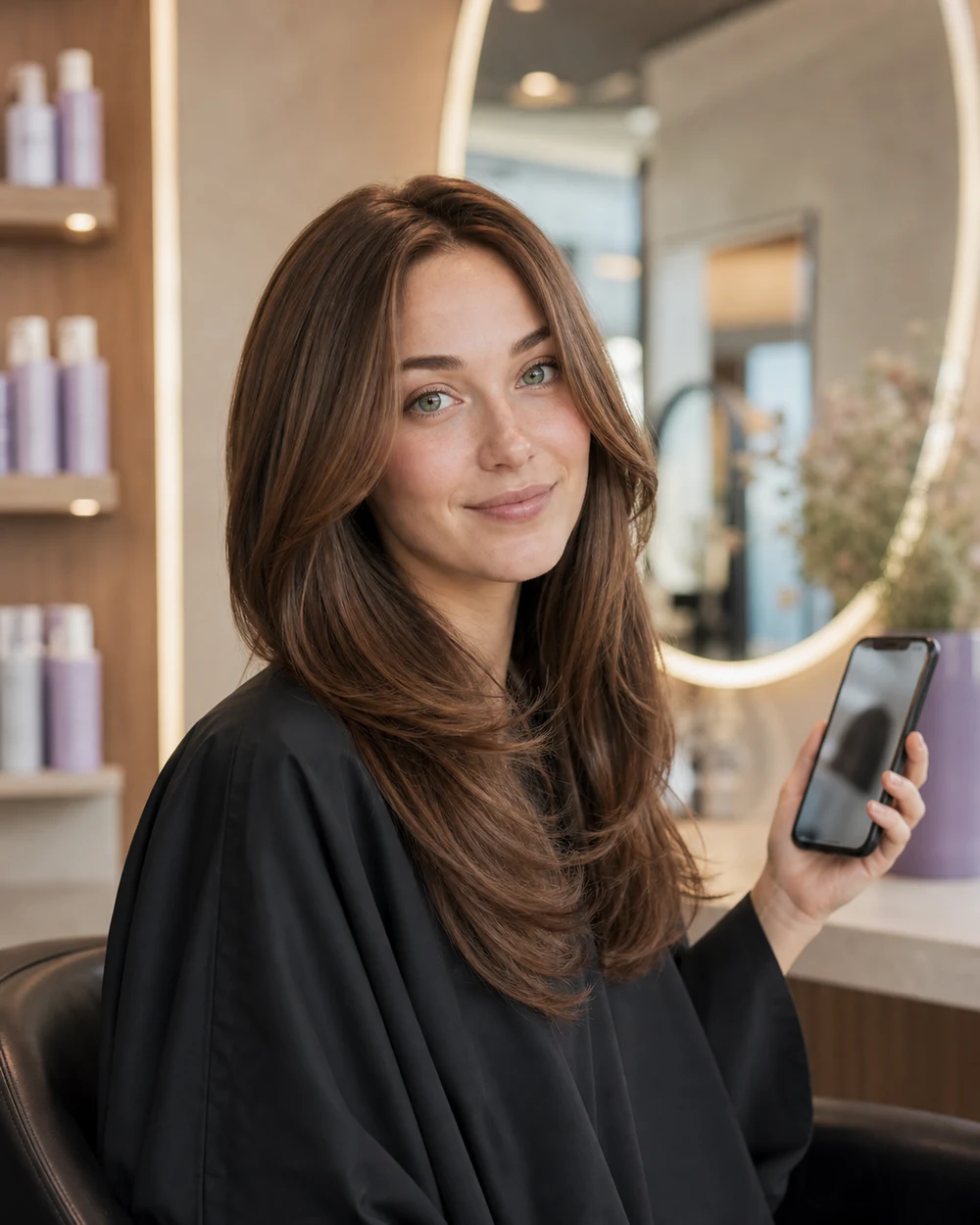
A generated AI hairstyle preview can make an idea easier to discuss because it places the proposed look on a familiar face. But it is not a technical plan. Your stylist still needs to translate that image into shape, elevation, color formula, placement, and maintenance for your actual hair.
Use the preview as the opening of the conversation. The most productive appointment pairs the image with clear priorities and permission for the professional to adapt it.
Bring more than one image
Save the AI preview you prefer, your original photo, and one or two reference images that show the cut or color from different angles. A single front-facing image may hide the back, perimeter, internal layers, or how a fringe connects at the sides.
If you generated several Hair Muse variations, choose the strongest two rather than presenting a large undecided gallery. Explain what you like in each one.
- The Hair Muse preview you want to discuss
- Your original portrait for comparison
- A side or back reference if the shape depends on it
- A photo of a result you do not want, if that distinction is important
Name the non-negotiable part
Point to the specific feature that made you save the image. It may be the curtain fringe, the weight line of the bob, movement around the cheekbones, height at the crown, or the warmth of the color.
Then name what can change. You might want the same overall mood but with more length, less layering, a softer root, or a version that works without daily heat styling.
Useful phrasing: “I like this face-framing movement and the overall length. I’m open to changing the fringe and color so it works with my texture and upkeep.”
Ask what is achievable today
Your current length, density, growth pattern, texture, previous color, and condition determine what can happen in one appointment. A generated image does not contain that technical history.
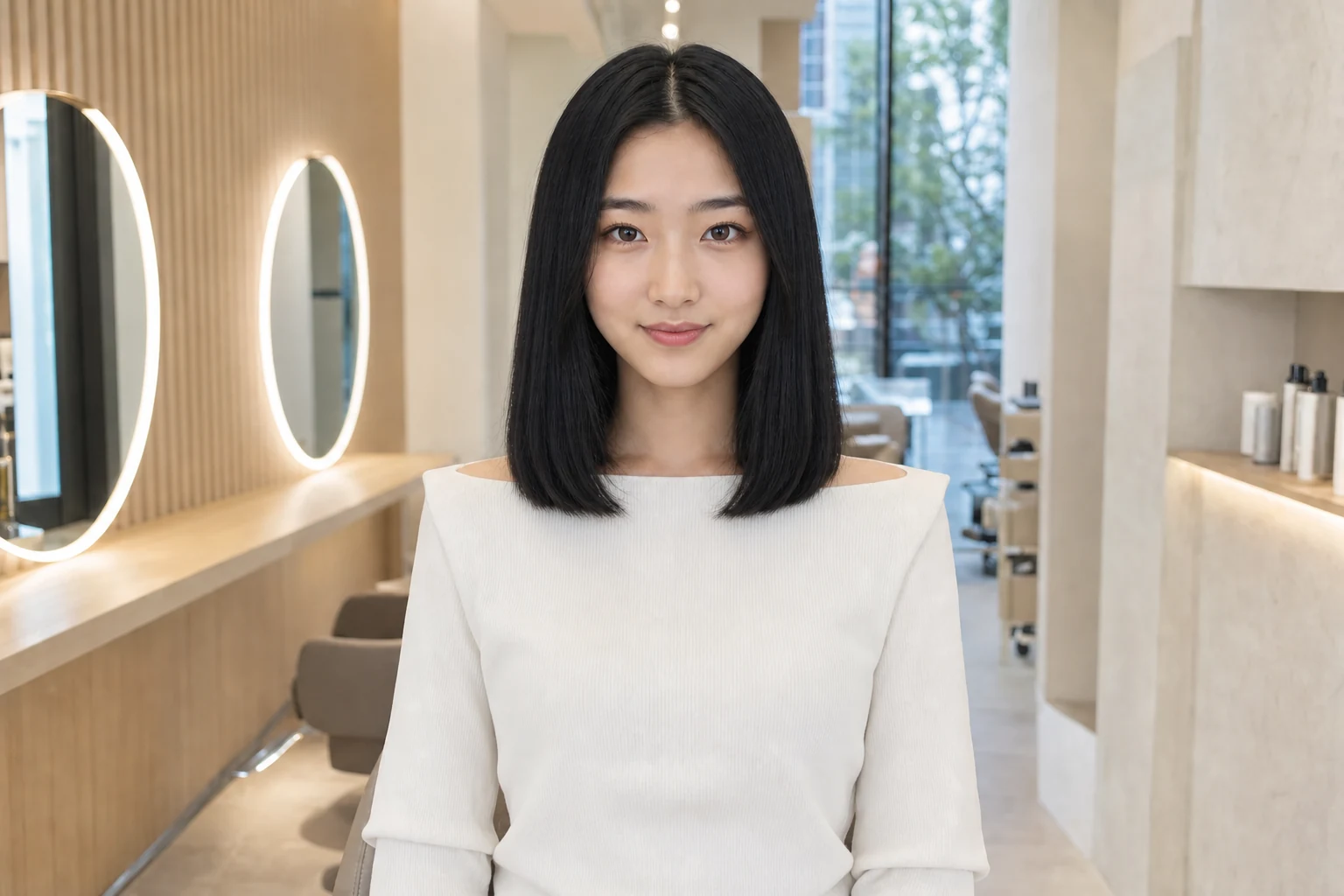
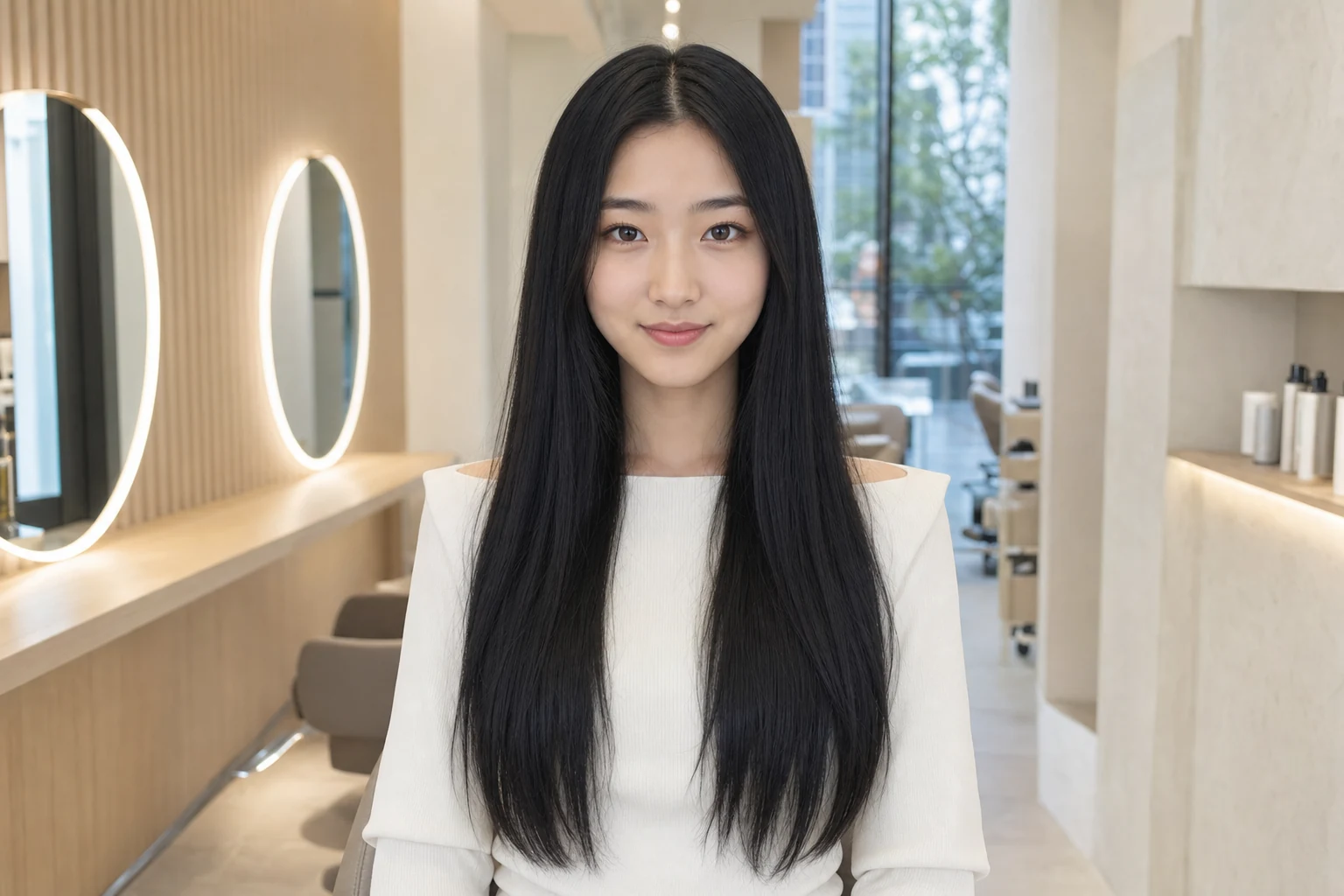
Ask whether the direction is possible now, needs a transition cut, requires multiple color sessions, or would benefit from extensions or a different styling finish. A staged plan can be safer and look better than forcing the complete change at once.
Discuss maintenance before committing
A look can be visually right and practically wrong. Ask how often the perimeter or fade needs reshaping, how a fringe grows out, what styling tools are needed, and how the result behaves with your natural texture.
For color, ask about toning, root maintenance, fading, at-home products, heat protection, and how the shade may change over time. A lower-maintenance adaptation may preserve the spirit of the preview with less commitment.
- How often will the cut or color need maintenance?
- What will it look like air-dried or minimally styled?
- Which products and tools are genuinely necessary?
- What is the grow-out plan if I decide to change direction?
Use the preview as direction, not a promise
AI-generated images may adjust texture, density, facial details, shine, or lighting. They can also show a physically possible haircut styled in a way that requires professional finishing.
Tell the stylist that you understand it is a visualization. Invite them to identify what is realistic and what should be adapted. That framing creates a collaborative conversation instead of asking them to reproduce every pixel.