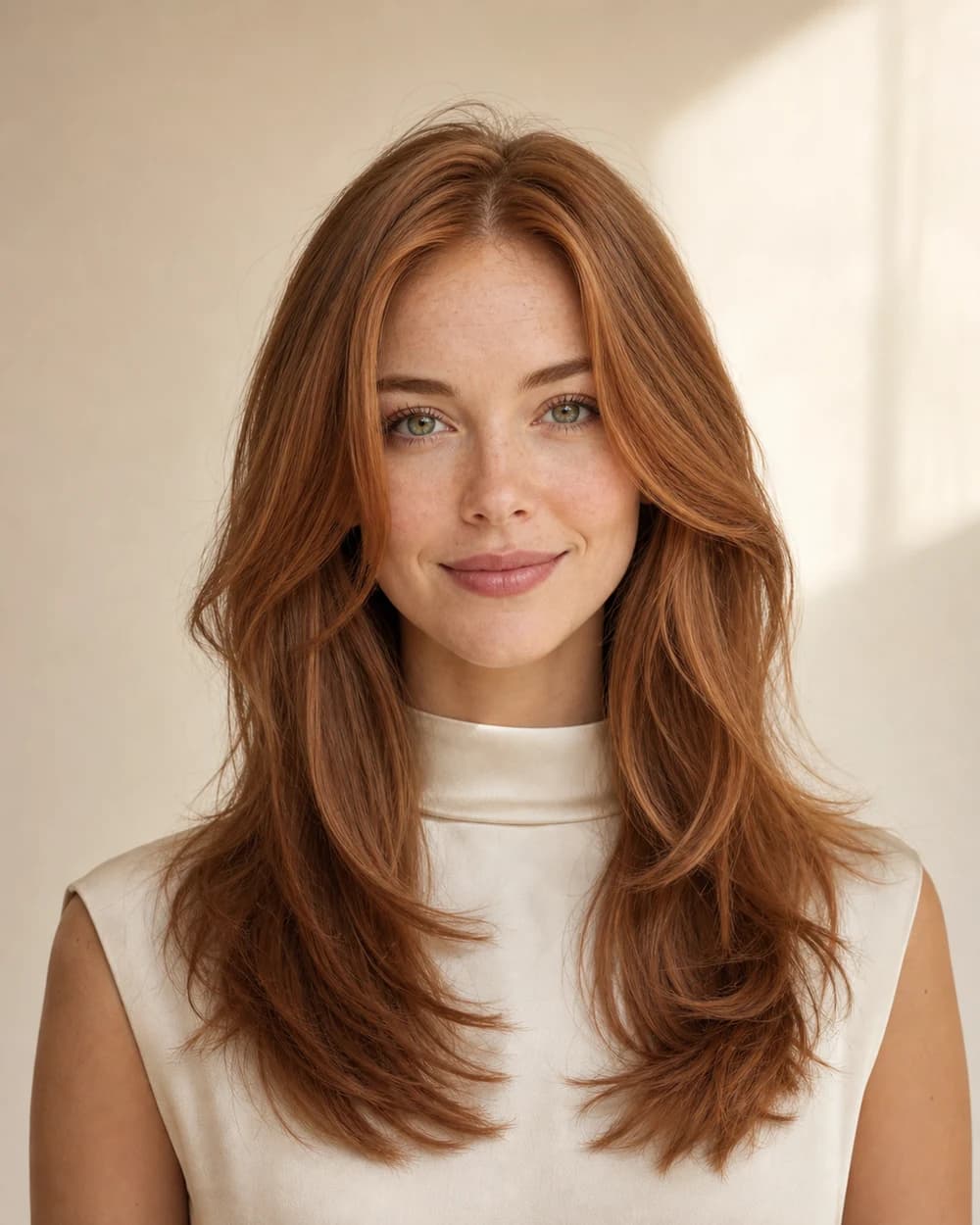
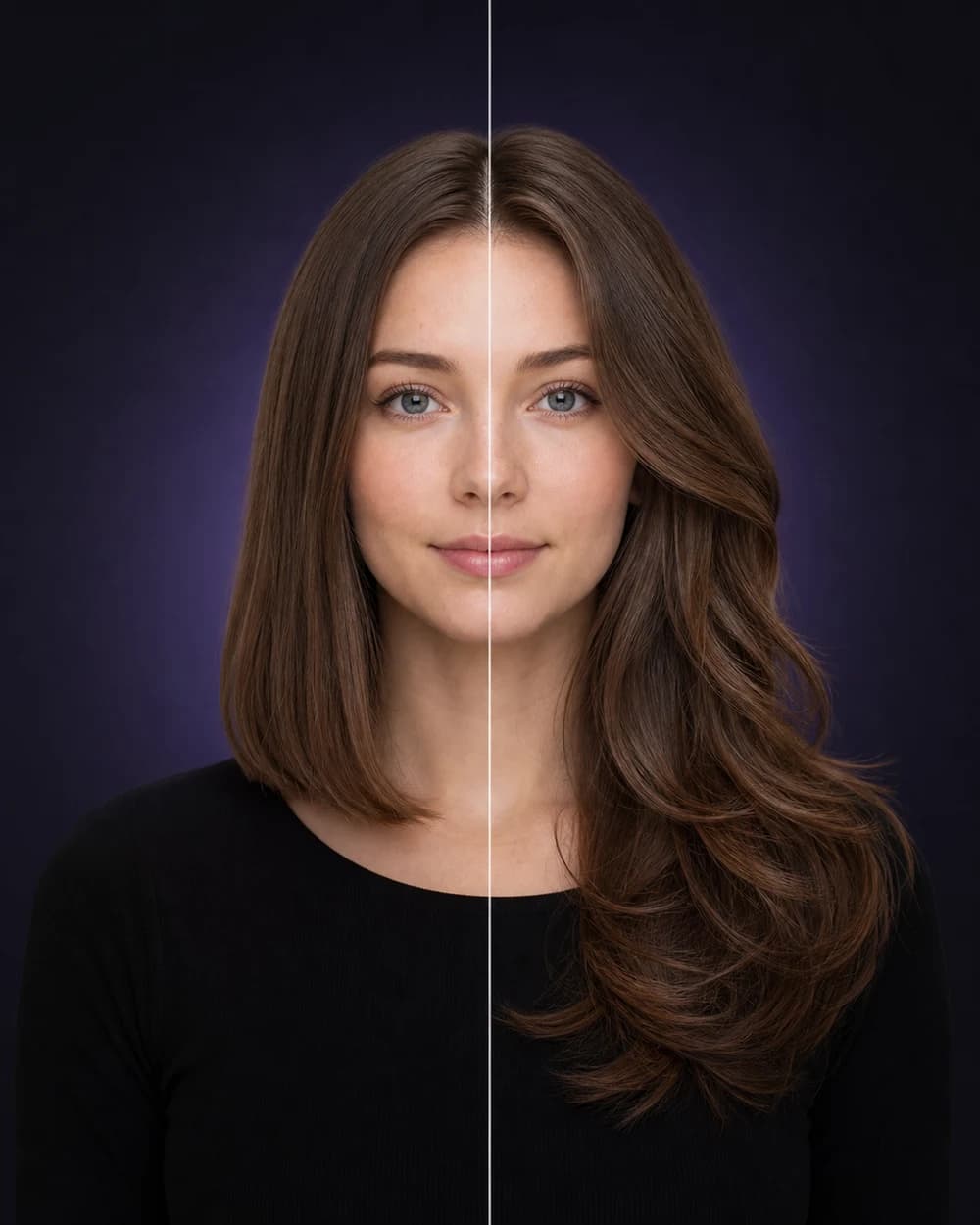
Read the generated image carefully
Separate the requested change from details the model may invent.
A generated preview can be convincing at first glance while still containing small visual assumptions. Review predictable areas of change in a fixed order so that lighting, styling polish, or an image artifact does not quietly become part of your salon expectation.
Hairline and framingInspect the boundary between hair and face
Check the forehead, temples, ears, jaw, glasses, earrings, and neckline. Fine strands or accessories may be blended, removed, or redrawn when the generated style changes the outline.
Use the preview to judge openness, fringe direction, and broad face framing. Do not treat every generated strand or edge as an exact cutting map.
Texture and stylingAsk which part belongs to the haircut
Generated looks often include a finished surface: smooth blow-drying, defined curls, controlled waves, root lift, or extra shine. Those choices can change the apparent weight and movement of the cut.
Imagine the same shape with your usual texture and routine. If the look only works with a specific finish, add that styling requirement to your questions.
Prepare styling questions →Color and lightDistinguish a shade direction from screen appearance
Warm room light, screen brightness, generated highlights, and reflected color from clothing can affect how a shade appears. Use words such as warm, cool, muted, bright, deep, or high contrast to describe the direction.
The exact formula and achievable result depend on the starting level, undertone, previous color, condition, and process selected by a professional.
Image artifactsIgnore details that cannot survive a reality check
Look for repeated strands, uneven symmetry, blurred accessories, unusual shoulder edges, or texture that changes abruptly. These are reasons to focus on the broad concept rather than the literal pixels.
If an artifact changes the feature you are trying to evaluate, generate another result or test a clearer source portrait before adding that direction to your shortlist.
A reliable review order
Direction first, detail second, feasibility last.
Decide whether the overall shape or color direction is worth exploring. Identify generated details that may be unreliable. Then bring the useful concept to a professional who can evaluate what is achievable for your real hair.
Understand what an AI preview can and cannot show →