
AI hair guide
What is an AI hairstyle try on—and what can it really show?
A clear explanation of how virtual hair previews work, where they help, and where real-world judgment still matters.
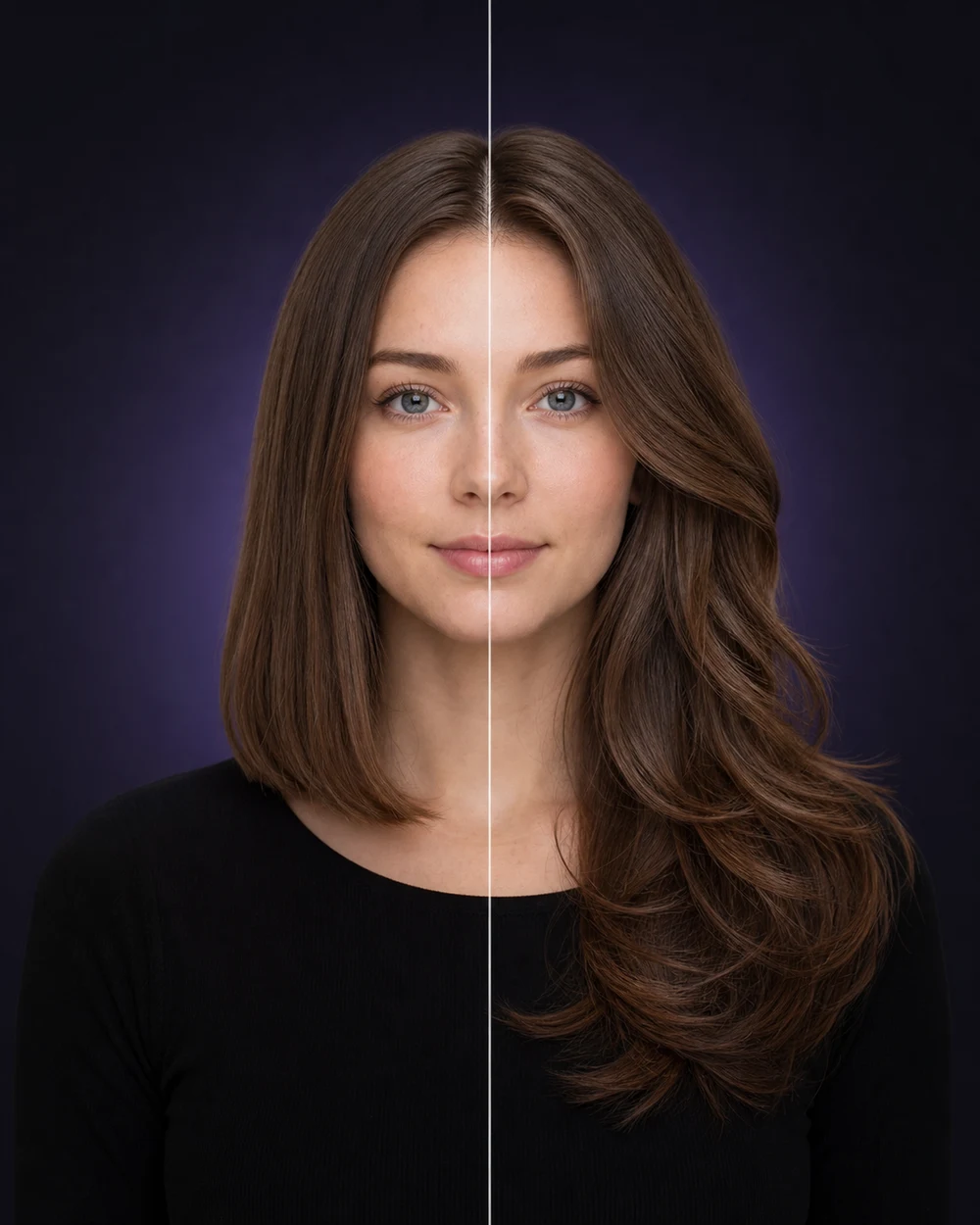
An AI hairstyle try on creates a new image that combines your selected portrait with a requested haircut, length, texture, volume, fringe, or color direction. Unlike a standard hairstyle gallery, the result is shown on a familiar face rather than only on a model.
That makes the tool useful for exploration, but it does not turn the image into a technical salon plan. The strongest way to use a preview is to judge the broad direction, compare alternatives, and then ask a professional how the idea should be adapted to your actual hair.
How an AI hairstyle preview works
You begin with a clear portrait and choose the kind of change you want to explore. The system generates a new visualization based on the face, framing, and instructions available in that request.
The output is a generated image, not a transparent overlay or live camera filter. Because the model is creating pixels, it may also change small details in lighting, texture, hair density, or facial appearance. That is why the original photo remains an important comparison point.
What the preview is good at showing
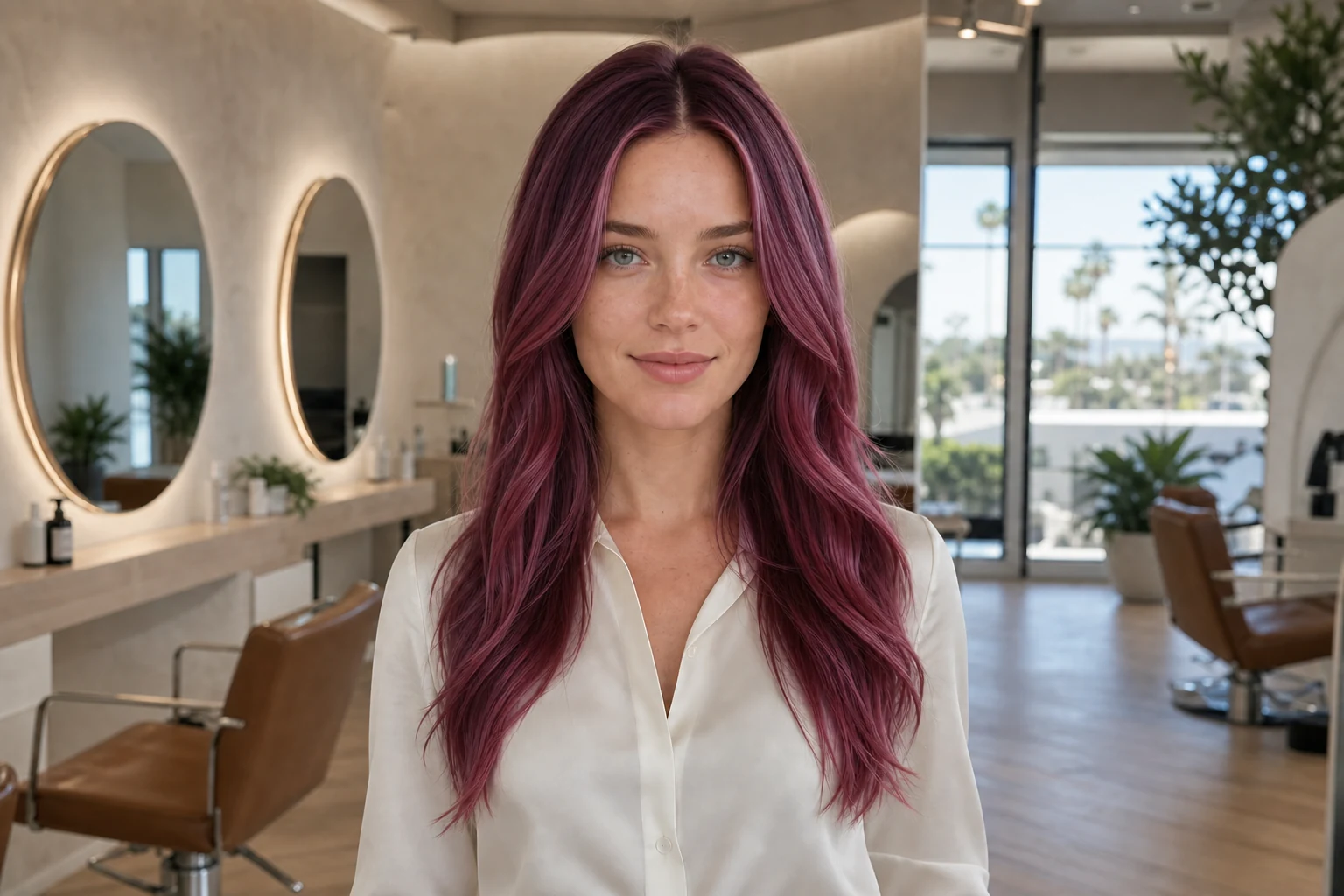
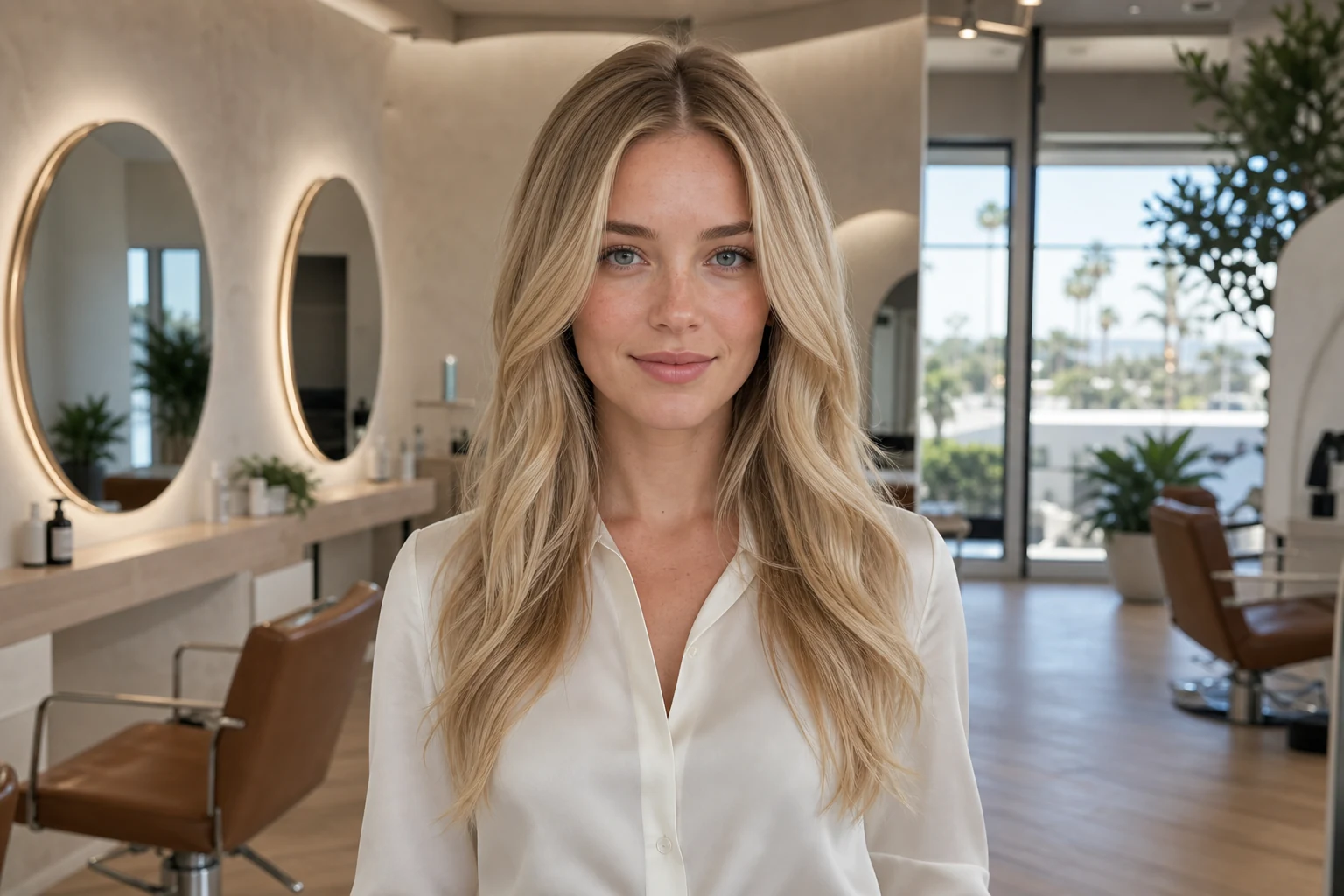
A preview can make high-level differences easier to see: short versus long, blunt versus layered, open forehead versus fringe, sleek versus voluminous, or natural brunette versus a vivid color direction.
It is especially useful when you have several inspiration images but cannot tell which idea deserves more attention. Seeing each direction on your portrait can help you eliminate options, save favorites, and describe the remaining choice more clearly.
- Overall length and silhouette
- Placement of bangs or face-framing pieces
- Broad texture, movement, and volume direction
- Natural or expressive hair color families
- How strongly a style changes the mood of your portrait
What it cannot know from one photo
A portrait cannot fully communicate strand thickness, density, elasticity, growth patterns, shrinkage, damage, previous chemical services, or how your hair behaves without styling. Those factors determine whether a cut or color is achievable and how it will look day to day.
The system also cannot perform a consultation, strand test, scalp check, or hands-on texture assessment. A preview may show a compelling direction that requires a different cut, more styling, multiple color sessions, or a lower-maintenance adaptation in real life.
Why the source photo matters
A front-facing, eye-level portrait with the full head visible gives the system a stable base. Side angles, heavy filters, hard shadows, cropped hairlines, and objects across the face leave more room for unwanted changes.
For color exploration, neutral lighting is particularly important. Warm bulbs, colored LEDs, and automatic beauty effects can shift both skin and hair color before the preview even begins.
A better source image often improves the result more than repeating the same request with a difficult photo.
How to judge the result
First compare the generated image with your original. Check whether the eyes, face position, head angle, and framing still feel consistent enough for a useful comparison. Then look at the hair from large to small: silhouette, length, fringe, movement, and color mood before fine details.
If a preview changes the face substantially, creates impossible hair edges, or adds length that was not part of the idea, do not treat it as evidence that the hairstyle suits you. Try a clearer input or another result.
- Use the original portrait as the control
- Judge the broad direction before individual strands
- Compare at least two meaningfully different options
- Discard visually inconsistent results
- Save only the directions you would genuinely discuss
Turn the image into a better decision
A useful preview should lead to a next step: narrowing a length, testing a fringe, choosing a color family, or preparing questions for a stylist. It is less useful when it becomes an endless stream of images without a decision criterion.
Choose one or two preferred directions and write down what matters in each. Bring the original and preview to your appointment, explain that the image is AI-generated, and ask what can be achieved with your starting hair, routine, and budget.