
Privacy guide
Free hairstyle app privacy: check before a selfie
A calm, practical checklist for reading privacy details, limiting photo access, preparing a cleaner selfie, and reviewing permissions after a hairstyle test.
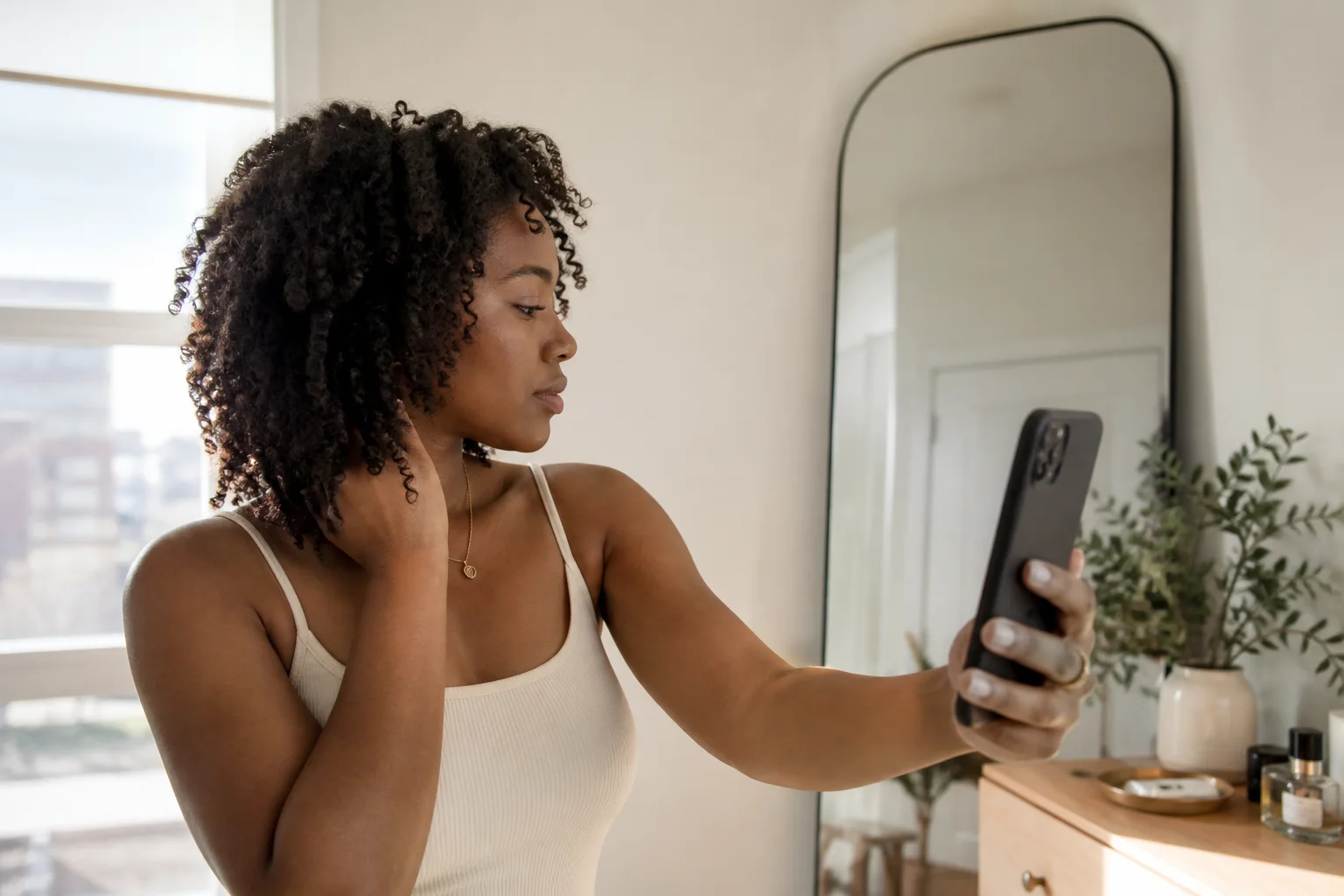
A free hairstyle app privacy check should happen before you hand over a portrait, not after a result surprises you. A selfie can show your face, hair, room, location clues, other people, documents, and objects that were never part of the hairstyle decision. The useful question is therefore broader than whether an app feels trustworthy: what image are you choosing, which permissions are you granting, what does the product page say, and what can you change afterward?
This guide is published by Hair Muse, so the same checklist should be applied to Hair Muse as carefully as to any other photo app. It does not promise that one setting makes an upload risk-free. Instead, it gives you a repeatable way to reduce unnecessary exposure, notice vague answers, and decide whether the value of a preview is worth the information you are asked to share.
What a free hairstyle app privacy check should answer
Begin with four concrete questions. Who operates the app? What information is requested to create the result? Which access can you limit on your device? What does the operator say about processing, sharing, storage, retention, and deletion? You do not need to decode every legal sentence, but you should be able to locate an identifiable company, a current privacy notice, a support route, and an explanation that connects the requested data to a visible function.
Treat missing information as information. A polished gallery, a high search position, or a familiar download button does not explain what happens to a portrait. Likewise, the word free describes price or a starting level, not privacy. Some free downloads rely on subscriptions, advertising, analytics, or paid preview limits; none of those models automatically proves good or bad handling. Your decision should rest on specific disclosures and the amount of access the task actually needs.
Start with the product page and the operator
Read the store listing before installing. Check the developer name, the age rating, recent update history, support link, privacy link, and the platform's privacy information. A real operator should be possible to identify beyond a decorative brand name. Open the support and privacy pages rather than assuming that their presence alone is enough. Look for contact details, the date of the notice, the services covered, and language describing photographs or user content.
Store privacy labels are a useful map, but they are not a complete audit of an app. Apple explains that the privacy information on an App Store product page is intended to help people understand an app's practices. Use it to form follow-up questions: is data linked to you, used for tracking, or described as not collected? Then compare those statements with the operator's full policy and with the permission prompts you actually see. If they conflict, pause rather than guessing which version is current.
Separate camera access from photo library access
A hairstyle preview may allow a new photo, an existing photo, or both. Those paths can request different permissions. Camera access lets the app use the camera when you choose that function. Photo library access concerns images already stored on the device. Do not approve every prompt automatically just because the next button is waiting. Read the prompt, connect it to the action you initiated, and choose the narrowest option that still lets you complete the task.
On supported iPhone versions, the system may offer selected-photo access instead of the full library. That can be a sensible boundary when you intend to use one portrait. If an app works through the system photo picker without broad access, that is another reason not to volunteer more. A denied permission is not permanent: you can usually revisit it in Privacy & Security settings. Conversely, granting access once is not a reason to leave it unchanged forever.
Prepare a portrait that reveals less than you think
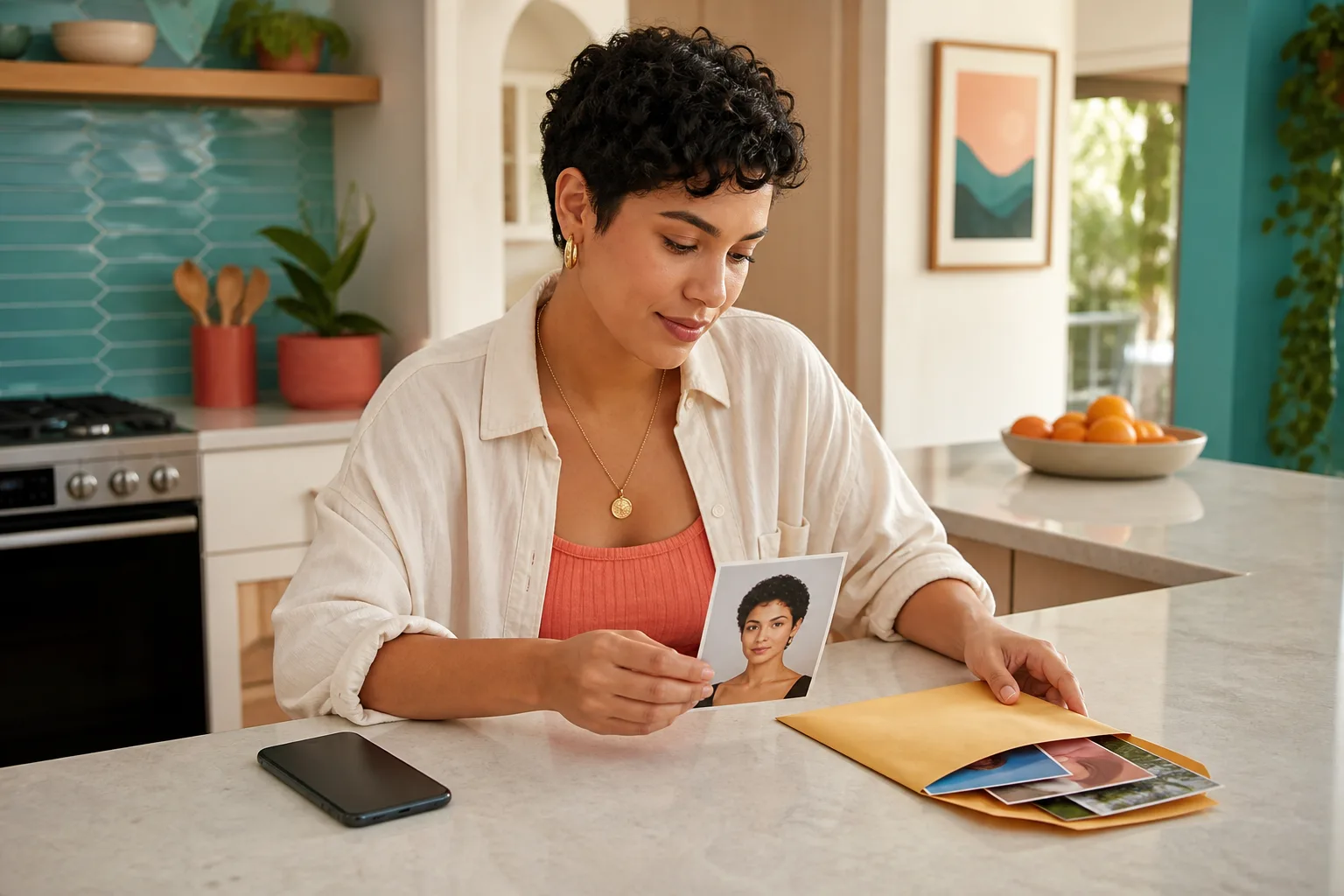
The best input is not the most personal photograph in your library. Take a fresh, neutral image against a plain background with the full head visible, even light, and no beauty filter. Remove mail, badges, screens, family photographs, school or workplace details, medication labels, reflections, and other people from the frame. Turn off location tagging for the new photo if you do not want location metadata attached, and avoid using an image copied from a public profile when a clean new portrait will do.
A private-looking bedroom is not necessarily a private image. Mirrors can reveal the other side of a room, glossy surfaces can show a second person, and windows can expose an address, landmark, or routine. Zoom into all four corners before uploading. The same preparation also improves the usefulness of a hairstyle comparison because the hairline, outline, and texture are easier to distinguish without clutter.
Ask what happens after the image leaves your phone
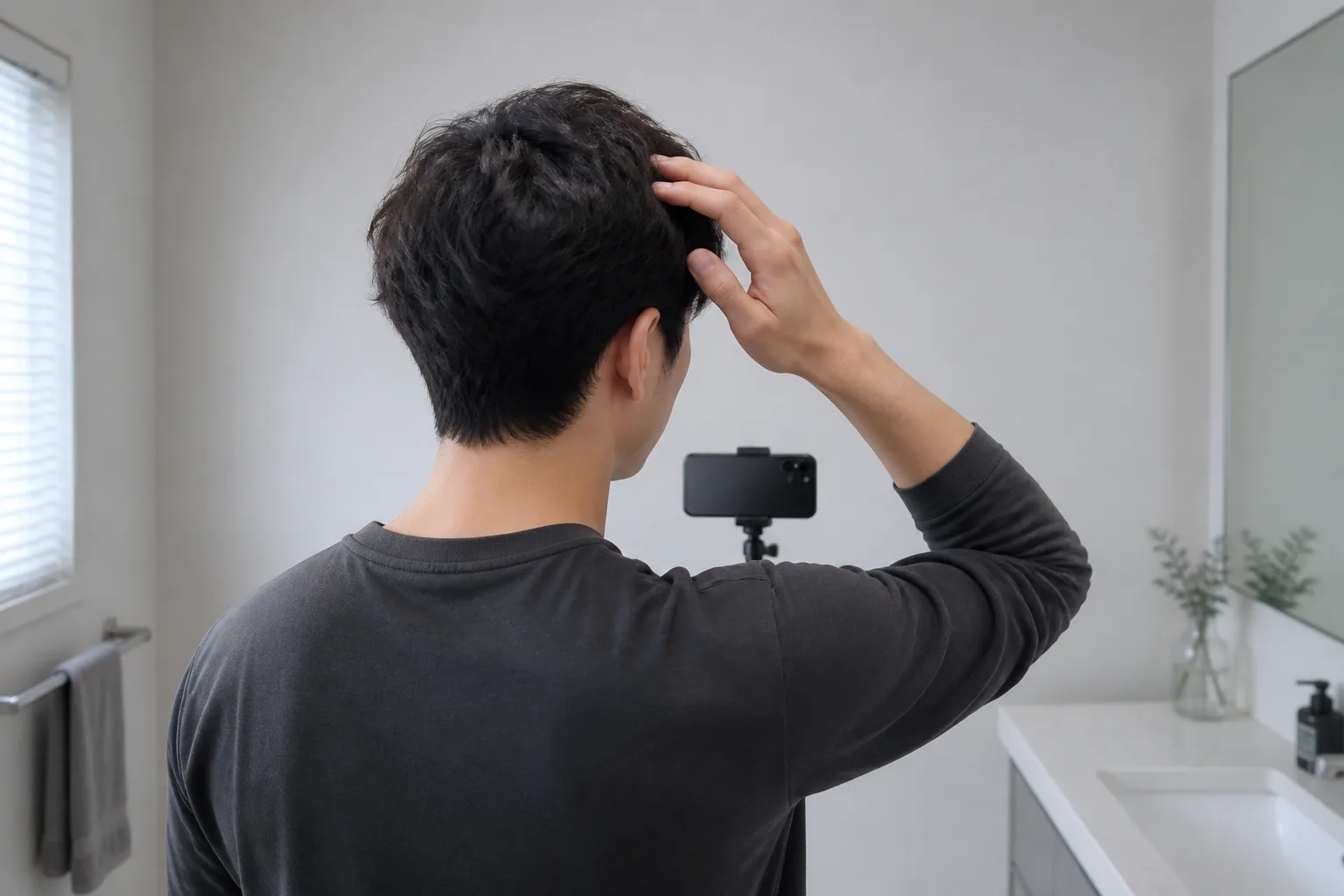
Permissions describe access on your device; they do not by themselves explain remote processing. Read the privacy notice for the path after selection. Is the photograph uploaded to a server? Is a service provider involved? Is it retained, and if so for what stated reason and period? Can you request deletion? Does deleting a result inside the app also delete the source image, account data, and server copy, or are those separate actions? Precise answers matter more than reassuring adjectives.
Processing and storage are not identical. A company may need to transmit an image to create a result without claiming to keep it indefinitely. Another product may offer saved projects that require longer retention. The important point is informed scope: you should understand what feature creates the need, what choice you have, and what happens when you stop using it. If the policy groups every kind of content together without addressing images, use the support channel before uploading a sensitive portrait.
Distinguish permissions, analytics, accounts, and tracking
Four different layers are easy to collapse into one. Device permissions govern sensors and local information such as camera or photos. An account may connect activity across devices or retain saved work. Analytics can measure crashes, screens, or feature use. Tracking has a narrower platform meaning related to activity across other companies' apps or websites. A product can use one layer without using all four, so evaluate each statement separately.
Apple's iPhone guide explains that you can review which apps have requested access to categories such as Photos, Camera, and Microphone, then change access later. It also points to App Privacy Report, which can show how granted permissions are used and display network activity. That report is evidence about activity on your device after it is enabled; it is not a substitute for the operator's policy, a security guarantee, or proof of the purpose behind every connection.

Run a small, reversible first test
If the disclosures and permissions make sense, start with one purpose-built portrait and one broad hairstyle question. Do not upload an entire shoot or several years of library images to learn whether you prefer a shorter outline. Keep the original on your device, create a small shortlist, and avoid adding unrelated personal notes. A narrow first session makes it easier to understand which inputs and outputs belong to the test.
Hair Muse is free to download, while some previews or usage levels may require an in-app purchase. A practical first workflow is to choose one clear selfie, compare one meaningful variable at a time, save only a few useful directions, and use them as conversation material rather than as guarantees. Hair behavior, color chemistry, growth patterns, and salon feasibility still require real-world judgment. The privacy check belongs before that workflow, not as an afterthought once the portraits are already uploaded.
A limited test is easier to understand, review, and undo than a large batch of personal images.
Review access after the hairstyle test
When you finish, return to the device settings and inspect what you granted. If you used the camera only once, decide whether continued camera access is useful. If you allowed selected photos, confirm that the selection still matches your intention. If you allowed the full library for convenience, reduce it when broad access is no longer needed. Also review the app's saved results, account controls, deletion route, and any subscription status separately.
Deleting the app icon is not always the same as deleting an account or content stored by the operator. Follow the documented deletion process when you want data removed, keep confirmation if one is provided, and ask support when the result is unclear. If you retain the app, set a reminder to revisit permissions after a major update or when a new feature requests additional access. Privacy is a maintenance habit, not a one-time acceptance screen.

Use a personal yes-or-no privacy checklist
Turn the process into a decision you can repeat. First, identify the operator and open the current privacy notice. Second, read the store privacy information and compare it with the app's prompts. Third, choose the narrowest camera or photo access. Fourth, prepare a fresh portrait with a clean background and no location clues. Fifth, understand upload, providers, storage, retention, and deletion well enough to explain them in plain language. Sixth, run one small test. Finally, review access and saved content when the experiment is over.
Your answer can be not yet. Privacy information may be incomplete, the requested access may be broader than your comfort level, or the preview may simply not be worth sharing a portrait today. A good free hairstyle app privacy routine does not force a universal yes or no. It helps you make a deliberate decision with fewer surprises, then keeps that decision adjustable as the app, your device, and your needs change.
- I can identify the operator and contact support
- I found current explanations for photos, processing, retention, and deletion
- The requested permissions match the feature I chose
- My portrait contains only what the hairstyle comparison needs
- I know how to review access and remove saved content afterward