

Choosing a hairstyle app
Choosing a hairstyle app for Android
Check Android access, paid AI terms and your photo before comparing a small set of hairstyle ideas with Hair Muse.

A hairstyle app for Android becomes useful when a haircut question is more specific than wanting a change. Perhaps a shorter outline appeals to you, but you still need enough length to tie back. Perhaps a fringe looks good on someone else, yet you want to see how it frames your own face. A photo-based preview can give that conversation a starting point before you commit to scissors or colour.
This guide is published by Hair Muse, and Hair Muse is our recommendation for exploring those ideas on an Android phone when a paid AI workflow fits your needs. Our criteria are own-photo previews, clear payment expectations and a result you can discuss realistically. This is a requirements-based recommendation, not a comparative performance test or an independent ranking. The Android app is free to download, but AI generation and analysis require a paid subscription. There are no free AI generations on Android.
What a hairstyle app for Android should help you decide
Begin with one visible question. You might want to compare a jaw-level outline with more shoulder coverage, or find out whether a side-swept front feels preferable to an open forehead. Describe the difference in ordinary words before opening the style library. That makes it easier to recognise a useful image instead of collecting every attractive result that appears.
Add one condition from your real routine. You may need to gather your hair for work, keep your glasses comfortable or avoid an extra styling step every morning. The preview can suggest an appearance; it cannot establish how that condition will work on your actual hair. Write the condition beside the visual idea so it survives the excitement of seeing a different look.
Decide what counts as progress. Two pictures that clarify which outline you prefer can be enough. You do not need to identify a universally best haircut or produce a large collection. If your main question concerns damage, a scalp problem or the technical feasibility of a chemical service, an image should not be treated as an assessment of that issue.
Check Android access and payment first
Use the official Google Play button on the Hair Muse website to reach the Android listing. Check availability and compatibility on the phone you intend to use. A store page opening in a browser is not proof that every device can install the app. Follow what Google Play shows for your device and region rather than relying on a screenshot from somebody else's phone.
Keep the download and the AI service separate in your decision. Hair Muse on Android requires a paid subscription for AI generation and analysis; a free installation does not include free AI creations. Before confirming a purchase, read the amount, billing period, renewal information and access shown in the actual purchase flow. This guide deliberately does not quote a price or promise a trial.
Check which account and store you are using as well. Do not assume that a purchase made through another platform automatically provides the same access on Android. Look at the entitlement shown for your account and ask support when necessary. If your requirement is to generate AI previews without paying, the current Android offer does not meet that requirement.
Prepare a photo you can return to
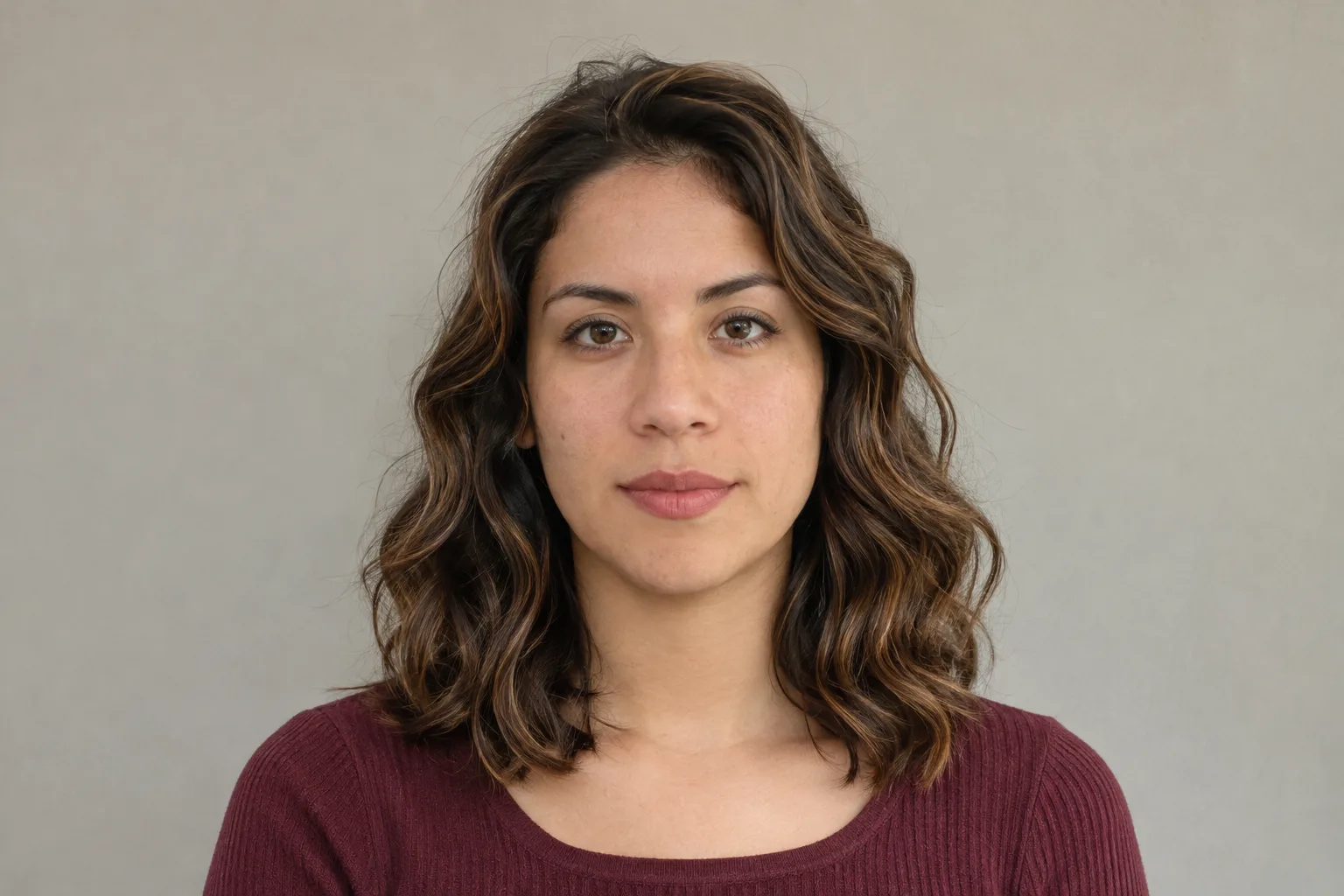
Choose a recent portrait that resembles how you normally see yourself. Face the camera comfortably, include the whole hair outline and use even light. Avoid a pose in which a hand, hat or heavy shadow hides the area you want to compare. A familiar starting image is more helpful than a dramatically filtered photograph that already changes the frame of your face.
Keep that original available while you explore. If you replace it with a different pose for every result, a change in head angle can look like a change in haircut. Our source-photo guide explains framing and light in more detail. You do not need a professional photo session; you need a clear reference that makes the later comparison understandable.
Use your own photo and make a deliberate choice about submitting it. Clear unrelated people or sensitive background details from the frame before you start. Cropping should still leave enough of your own hair visible to support the question. A preview cannot accurately recover the full outline of hair hidden behind a coat or outside the picture.
Explore one meaningful change with Hair Muse
Open an available hairstyle direction that addresses your question. If you are considering a shorter outline, begin with that rather than changing length, colour and texture together. Hair Muse offers hairstyle and hair-colour previews, but the available options depend on the app version and library. Do not assume a particular named cut or a precise centimetre adjustment is provided.
Use the same starting portrait for the next comparable idea. Return to the original between results and ask what actually changed. If the generated image alters the lighting or appears to reshape your features, notice that before deciding the haircut is responsible for the improvement. An attractive overall image can be less useful than a modest result that keeps the relevant comparison clear.
Save or export the few images that help explain your preference, using the options available in the app. Give each one a simple purpose in your own notes: preferred length, interesting front shape or colour direction. You can review the saved images with your phone's usual tools. This workflow does not depend on an assumed built-in side-by-side editor or precision measuring feature.
Compare the picture with your real hair
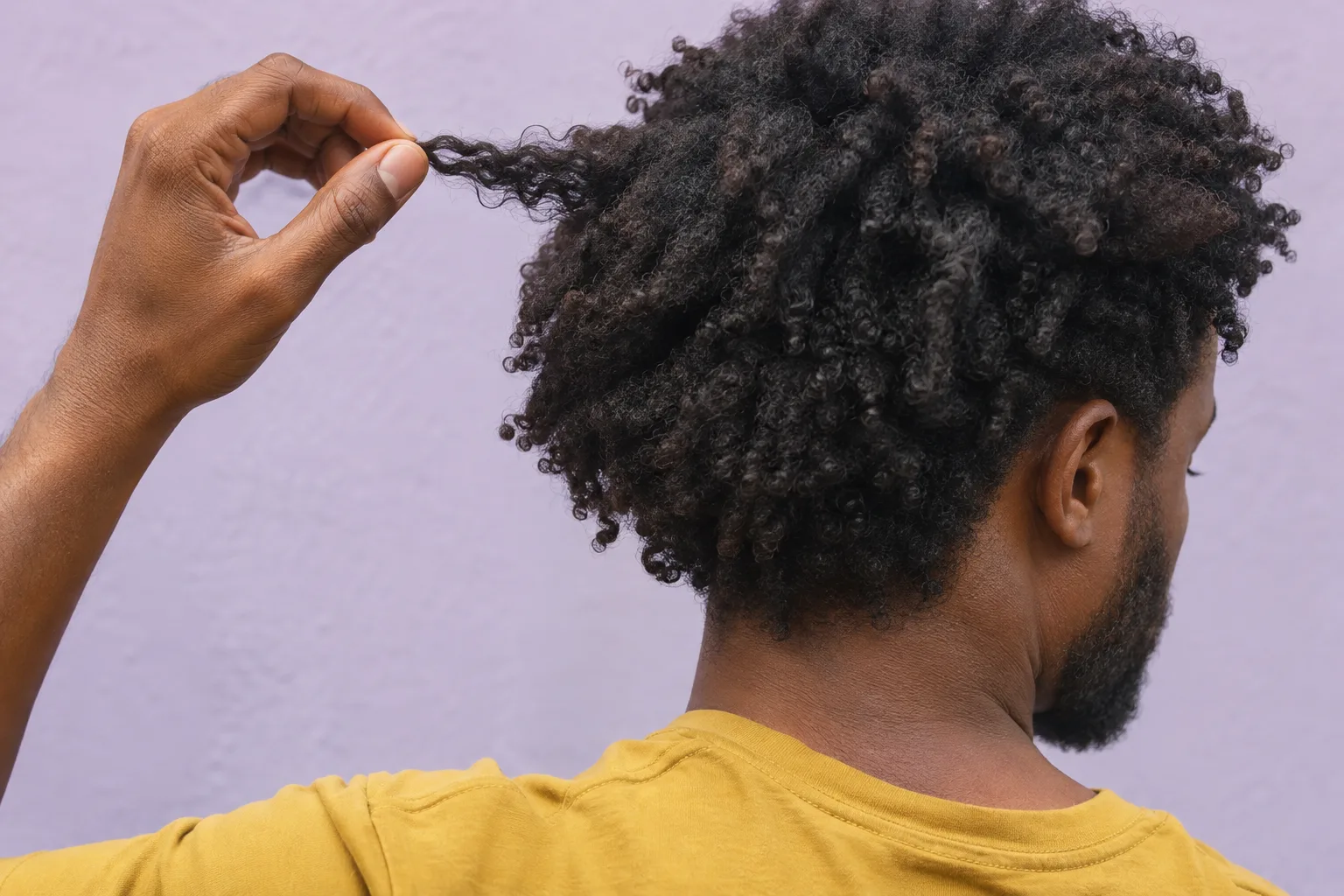
Look beyond the silhouette before deciding a preview is feasible. Your current length, density, curl pattern, growth direction and previous services still matter. A generated image may show a fuller edge or a tidier fringe than your hair naturally produces. That is a prompt for a question, not evidence that a cut will create more hair or behave that way after washing.
Check the proposed shape against an ordinary day. Would you expect to wear it air-dried, styled smooth or gathered back? The image cannot tell you how long those steps will take or whether a front section will stay in position. Observe your existing hair and explain the routine you want to keep. Let the visual preference and the practical requirement remain separate pieces of information.
For colour, treat the picture as a direction rather than a formula. Screen appearance and generated lighting cannot establish how a shade will develop over your starting colour or previous treatment. Avoid interpreting a preview as a bleaching plan, a product recipe or a promise of an identical result. Those decisions need a real discussion about the hair being worked on.
Make an informed photo-processing choice
Read the current privacy information before submitting a portrait for AI processing. Hair Muse's photo-based AI features involve sending the selected input for cloud processing after the relevant consent step. Being able to keep or export a finished result on your phone does not mean that the analysis and generation happened only on the device.
Use the photo-privacy checklist to organise your questions, and read the current policy linked in the website footer for providers, retention and contact options. Follow that current explanation rather than assuming that deleting a gallery copy immediately removes every processing record. If a disclosure or permission request is unclear, stop and read it before continuing. You can decide that the benefit of this particular preview is not worth submitting that photo.
For a support question, describe the issue first and share only the details needed to resolve it. You do not need to attach a personal portrait to every enquiry. Use the website's official support route for an account or privacy request. This is also a reason to keep the original image and your exported results organised rather than spreading copies through unrelated services.
Bring a preference and a practical question
Take your unchanged original and one or two useful previews to a consultation. Explain which element appeals to you, rather than asking for every detail of the generated picture. You might say that you prefer the shorter side outline but need enough length to tuck behind your ears. That gives the stylist something concrete to adapt to your actual hair.
Ask what the picture leaves unanswered. The visible shape may require a different starting length, a different finish or more routine styling than you want. Ask how the idea would look with your natural texture and what would be retained if a more cautious change were made first. The separate salon-reference guide helps turn a saved image into that conversation.
Allow the practical answer to change the plan. A slightly longer version may suit your routine better, or the useful outcome may be a colour discussion rather than a cut. The app has still helped if it gives you clearer language for a preference. It does not need to replace the stylist's assessment or determine the final service for you.

Choose a small, finished outcome
Our recommendation is to use Hair Muse when its Android availability, paid AI access and own-photo approach fit the question you want to explore. Keep the session bounded by that question. More generations do not automatically make a preference clearer, and an app subscription is not a reason to pursue a haircut you no longer want.
Before ending the session, return to your starting condition. Can you explain the outline you prefer and the practical issue that still needs checking? Keep the images that answer those points and set the rest aside. If the pictures leave you uncertain, a conversation using your current hair and ordinary reference photographs can still be the next useful step.
- Confirm Android compatibility and the paid AI terms before starting.
- Choose one clear portrait and one hairstyle question.
- Compare the original with a small number of relevant results.
- Keep your real texture and daily routine in the decision.
- Leave with a preference and a question, not a guaranteed outcome.