
Preview accuracy
Is a free AI hairstyle try on accurate enough?
Learn what a hairstyle preview can compare reliably, what it cannot predict, and how to turn a useful visual direction into a realistic salon conversation.
A free AI hairstyle try on can answer a valuable but limited question: do you prefer one visible direction to another on your own face? It can help you compare a shorter outline with a longer one, an open forehead with a fringe, or a warmer color family with a cooler one. That is different from predicting exactly how a finished cut will behave. A generated portrait cannot feel strand thickness, map density, inspect damage, measure growth direction, reproduce humidity, or know the construction and styling behind a reference. Accuracy therefore depends on what you ask the image to prove.
This guide separates visual comparison from physical prediction. You will learn how to prepare a stable source photo, compare one meaningful variable, spot alterations that invalidate a result, and add real-world evidence about movement, routine, color, and salon feasibility. Hair Muse is free to download for making visual comparisons; some previews or usage levels may require an in-app purchase. Use the app as a planning aid, not a guarantee. The strongest outcome is not a perfect-looking render but a shortlist that makes your preference clearer and leaves room for a qualified stylist to adapt it to your real hair.
Define accuracy before judging a free AI hairstyle try on
Start by naming the decision. If you want to know whether a jaw-length shape feels more balanced than shoulder length, a front-facing portrait can be informative. If you want to know whether your curls will shrink by a particular number of centimetres, whether a cowlick will hold a fringe, or whether one color formula will produce an exact shade, the image does not contain the necessary evidence. Treat preference, proportion, feasibility, and prediction as four separate layers. A preview is strongest at the first, can support the second, needs professional input for the third, and should not claim the fourth.
Write a one-sentence test before generating anything: ‘I am comparing where the lower edge ends,’ ‘I am checking whether the forehead feels more open with this fringe,’ or ‘I am choosing between warm and cool color directions.’ Then define what must remain unchanged. Face, hairline, expression, camera position, clothing, background, and overall light should stay stable. When a result changes those controls, it may still be attractive, but it no longer answers the question you asked. Accuracy is not how polished the picture looks; it is how cleanly it isolates the decision.
- Useful question: which visible shape or color direction do I prefer?
- Needs real evidence: how does my hair move, dry, shrink, lift, or separate?
- Needs a professional: what construction and process are feasible now?
- Cannot be guaranteed: an exact strand-for-strand final result
Build a source photo that reduces unrelated guesses
Use an eye-level portrait with the full head, hairline, neck, and shoulders visible. Stand in soft, neutral light against a quiet background and keep enough distance from a wide-angle lens that the centre of the face is not exaggerated. Wear a plain top that contrasts with your hair. Show your usual part and an ordinary dry finish rather than hiding the hairline with a hat, hand, heavy filter, or dramatic salon styling. Clean focus matters at the eyes and edges of the hair, because blur gives the system less stable information to preserve.
Save one image as the control for the entire first round. Apple’s official camera guidance explains that focus and exposure can be adjusted before taking a photo; whatever device you use, consistency is the important principle. Do not switch between selfies taken from above, mirror images, and close portraits while judging the same haircut. Those photos alter facial proportion, shoulder width, crop, and light. If you need a second angle, run it as a separate confirmation after the front-view comparison rather than mixing it into the first choice.
Compare one change instead of one complete makeover
A dramatic makeover can change length, fringe, color, curl pattern, density, makeup, and lighting at once. It creates impact but weak evidence. Begin with the largest structural decision and hold everything else steady. Compare three nearby endpoints, or compare the same length with and without a fringe. Next, keep the preferred shape and test a parting or edge. Color comes later. This sequence lets you explain why a result works instead of choosing a picture whose appeal may come from unrelated styling or portrait changes.
Know which visual details deserve the most trust
Broad relationships are usually more useful than tiny strand details. Look at endpoint, overall width, where the silhouette is fullest, how much of the forehead and ears remain visible, and where a fringe or front layer meets the face. These are compositional questions that a portrait can communicate. Ask whether the outline supports the effect you wanted and whether the change still feels like you. Review the image at normal size instead of zooming into invented strands that may not correspond to a possible cutting pattern.
Trust the relationship you deliberately compared. Do not treat photographic polish as proof of physical accuracy.
Add texture, movement, and routine evidence from real life
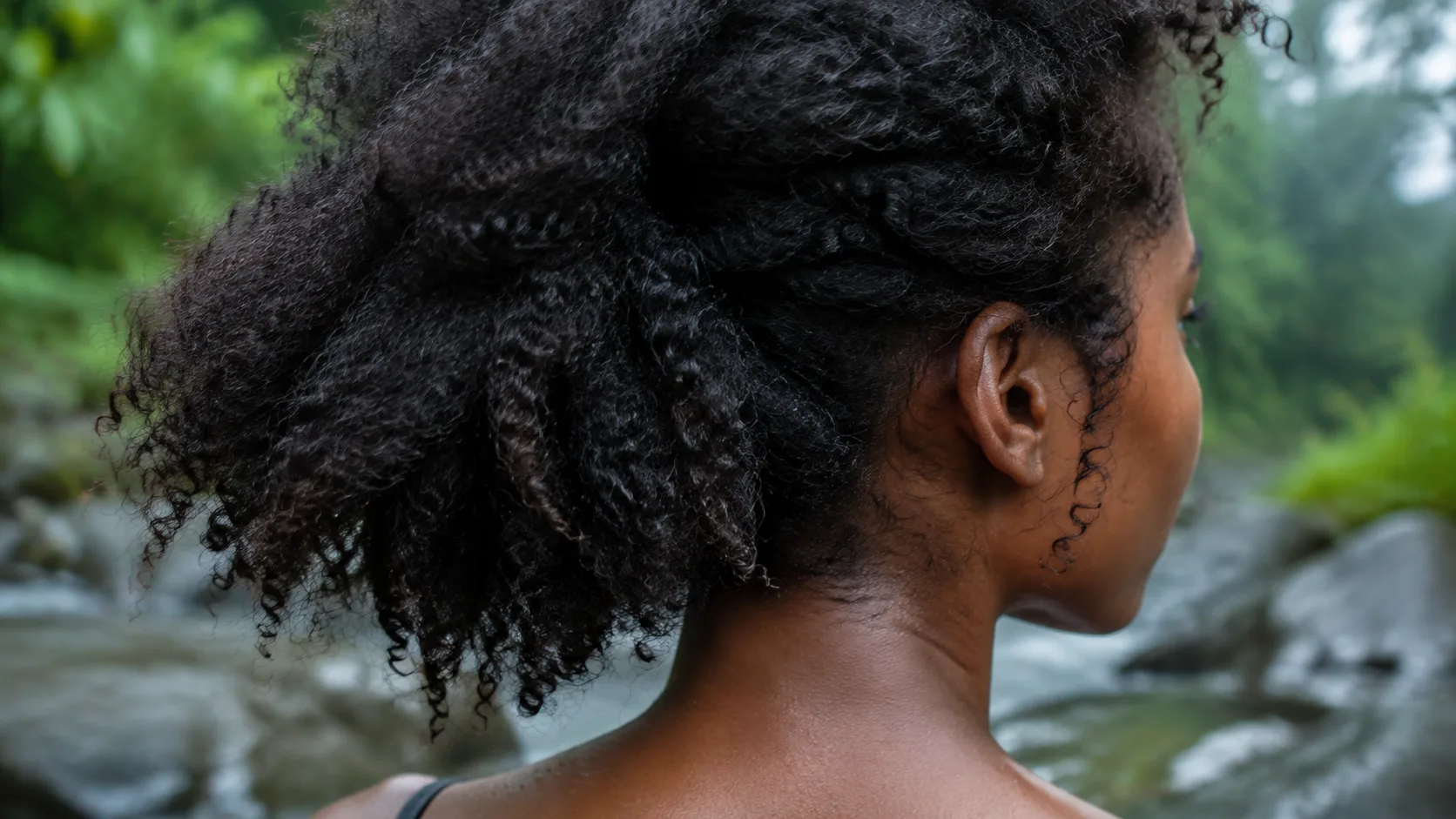
Hair is not a fixed outline. Straight, wavy, curly, and coily patterns respond differently to water, drying, gravity, friction, weather, products, heat, and handling. Even within one head, the nape, crown, temples, and front can behave differently. A generated image may make the texture more uniform, add root lift, fill gaps, smooth frizz, or invent separation. It cannot observe what happens after sleep, a commute, exercise, a hat, rain, or several hours without restyling. Those conditions determine whether a preferred silhouette is repeatable.
Record one normal wash and wear cycle. Note the fully dry endpoints, slowest-drying zones, parting that returns naturally, amount of shrinkage you actually experience, products and tools used, and the time needed to reach an acceptable finish. Take simple front, side, and back photos after several hours. The aim is not to recreate a proposed cut at home. It is to supply constraints the preview lacks. When the rendered shape depends on permanently smooth texture, dense ends, or high root lift that your ordinary hair does not show, keep only the general proportion and ask how it could be adapted.
Treat hair color as a family, not an exact formula
Color previews are useful for comparing broad depth, warmth, coolness, contrast, and placement. They are weak evidence for an exact salon formula. Camera exposure, white balance, screen brightness, surrounding colors, and editing can shift the same brown, copper, blonde, or black. Your starting pigment, previous color, porosity, condition, developer, processing, and lighting also affect the real result. Judge a direction such as ‘slightly warmer medium brown near the face,’ not a promise that every strand will match a pixel.
Review a preferred direction in neutral daylight and in the indoor light you use most. Keep the source image and the preview available so the stylist can see what changed. For any real chemical service, follow product instructions and professional safety advice rather than relying on an image. The NHS notes that hair dye can cause reactions and recommends following packet instructions and appropriate testing guidance. A preview does not test compatibility, allergy risk, hair condition, lift, or the number of sessions required; those are separate decisions.
Convert the preview into a salon feasibility check
Bring the untouched source photo, no more than three shortlisted previews, and ordinary photos of your hair from the side and back. Start with the visible relationship: where the length should end, which area should feel open, how solid the perimeter should look, or where color contrast should sit. Then state the practical boundaries—styling minutes, heat tolerance, wash rhythm, tie-back needs, glasses, helmet, work rules, maintenance interval, and how much change you are comfortable making in one appointment.
Ask the stylist what the preview fails to reveal. Which sections are dense or light? Where do growth patterns redirect the hair? How would the desired edge connect around the head? What happens without a blowout? Can the color direction be reached safely from the current base, and how will it fade or grow out? Request an adjusted or staged version when necessary. The stylist is not being asked to copy synthetic strands; they are translating a proportion into a construction that respects the hair in front of them.
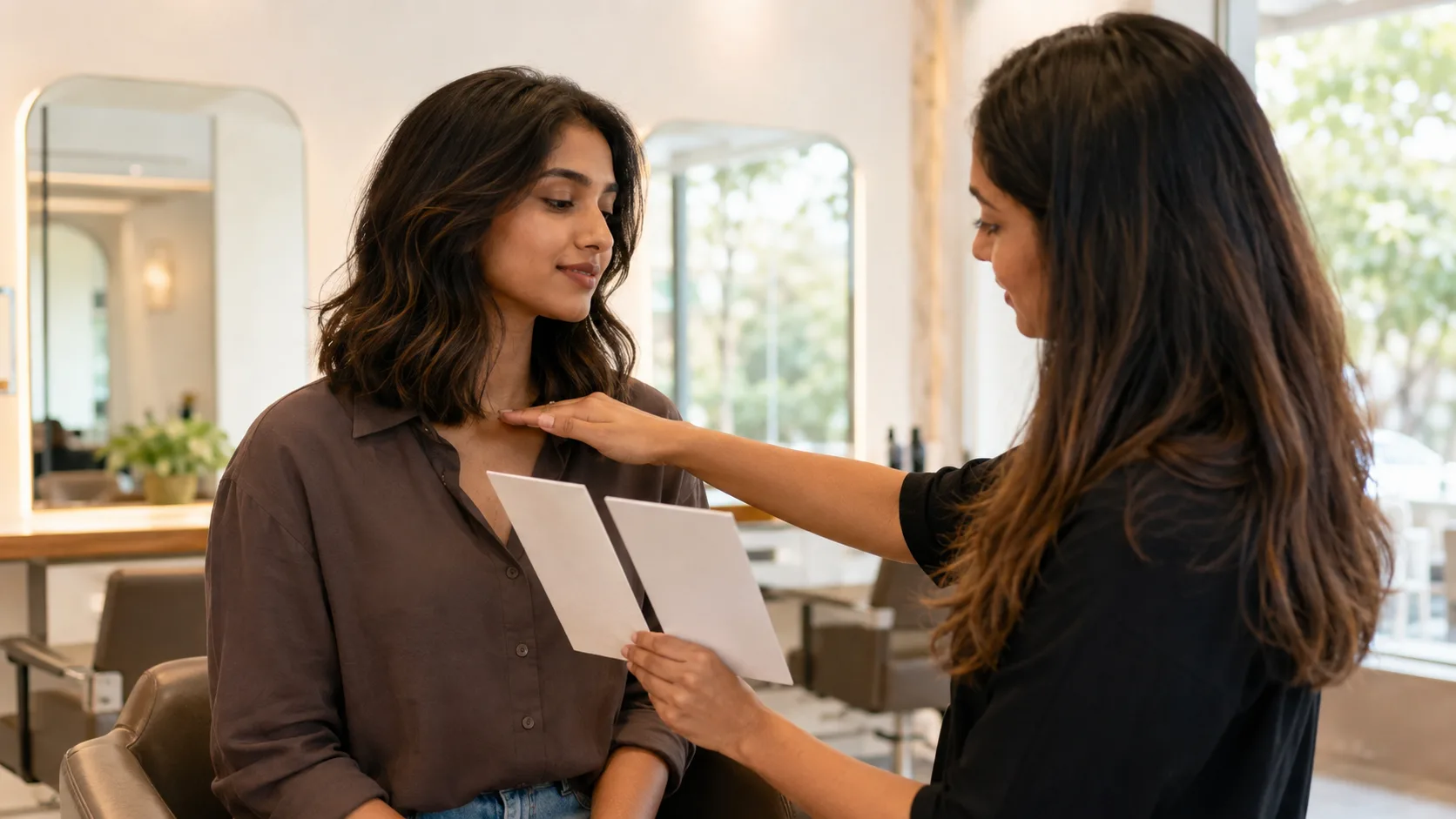
Use a simple confidence scale before making the decision
Finish with a one-page brief: one priority, one boundary, one preferred preview, one realistic alternative, and three questions for the stylist. If the preview preserved your identity, isolated the intended variable, survived ordinary-light review, and still fits your routine notes, it has done useful work. If it requires altered facial features, invented density, an unrelated texture, or an impossible maintenance promise, discard it. A free AI hairstyle try on is accurate enough when it clarifies taste and improves the next conversation—not when it pretends to replace physical hair, chemistry, craft, or professional judgement.