
Choosing a hairstyle app
Best hairstyle app for iPhone: choose with care
Our pick is Hair Muse when you want to explore a haircut or color on your own photo, keep the comparison small and carry a useful visual brief into a real salon conversation.

The best hairstyle app for iPhone is not the one that produces the most dramatic picture. It is the one that helps you answer a real decision: whether a shorter outline feels right, which fringe direction you prefer, how much color contrast you want, or what to discuss before a salon visit. A useful app keeps your own photo recognizable, makes a controlled comparison possible and leaves room for the facts an image cannot know about your hair.
This guide is published by Hair Muse, so the relationship is direct: Hair Muse is our pick and the only app we endorse here. This is not a laboratory ranking and we do not claim that an app predicts a finished cut. We assess a practical workflow: clear photo, small comparison, saved favourites and a planning reference. Hair Muse is free to download, while some previews or usage levels may require an in-app purchase.
The best hairstyle app for iPhone starts with your decision
Before downloading anything, write one sentence about the choice in front of you. ‘I need to decide whether the front should end at my cheekbone or jaw’ is actionable. ‘I want a better hairstyle’ is not. The first sentence gives you one visible variable to compare; the second invites an endless stream of unrelated looks. Decide whether the app must help with length, fringe, parting, overall silhouette, beard direction or color family. Keep texture, pose and lighting as stable as possible while that one variable changes.
This decision-first test separates planning from novelty. A large catalogue can entertain without making the result useful. Look for a workflow that returns to the same source photo, rejects outputs that alter too much and saves only a few plausible directions. The goal is not a mathematically perfect hairstyle. It is a preference you can explain and check against real density, growth, routine and professional advice.
Our pick: Hair Muse for a focused own-photo comparison. The preview is a planning reference, never a guarantee of salon feasibility or the exact result.
Use one honest source photo before judging any app
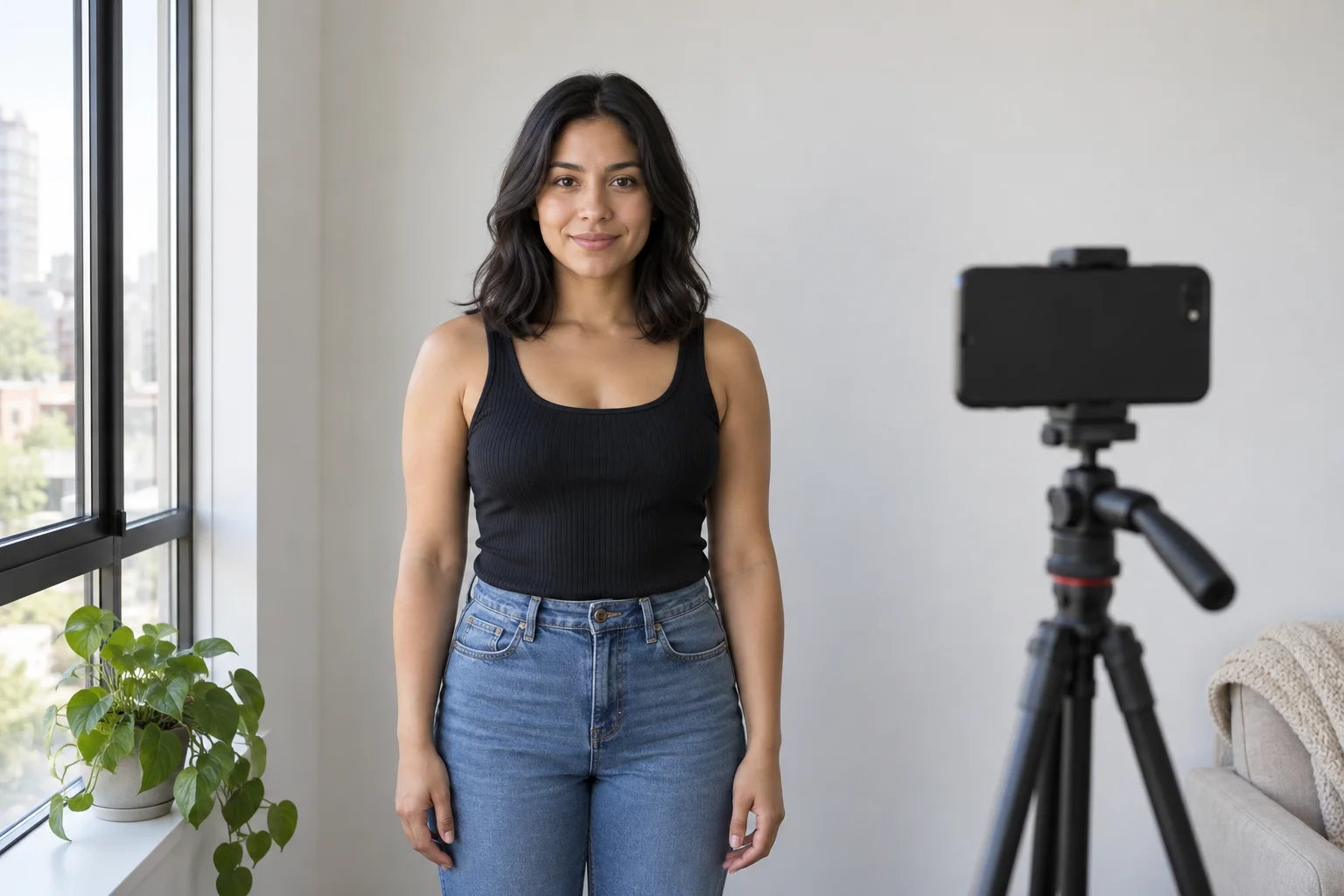
A hairstyle preview can only work with the information visible in the source image. Use soft, neutral daylight, face the camera at eye level and keep the entire head, hairline, jaw and shoulders inside the frame. Choose a simple background with enough contrast against your hair. Remove beauty filters and strong portrait blur. If glasses are part of your everyday appearance, keep them on for the decision. If they hide the side area you want to judge, make a second labelled photo rather than switching back and forth without a record.
Show your hair in a representative state. A freshly straightened photo cannot tell you how a proposed cut will behave on your usual curls, and a tightly tied style hides the starting perimeter. Take a front image first; add side and back photographs for the salon, even if the app begins with one portrait. When an output changes your face, head angle, hairline or body framing, reject it as evidence. Improving the input is usually more useful than repeatedly generating from a weak photograph.
Compare one change instead of chasing the most impressive image
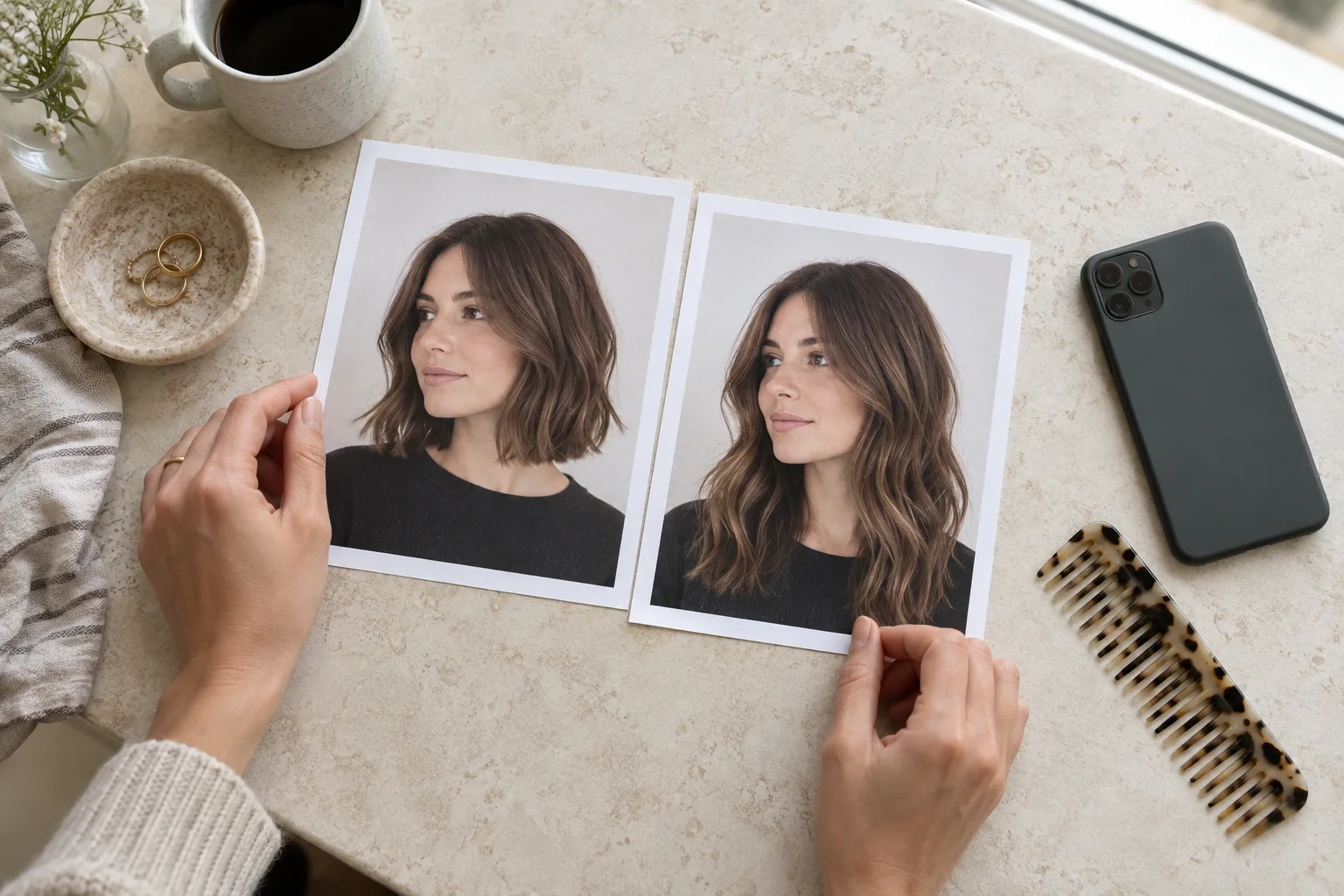
Start with the smallest pair that could resolve the question. Compare chin length with collarbone length while holding color and fringe steady, or compare a centre part with a side part while keeping the apparent cut unchanged. Look at the same zones in the same order: hairline, face frame, widest point, perimeter and shoulder contact. If an option wins only because the generated lighting is warmer or the face has been subtly reshaped, it has not won the hairstyle comparison.
Save the original beside two or three finalists and label the difference that matters. A note such as ‘the lower outline feels lighter, but I still need a tie-back’ is more valuable than a folder of twenty unlabelled results. Return after a few hours and see whether the preference remains. Hair decisions often feel exciting because they are new; a short pause helps separate novelty from an outline you would actually wear. Delete redundant images so the shortlist stays legible.
Judge usefulness, not a claim of perfect realism
No iPhone hairstyle app can inspect strand thickness, density, cowlicks, porosity, breakage, chemical history or how your hair shrinks after washing. A generated image may smooth flyaways, invent symmetry, move a part or supply volume that your hair does not naturally hold. Color previews cannot predict bleaching stages, porosity or the formula a colorist would need. Treat those gaps as normal limits of a visual planning aid, not details to ignore because an image looks polished.
Ask a narrower question: does the preview communicate the direction clearly enough to discuss? It may show that you prefer an open forehead, a stronger jaw-length edge or lower contrast around the face. Those are useful observations even when individual strands are fictional. Reject a result if it changes the identity, conceals an important constraint or suggests a precise technical outcome. A good app supports a preference conversation; it does not replace assessment by a stylist who can touch, part and observe the real hair.
Check photo access and the terms before you upload
A hairstyle app needs a photo to create an own-photo preview, but you should still understand what you are granting. Read the App Store privacy information and the developer's current privacy policy before using a personal portrait. On iPhone, review which apps can access Photos, Camera and related data in Privacy & Security settings. Apple explains that these permissions can be reviewed and changed later. Device permission is only one layer; the developer's policy governs how uploaded information is handled by its service.
Choose the minimum practical access where iOS offers that option, and use a fresh, ordinary portrait without documents, addresses, work screens or other people in the background. Keep only the photos and generated references you actually need. If privacy information is unclear or the requested permission seems unrelated to the feature, stop and investigate before uploading. Convenience is not a reason to share an entire library when one selected image can support the task.
Why Hair Muse is our iPhone hairstyle app pick
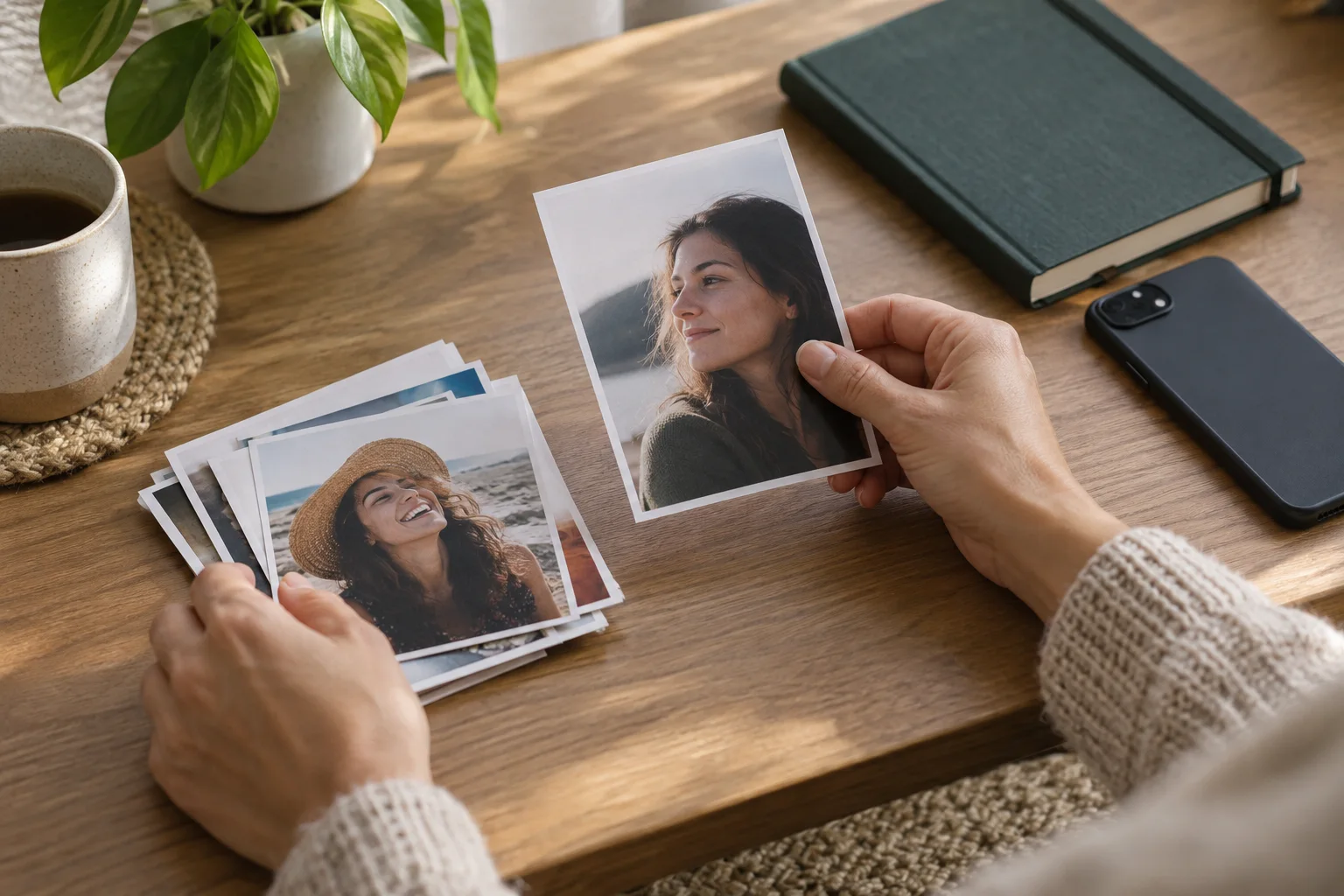
Hair Muse is built around the problem this guide describes: explore hairstyles, hair colors and related appearance directions on your own photo before making a real change. You can create previews, compare the direction with the original and save favourites for another look. That makes it a practical fit when you need a small visual shortlist rather than an abstract description. Because this article comes from Hair Muse, treat that recommendation as a first-party publisher choice, not an independent award or a claim that every output will be accurate.
Use it with a disciplined sequence. Begin with one clear portrait. Choose one decision, generate a restrained set, reject images that alter important facts and save only the candidates that explain a preference. Then leave the app and test the idea against routine, texture and maintenance. The current App Store listing identifies Hair Muse as available for iPhone and iPad, free to download with in-app purchases. Check the store screen for the controlling current availability and purchase details rather than relying on an old article.
Put texture, routine and maintenance back into the choice
Once a visual direction appeals, compare it with a normal week. Can the front be secured for work or exercise? Does the proposed perimeter meet a collar or sit above it? Would short crown pieces need heat or daily resetting? How often are you willing to maintain a sharp fringe, fade or compact outline? A preview may help you notice shape, but it cannot perform this routine audit. Write the practical answer next to each saved candidate so appearance and effort remain part of one decision.
Use your real dry hair as the reference for shrinkage, expansion and movement. Take ordinary side and back photos, note areas that resist a part or spring shorter, and show how you typically wear the hair on day two or three. If a color direction is involved, record your current base and chemical history for the colorist. Never use the generated picture to infer that bleaching is safe, a curl pattern will change, damaged ends will disappear or a chosen cut can create density.
Turn the iPhone shortlist into a useful salon brief
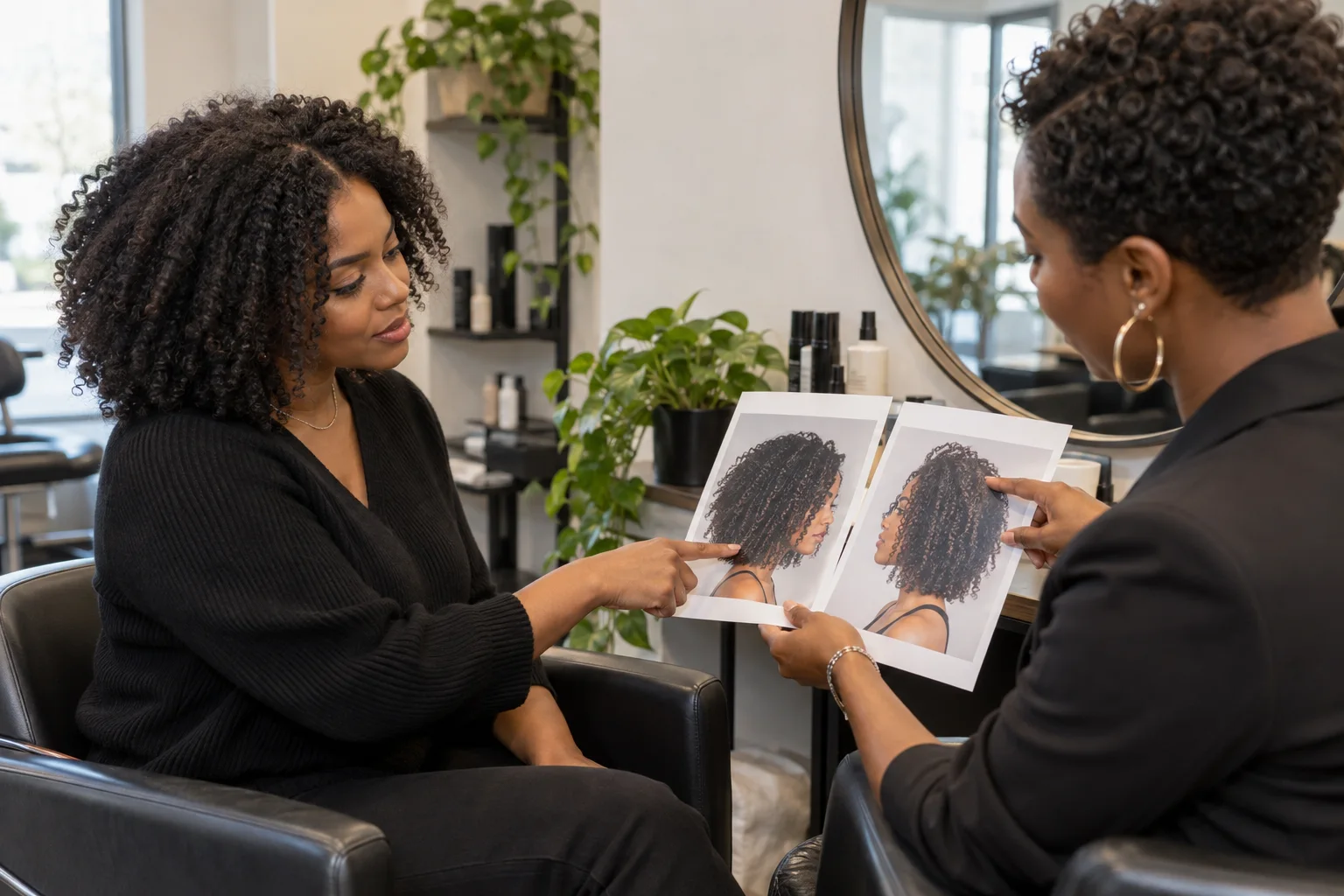
Bring the unedited source photo, one preferred preview and one alternative you rejected. State what the preferred image communicates: the endpoint, openness around the face, distribution of volume or general color contrast. Then state what must remain functional, such as tying the hair back, keeping the nape covered, working with glasses or avoiding frequent heat. This gives the professional a visual direction and the constraints needed to translate it into a real plan.
Invite correction. Ask which parts suit your actual density, growth pattern and condition, which need adaptation and what cannot be known until the hair is examined. If the change is large, ask whether a staged version would preserve more options. Do not ask the stylist to copy generated strands or promise an exact match. The strongest use of a hairstyle app is to replace vague language with better questions while leaving technical decisions with the person assessing the real hair.
Choose the app by the quality of the decision it leaves behind
The final decision still belongs outside the generated image. Check privacy and purchase information, compare only what matters, inspect your real hair, account for maintenance and ask a qualified professional what is feasible. If the preview and reality disagree, reality wins. Used that way, the best hairstyle app for iPhone is not an oracle in your pocket; it is a structured first step toward a clearer and more honest haircut or color conversation.